YouTube banner guide
YouTube banner size: dimensions, safe area and how to make one
Make it 2560 × 1440 px (YouTube's recommendation, especially for TV), never smaller than 2048 × 1152, 16:9, up to 6 MB. Keep text and logos inside the middle 1235 × 338 px (at 2048 × 1152): YouTube crops the rest on some devices. Upload it in YouTube Studio under Customization, Profile. AwaCut cuts out you or your product for the banner, offline.
2 computers per licence. Full refund within 14 days, no reason needed.
- Works offline
- No account, no uploads
- As many photos as you want, all year
Listed onAlternativeToMicrosoft Store
Cut yourself out with AwaCut
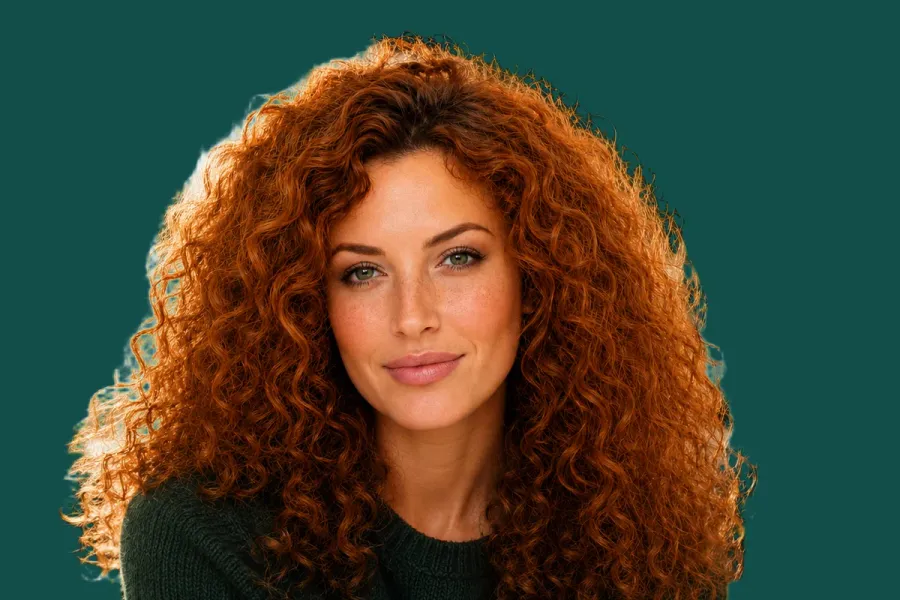
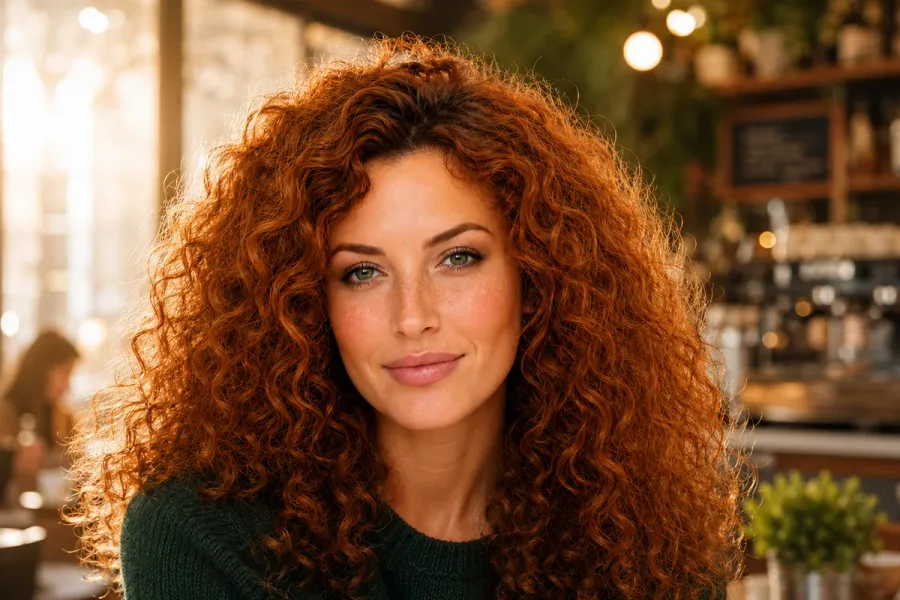
Drop the photo, or a whole folder, into AwaCut. Choose Alpha for a transparent PNG, or Custom and type a colour such as #134E4A to get it on a plain background straight away. About 4 seconds a photo on a Mac Studio (M4 Max), at full size.
Build a 2560 × 1440 canvas
In any editor, free ones included, make a 2560 × 1440 canvas in your channel's colour. Put your face and your words in the middle strip, the safe area; the rest is background that may be cropped. No shadows, borders or frames: YouTube asks for none.
Upload it in YouTube Studio
In YouTube Studio, open Customization, then Profile. Under the banner image, click Change, pick the file, check the crop preview, click Done, then Publish.
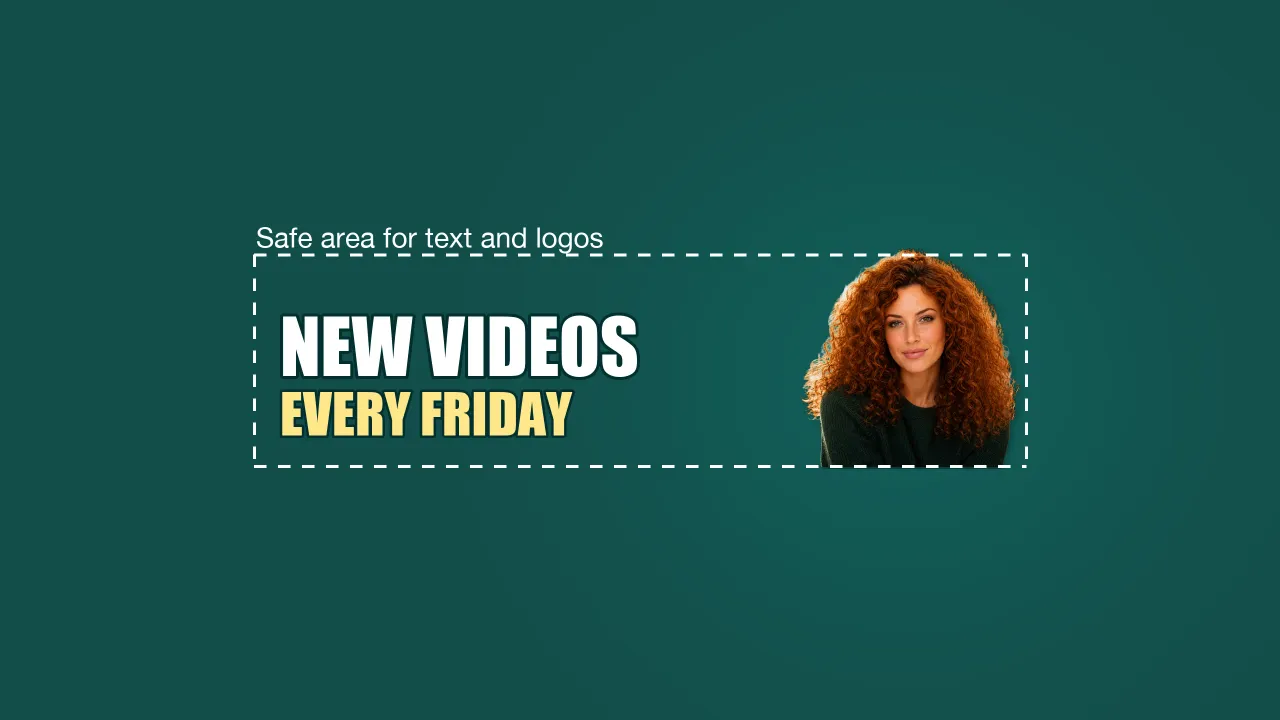
The finished banner
2560 × 1440 on dark teal. The dashed box is the safe area (1235 × 338 at 2048 × 1152, scaled up): the cutout and the two lines of text sit inside it, so every device shows them.
Check it on a phone
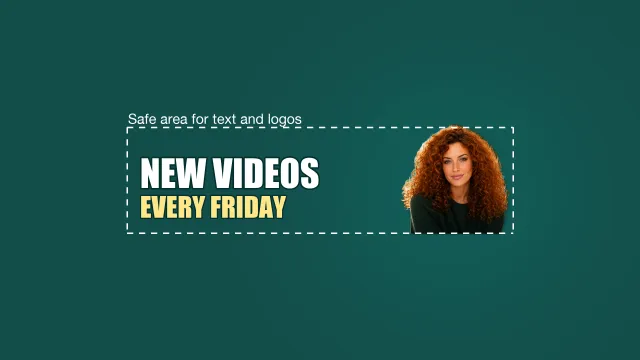
YouTube says it crops the banner on some views and devices. The strip around the middle is what every device keeps, which is why the words and the face live there.
YouTube banner size and rules in 2026
Recommended size
- YouTube's rule
- 2560 × 1440 px (especially for TV)
- What to do
- Make the canvas this size.
Minimum size
- YouTube's rule
- 2048 × 1152 px, 16:9
- What to do
- Anything smaller is refused.
Safe area
- YouTube's rule
- 1235 × 338 px at 2048 × 1152
- What to do
- Text and logos only inside it.
File size
- YouTube's rule
- 6 MB or smaller
- What to do
- Export a JPG; a 2560 × 1440 JPG fits easily.
Decoration
- YouTube's rule
- No shadows, borders or frames
- What to do
- Keep the edges plain.
Where to upload
- YouTube's rule
- YouTube Studio > Customization > Profile
- What to do
- Change, Done, Publish.
Your cutout (AwaCut)
- YouTube's rule
- Keeps the photo's own size
- What to do
- A 12 MP photo is about 4000 × 3000, plenty for a banner cutout.
| What | YouTube's rule | What to do |
|---|---|---|
| Recommended size | 2560 × 1440 px (especially for TV) | Make the canvas this size. |
| Minimum size | 2048 × 1152 px, 16:9 | Anything smaller is refused. |
| Safe area | 1235 × 338 px at 2048 × 1152 | Text and logos only inside it. |
| File size | 6 MB or smaller | Export a JPG; a 2560 × 1440 JPG fits easily. |
| Decoration | No shadows, borders or frames | Keep the edges plain. |
| Where to upload | YouTube Studio > Customization > Profile | Change, Done, Publish. |
| Your cutout (AwaCut) | Keeps the photo's own size | A 12 MP photo is about 4000 × 3000, plenty for a banner cutout. |
Source: YouTube Help (“Manage your channel's branding”), read on 25 October 2026.
Three mistakes on YouTube banners
Text outside the safe area
YouTube crops the banner on some views and devices. Keep text in the middle 1235 × 338.
A small image stretched up
Below 2048 × 1152 YouTube refuses it; stretched to fit, it turns soft.
Borders and drop shadows
YouTube asks for none, and the crop cuts them unevenly.
A banner that matches your thumbnails
The same cutout, on the same colour, on your banner, thumbnails and channel picture makes a channel look planned. One drop into AwaCut cuts out everything for the banner, the posts and the listings around it. It runs on your computer, with no credits: as many photos as you want, all year.
Try it on your own photos: the first 10 are free, no account.
2 computers per licence. Full refund within 14 days, no reason needed.
Frequently asked questions
What size is a YouTube banner?
YouTube recommends 2560 × 1440 px (especially for TV), with a minimum of 2048 × 1152 px in 16:9, and a file of 6 MB or less.
What is the YouTube banner safe area?
At 2048 × 1152, the safe area for text and logos is 1235 × 338 px in the middle. Outside it, the banner may be cropped on some devices.
How do I change my YouTube banner?
On a computer: YouTube Studio, Customization, Profile, then Change under the banner image, Done, Publish. In the YouTube app: open your channel, tap Edit, tap the banner image, choose a photo and Save.
Why does my YouTube banner look cut off?
YouTube says the banner gets cropped on some views and devices, and recommends 2560 × 1440 especially for TV. Keep everything that matters in the safe area.
How do I cut out a person or a product for a social media image?
Drop the photo into AwaCut and choose Alpha for a transparent PNG to place on your design, or Custom to put it straight on a colour. It runs offline on Mac, Windows and Linux.
Cut out everything for your banner
The first 10 photos are free on each computer, with no account and no card. Then one yearly licence for as many photos as you want.
macOS
macOS 13.4+ (Apple silicon)
v1.0.6 · 194 MB
macOSBackground remover for MacWindows
Windows 10 or 11 (64-bit)
v1.0.6 · 180 MB
WindowsBackground remover for WindowsLinux
AppImage (x86-64)
v1.0.6 · 268 MB
LinuxBackground remover for Linux
Signed by AYA MIM S.R.L. If Windows still shows "Windows protected your PC", click More info, then Run anyway.
No AwaCut account. No credits. No uploads. 2 computers per licence, full refund within 14 days.