White background
How to put a white background on any photo
To put a white background on a photo, AwaCut cuts out the subject and places it on pure white (RGB 255, 255, 255) in one export. It works the same for a portrait, a pet, an object or a folder of 500 photos, on your own computer, with nothing uploaded. The photo keeps its original size, and fine edges such as hair keep their own colour instead of the old background's.
- Runs offline, on your computer
- Unlimited images, no credits
- No AwaCut account. No credits. No uploads.
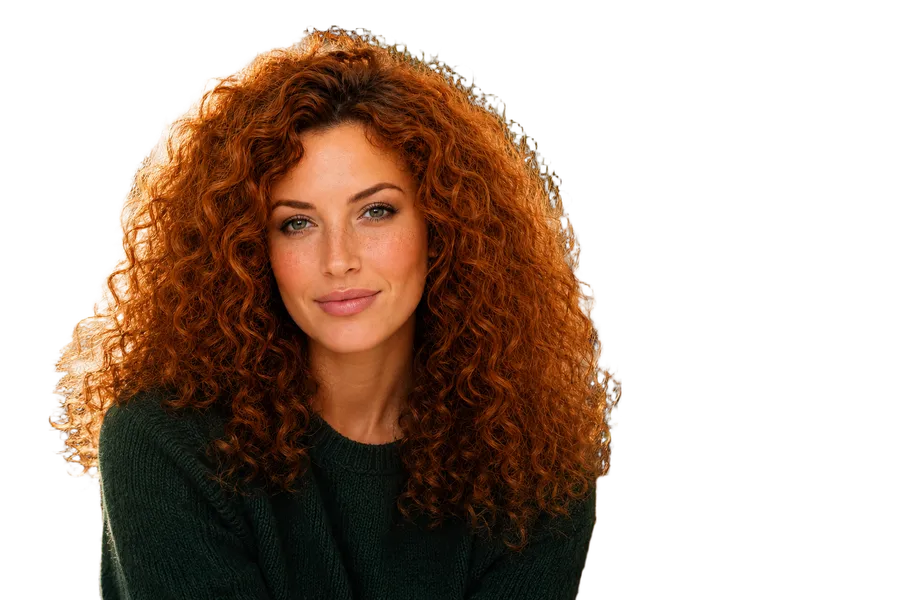
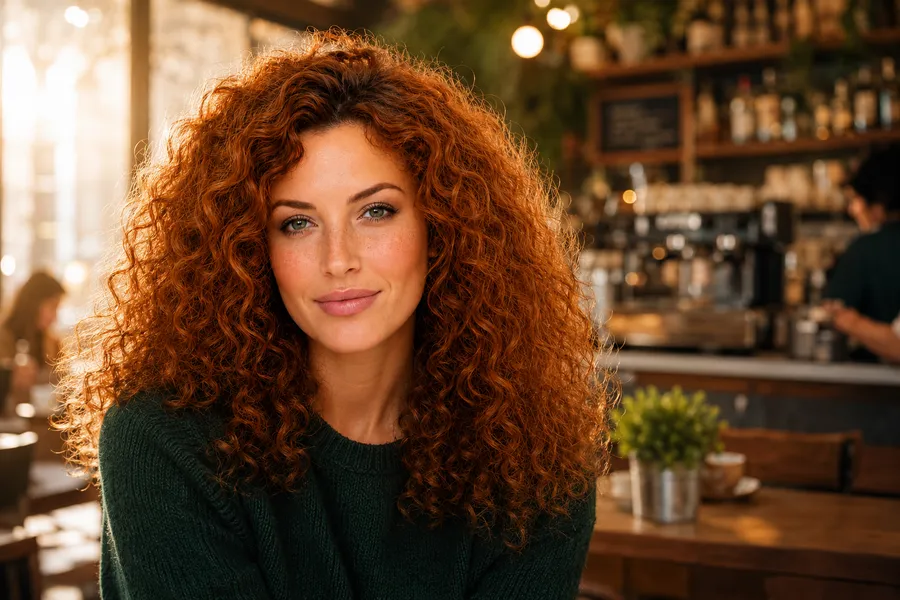
1. Add the photos
Drop one photo, a few, or a whole folder into AwaCut. The cutout happens on your computer, so nothing is uploaded.
2. Choose White
Pick White in the export settings: it is pure white. If pure white looks too harsh, for example on a portrait, choose a custom colour such as an off-white or a very light grey instead.
3. Check and export
Compare before and after with the slider, then export JPG for smaller files (the background is solid anyway) or PNG for lossless ones.
Which white for which photo
| Photo | Background to choose | Why |
|---|---|---|
| Profile and team photos | White, or a very light grey | A light grey keeps pale skin, blond hair and white shirts from blending into the background. |
| Pets and objects for a website or print | White | Clean and consistent, and easy to place on any page. |
| Product photos for a marketplace | Pure white | Amazon requires RGB 255, 255, 255 on the main image; the product photo guide covers each marketplace. |
| ID and visa photos | Check the official rules first | Many countries set the exact shade, size and head position; AwaCut changes only the background. |
Official photo requirements differ by country and change over time; check the issuing office's current rules.
Three things that make a white background look fake
A dark outline around the hair
Cut a portrait out of a dark background, put it on white, and the old colour often stays in the fine edges as a dark halo. When enough of the original background is visible, AwaCut measures it and removes it from the semi-transparent edges, so hair keeps its own colour.
Expecting the shadow to stay
The cutout removes the floor and the shadow on it, so the subject sits on clean white without a cast shadow. If you want a shadow, add it afterwards in an editor.
Pure white where it is too bright
On portraits with pale skin, white clothing or blond hair, pure white can swallow the edges. A custom off-white or very light grey keeps the outline readable.
Why do it on your computer, for the whole folder
Online tools often charge per image for the full-size result or hand back a smaller preview. AwaCut puts every photo in the folder on the same white, at the original resolution, for one flat $29 a year, and the photos never leave your computer.
Is the white background pure white?
Yes. White is RGB 255, 255, 255. For a softer look, choose a custom colour such as an off-white instead.
Can I put a white background on a photo taken with my phone?
Yes. On a Mac, AwaCut opens iPhone photos as they are, HEIC included. On Windows and Linux it reads JPG, PNG, WebP, BMP and TIFF, so set the iPhone camera to save in the Most Compatible format, which is JPG. Either way, the photo comes out the right way up.
Does AwaCut resize or crop the photo?
No. The export keeps the original width, height and framing. If a platform asks for a specific size, crop or resize separately.
Can I use it for passport or ID photos?
AwaCut can replace the background with white or a light colour, but it does not resize, crop or check official rules. Many offices require a specific size, head position and background shade, so check their requirements before you print.
How many photos can I do at once?
As many as you like: drop a whole folder. Each photo takes about 3 seconds on an Apple Silicon Mac. The first 10 images are free; after that it is $29 a year.
Try it on your own photos
Download AwaCut, put 10 photos on white for free, and zoom in on the edges.
No AwaCut account. No credits. No uploads.