Social media size guides
Social media post and banner sizes for 2026
Every size below comes from the platform's own published pages, read in October 2026: its help centre, or Meta's and TikTok's ad guides where we found no other size, and each guide says which. Two rules hold everywhere: make tall posts (4:5 or 9:16) for phones, and keep words in the middle, away from the edges the apps crop or cover. Each guide shows a real example built from an AwaCut cutout.
2 computers per licence. Full refund within 14 days, no reason needed.
Social media image sizes in 2026
| Image | Size | Keep in mind |
|---|---|---|
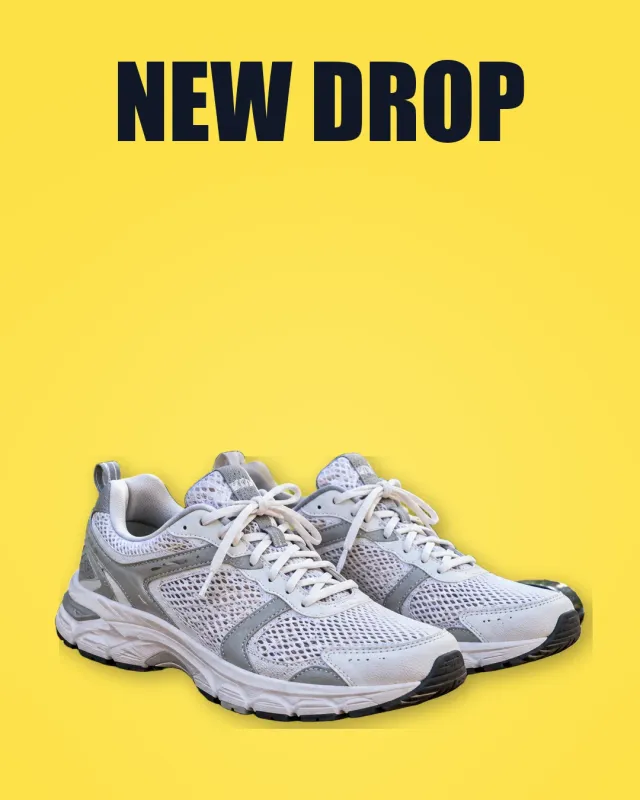
| Instagram post size | 1080 px wide, up to 3:4 (1080 × 1440) | Wider than 1080 is sized down |
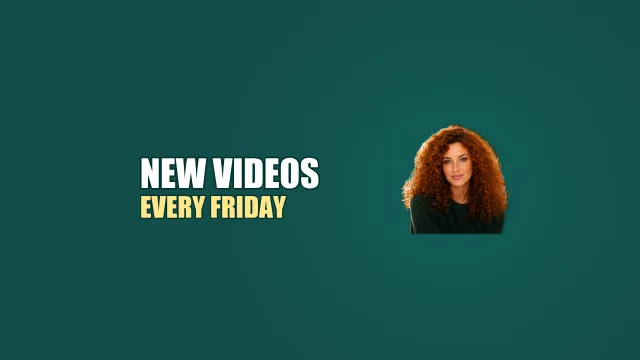
| YouTube banner size | 2560 × 1440; 2048 × 1152 min, 6 MB | Safe area 1235 × 338 |
| Facebook cover photo size | Profile 720 px wide min; Page 400 × 150 min, 851 × 315 loads fastest | 16:9 on computers, 2.4:1 on phones |
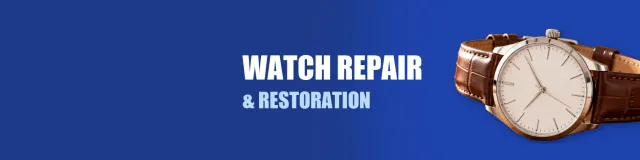
| LinkedIn banner size | Profile 1584 × 396; Page 1512 × 256 | Photo covers the lower left |
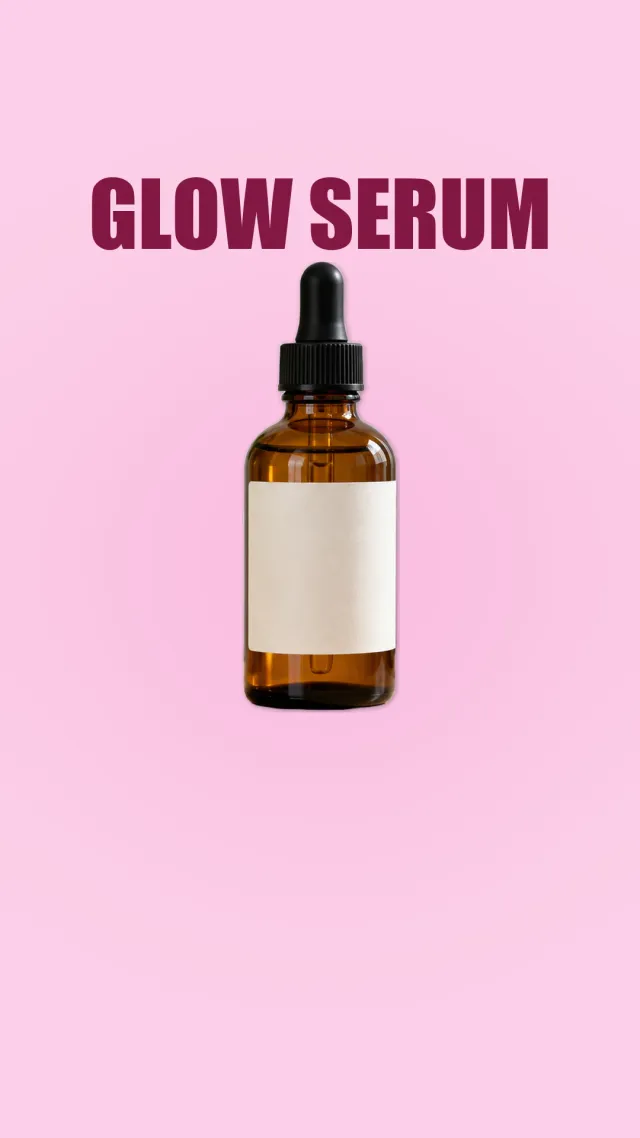
| Instagram story size | 9:16, 1440 × 2560 (Meta's ad figure) | Text out of top 14%, bottom 35% |
| Facebook post size | 1440 × 1800, 4:5 (Meta's feed ad figure) | We found no separate organic size |
| Instagram reel size and cover | 9:16, at least 720 px; cover 420 × 654 | Cover can't be edited after upload, for now |
| LinkedIn post image size | 1080 px wide, 3:1 to 4:5, 5 MB | Taller is cropped to 4:5 |
| Instagram carousel size | Up to 20 slides, 1080 px wide | One orientation for all |
| X (Twitter) header size | 1500 × 500 | Profile photo over the lower left |
| Discord banner size | Profile 680 × 240 min; server 960 × 540, 16:9 | Nitro / Boost Level 2 |
| Twitch banner size | 1200 × 480 recommended | Graphics on the left |
| TikTok video size | 9:16; 1080 × 1920 common | No organic size published |
| Etsy banner size | 1600 × 400 (Help) or 3360 × 840 (Handbook) | Words in the centre |
A guide for each image
The official size, what gets cropped, how to upload it, and a real example.
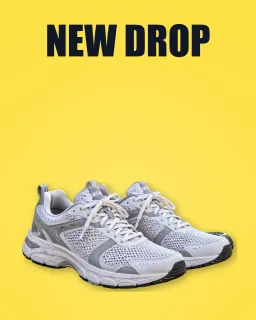 1080 × 1440
Instagram post
Read the guide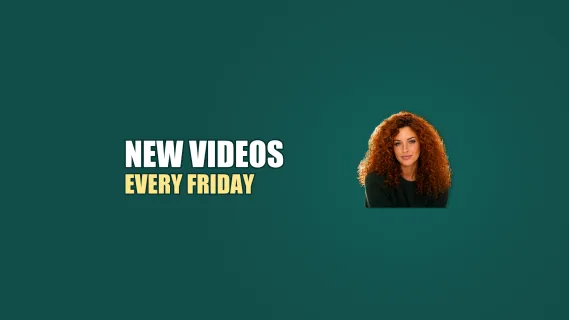 2560 × 1440
YouTube banner
Read the guide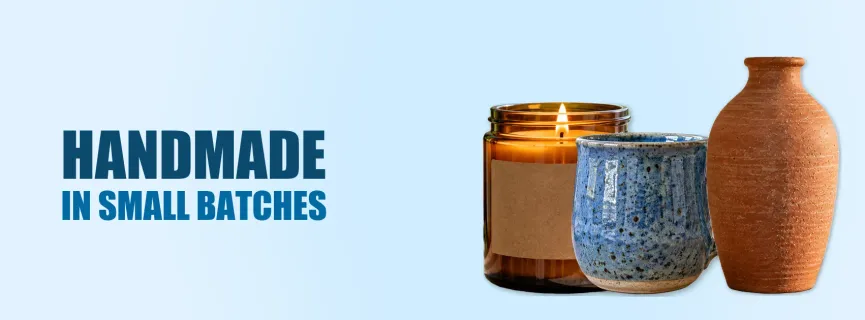 720 px wide min
Facebook cover photo
Read the guide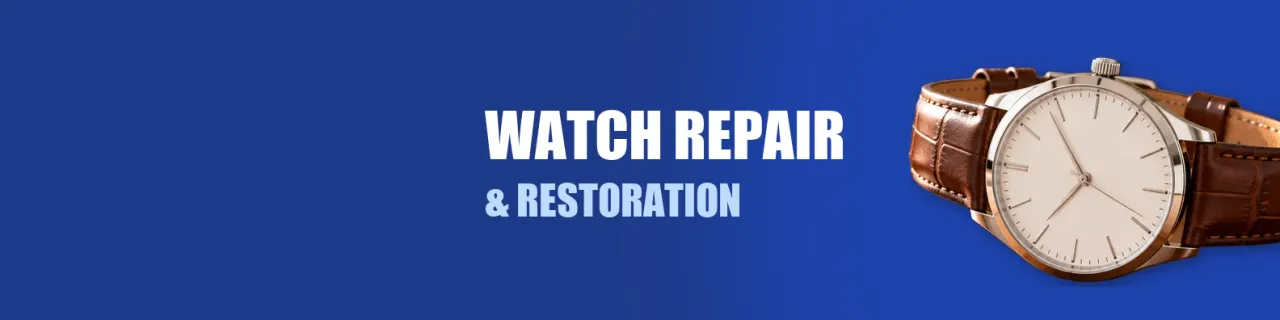 1584 × 396
LinkedIn banner
Read the guide 9:16
9:16Instagram story
Read the guide 1440 × 1800
Facebook post
Read the guide 9:16
9:16Instagram reel and cover
Read the guide 3:1 to 4:5
LinkedIn post
Read the guide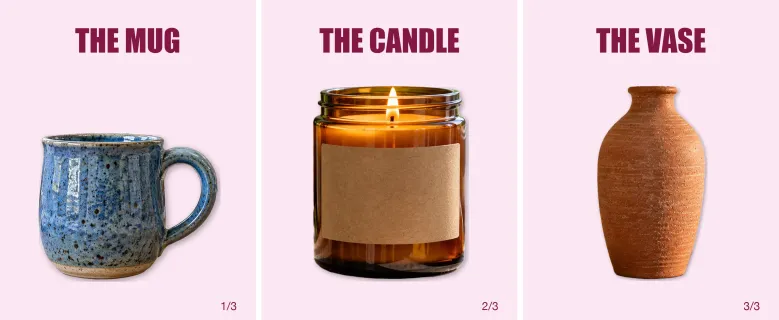 Up to 20 slides
Instagram carousel
Read the guide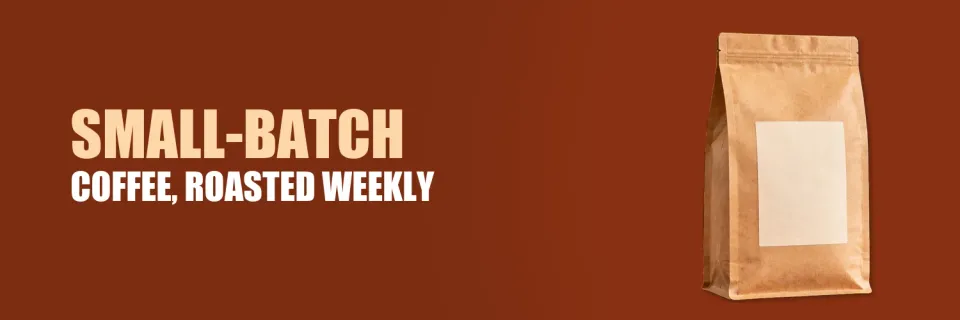 1500 × 500
X (Twitter) header
Read the guide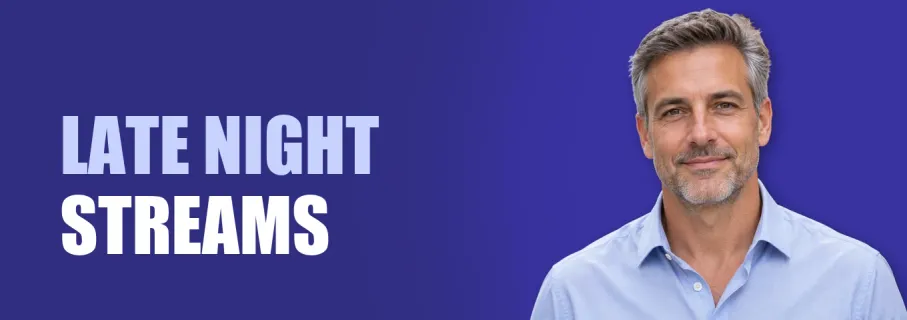 680 × 240 min
Discord banner
Read the guide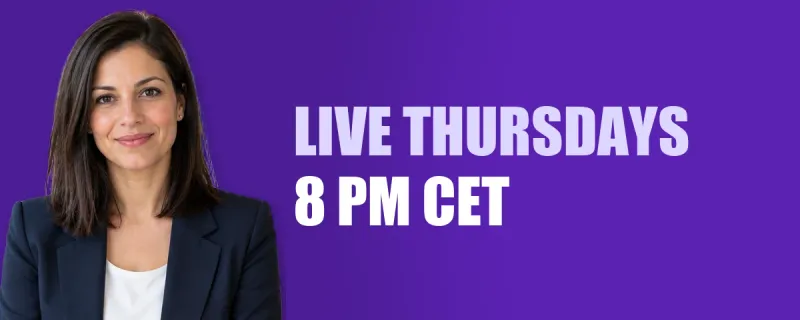 1200 × 480
Twitch banner
Read the guide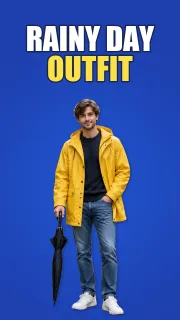 9:16
9:16TikTok video and cover
Read the guide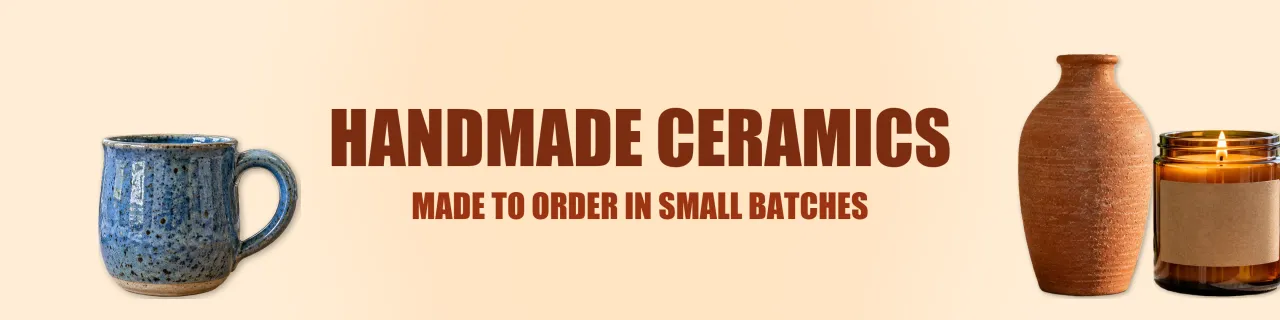 1600 × 400
Etsy banner
Read the guide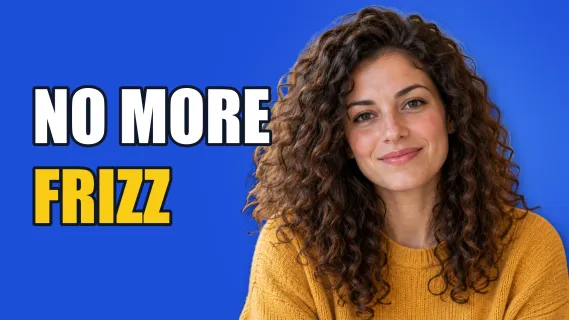 3840 × 2160
YouTube thumbnail
Read the guide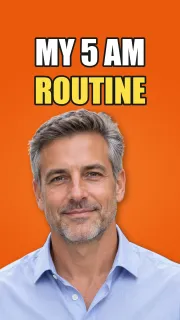 2160 × 3840
YouTube Shorts thumbnail
Read the guide
Frequently asked questions
What size should a social media post be?
Tall works best on phones: up to 3:4 (1080 × 1440) on Instagram, 4:5 on Facebook and LinkedIn feeds, and 9:16 for stories, reels, Shorts and TikTok.
What size are social media banners?
YouTube 2560 × 1440, LinkedIn 1584 × 396 (Company Page 1512 × 256), X 1500 × 500, Twitch 1200 × 480, Facebook Page 851 × 315 (its fastest-loading size), Etsy 1600 × 400 or 3360 × 840.
Where do these sizes come from?
From each platform's own published pages, read in October 2026. Where we found no size for ordinary posts, as for Instagram stories or TikTok videos, the guide says so and gives Meta's or TikTok's ad figures, marked as such.
How do I cut out a person or a product for a social media image?
Drop the photo into AwaCut and choose Alpha for a transparent PNG to place on your design, or Custom to put it straight on a colour. It runs offline on Mac, Windows and Linux.
Try it on your own photos
Download AwaCut and cut out 10 photos free. No account, no card, no watermark. Compare the cutouts yourself.
macOS
macOS 13.4+ (Apple silicon)
v1.0.6 · 194 MB
macOSBackground remover for MacWindows
Windows 10 or 11 (64-bit)
v1.0.6 · 180 MB
WindowsBackground remover for WindowsLinux
AppImage (x86-64)
v1.0.6 · 268 MB
LinuxBackground remover for Linux
Signed by AYA MIM S.R.L. If Windows still shows "Windows protected your PC", click More info, then Run anyway.
No AwaCut account. No credits. No uploads. 2 computers per licence, full refund within 14 days.