Clipping path and deep etching
Clipping path service: cost per photo, or do the whole folder yourself
A clipping path service cuts your product out by hand and charges per photo: $0.25 to $0.69 for simple shapes, up to $10.99 for complex ones, delivered in 6 to 48 hours (public price lists, 14 October 2026). 50 simple photos a week at $0.29 is $754 a year. AwaCut cuts the same folder on your own computer for $29 a year, as many photos as you want.
2 computers per licence. Full refund within 14 days, no reason needed.
- Works offline
- No account, no uploads
- As many photos as you want, all year
Listed onAlternativeToMicrosoft Store
Drop the week's folder into AwaCut
The same folder you would upload to a service. JPG, PNG, WebP, BMP, TIFF, and HEIC on a Mac. Nothing is uploaded: it runs offline.
Choose Alpha, White or Custom
Alpha gives a transparent background, White gives pure white (RGB 255), Custom any colour you set. Export PNG or WebP to keep transparency, or JPG on a solid colour.
Check the hard ones
Look at glass, hair and thin straps in the Before and After view. Send only those few photos to a retoucher, if any. Each cutout is saved to your Export to Folder as soon as it is ready. On a Mac Studio (M4 Max), 500 photos take about 10 minutes.
Clipping path service or background removal on your computer
Price
- Clipping path service
- Per photo: about $0.25 to $0.69 for simple shapes, $2.99 to $10.99 for complex ones (public price lists, 14 October 2026); 50 simple photos a week come to about $754 a year
- AwaCut on your computer
- $29 a year, flat. As many photos as you want, all year
Turnaround
- Clipping path service
- 6 to 48 hours, depending on the plan you pay for
- AwaCut on your computer
- About 1.2 seconds a photo on a Mac Studio (M4 Max), 500 photos in about 10 minutes. Time your own folder with the 10 free photos
What you get
- Clipping path service
- Hand-drawn cutouts; a Photoshop path in the file if you ask for it. Best for complex glass, exact hair selections and work that must stay editable
- AwaCut on your computer
- A cutout on Alpha (transparent PNG or WebP), White or a Custom colour, at full resolution. No Photoshop paths
| What matters | Clipping path service | AwaCut on your computer |
|---|---|---|
| Price | Per photo: about $0.25 to $0.69 for simple shapes, $2.99 to $10.99 for complex ones (public price lists, 14 October 2026); 50 simple photos a week come to about $754 a year | $29 a year, flat. As many photos as you want, all year |
| Turnaround | 6 to 48 hours, depending on the plan you pay for | About 1.2 seconds a photo on a Mac Studio (M4 Max), 500 photos in about 10 minutes. Time your own folder with the 10 free photos |
| What you get | Hand-drawn cutouts; a Photoshop path in the file if you ask for it. Best for complex glass, exact hair selections and work that must stay editable | A cutout on Alpha (transparent PNG or WebP), White or a Custom colour, at full resolution. No Photoshop paths |
Prices from the public price lists of Path Edits, Clipping Path Studio and Color Clipping, read on 14 October 2026. Many services give volume discounts, so ask for a quote on large orders.
Three things to check before you outsource another batch
Paying the complex rate for simple products
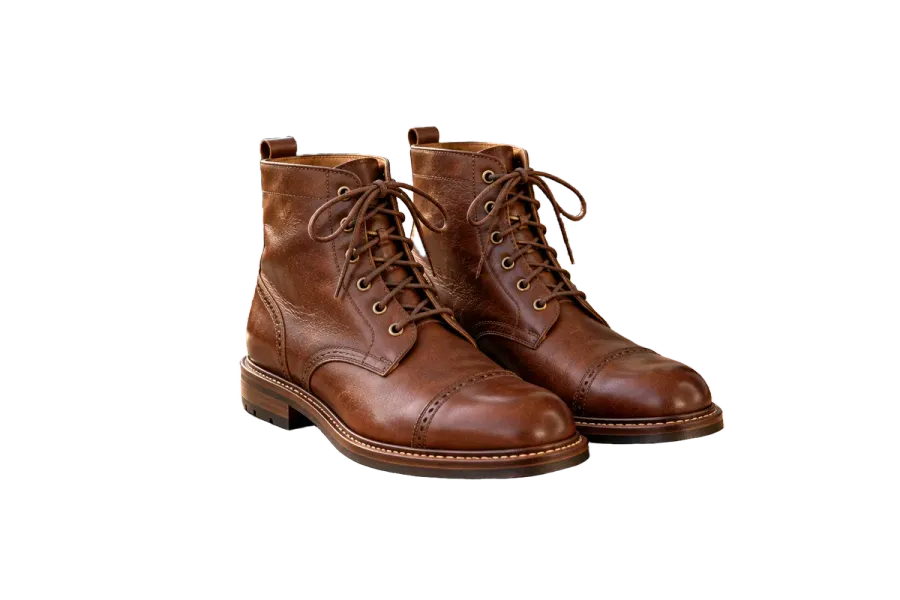
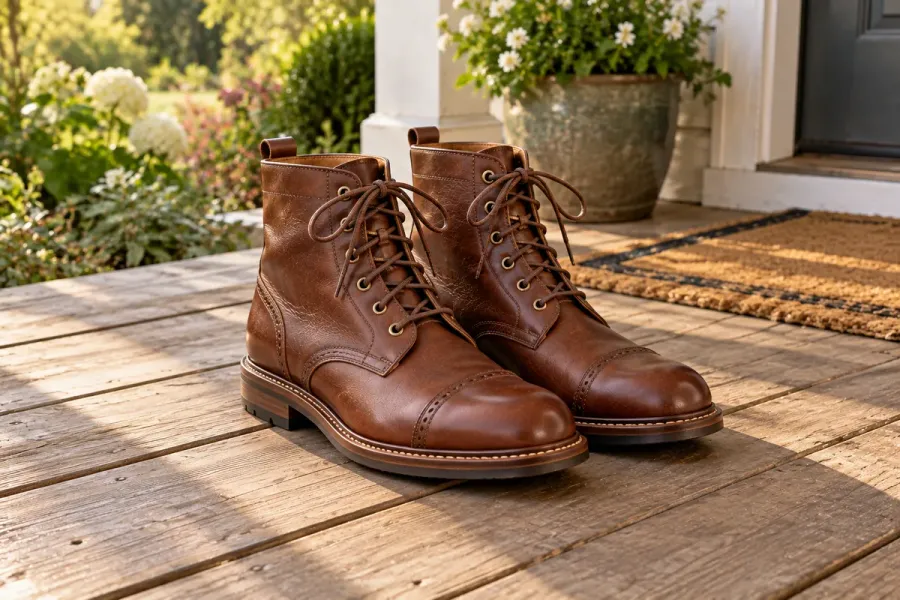
Boxes, bottles, shoes and clothes on a plain backdrop are simple shapes for an AI cutout. Keep the per-photo budget for the shots that really need a hand-drawn path.
Asking for a path when you only need a background
A Photoshop path matters if a designer will edit the file later. If the photo goes straight to a shop on white or transparent, a finished cutout is all you need.
Waiting a day for photos you could finish today
A 24 to 48 hour turnaround adds a day to every new listing. On your own computer the folder is done the same day, and you can redo a photo in seconds.
Why do it in-house
Sellers and studios who outsource cutouts pay every week, for every photo. With AwaCut the price is $29 a year, whether you cut 50 photos or 5,000. Unreleased products never leave your computer, and the files are yours to use commercially. One licence works on 2 computers, so a studio can share it. If it is not for you, you get a full refund within 14 days, no reason needed.
Try it on your own photos: the first 10 are free, no account.
2 computers per licence. Full refund within 14 days, no reason needed.
Frequently asked questions
What is a clipping path?
A clipping path is a vector outline drawn around a product with the Pen tool in Photoshop. Everything outside the line is hidden, so the product sits on transparent, white or any new background.
What is deep etching?
Deep etching is the word used in the UK, Australia and South Africa for the same job: cutting a product out of its background. AwaCut does deep etching on a whole folder at once.
Does AwaCut deliver Photoshop paths?
No. AwaCut saves the finished cutout as a PNG or WebP with real transparency, or as a JPG on White or a Custom colour. If your workflow needs a path inside a PSD, use a clipping path service for those files.
When is a clipping path service still worth it?
For complex glass and clear plastic, for hair where you need an exact selection, and for files a designer will keep editing. Many shops cut most photos themselves and send only those few out.
How much does a clipping path service cost?
On the public price lists we checked on 14 October 2026, from about $0.25 to $0.69 a photo for simple shapes, $1.29 to $1.49 for medium ones and $2.99 to $10.99 for complex ones. A weekly batch of 50 simple photos at $0.29 each is $14.50 a week. That is $754 a year.
Is an AI cutout as clean as a hand-drawn path?
For boxes, bottles, shoes and clothes on a plain backdrop, a finished cutout is usually all a shop needs. Cut 10 of your own photos free, at full resolution, and put them next to what your service sent back. Send only the hard ones out.
Is a background removal service the same as a clipping path service?
Almost. A clipping path service can also deliver the vector path inside a PSD. A background removal service, like AwaCut on your own computer, delivers the finished cutout on transparent, white or a colour.
Try it on last week's batch
Download AwaCut and cut your first 10 photos free, at full resolution. Put them next to what your service sent back.
macOS
macOS 13.4+ (Apple silicon)v1.0.7 · 186 MB
Windows
Windows 10 or 11 (64-bit)v1.0.7 · 176 MB
Linux
AppImage (x86-64)v1.0.7 · 263 MB
Signed by AYA MIM S.R.L. If Windows still shows "Windows protected your PC", click More info, then Run anyway.
No AwaCut account. No credits. No uploads. 2 computers per licence, full refund within 14 days.