Guides
Guides: tools, prices, transparent and white backgrounds
Pick what you are deciding: which tool and what it costs, a transparent background, a white or coloured one, or a whole folder at full quality.
2 computers per licence. Full refund within 14 days, no reason needed.
remove.bg closes on 1 December 2026. Its FAQ sends users to Canva, whose background remover takes 50 images per folder and returns at most 10 megapixels (Canva Help Center, October 2026). remove.bg is closing: alternatives
Compress, convert, find duplicates
- Bulk image compressorCompress JPG and PNG photos on your own computer, a whole folder at once, with no upload and no limit. Free in AwaCut for Mac, Windows and Linux.
- Duplicate photo finderFind duplicate photos across folders and drives and move the extra copies out of the way. Free in AwaCut, with no limit. Nothing is deleted.
- Batch image converterConvert a whole folder of images to JPG, PNG, WebP or JPEG XL on your own computer, with no upload. AwaCut reads JPG, PNG, WebP, AVIF, JXL, TIFF and HEIC.
- WebP to JPGConvert WebP to JPG for free on Mac, Windows or Linux: Preview, GIMP or one command, and a whole folder at once with AwaCut.
- WebP to PNGConvert WebP to PNG for free without uploading: Preview, GIMP or one command, transparency kept, and a whole folder at once with AwaCut.
- AVIF to JPGConvert AVIF to JPG or PNG for free without uploading: Preview, Paint or GIMP, and a whole folder at once with AwaCut on Mac, Windows and Linux.
- HEIC to JPGConvert HEIC to JPG without uploading: Preview on a Mac, Paint on Windows, one setting on the iPhone, and a whole folder at once with AwaCut.
- PNG to JPGConvert PNG to JPG for free without uploading: Preview, Paint or GIMP, and a whole folder at once with AwaCut, with the colour behind transparent areas you choose.
- JPG to PNGConvert JPG to PNG for free without uploading: Preview, Paint or GIMP, and a whole folder at once with AwaCut. What changes, and what does not.
- JPG to WebPConvert JPG and PNG to WebP for free without uploading: Squoosh, GIMP or cwebp, and a whole folder at once with AwaCut. Camera photos came out 58% smaller.
Choose a tool and a price
- Best bulk background removers9 bulk background removers compared: where they run, the price per image, and which work offline. Prices dated September 2026. Written by the makers of AwaCut.
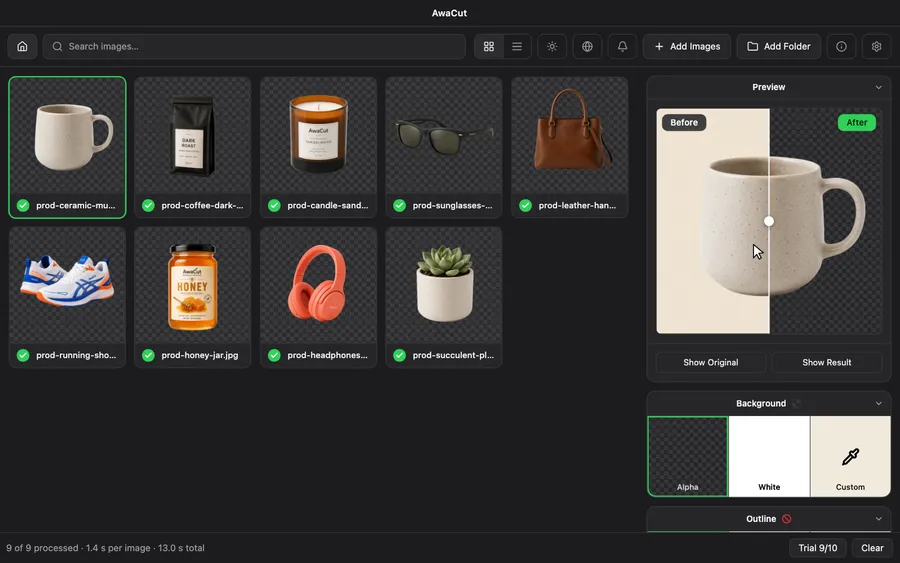
- Background remover pricingHow much does it cost to remove the background from 1,000 images?
- remove.bg is closing: alternativesThere is no single replacement, because remove.bg was three products: a one-click web tool, a desktop app with a Photoshop extension, and an API. The honest answer depends on which one you used.
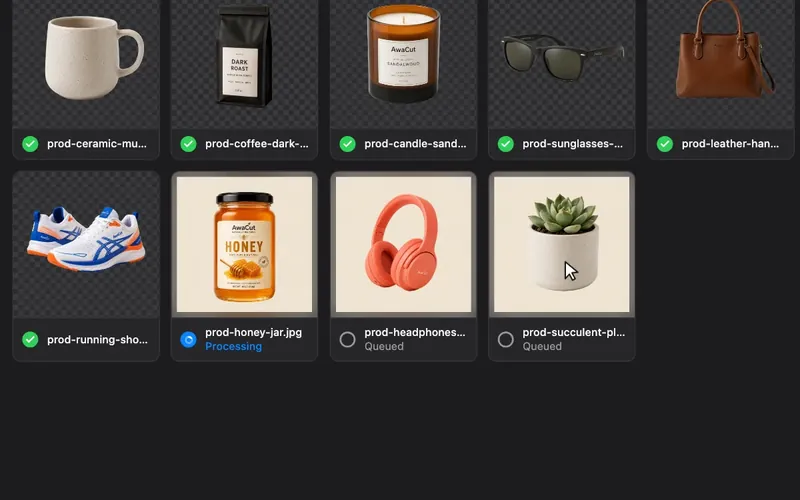
- remove.bg Desktop alternativeremove.bg closes on 1 December 2026 and sends desktop users to Canva. AwaCut keeps the folder workflow on your computer: offline, no credits, $29/year.
- Unlimited background removerUnlimited background remover for Mac, Windows and Linux: no credits, no watermark, no sign-up. As many photos as you want, all year, $29.
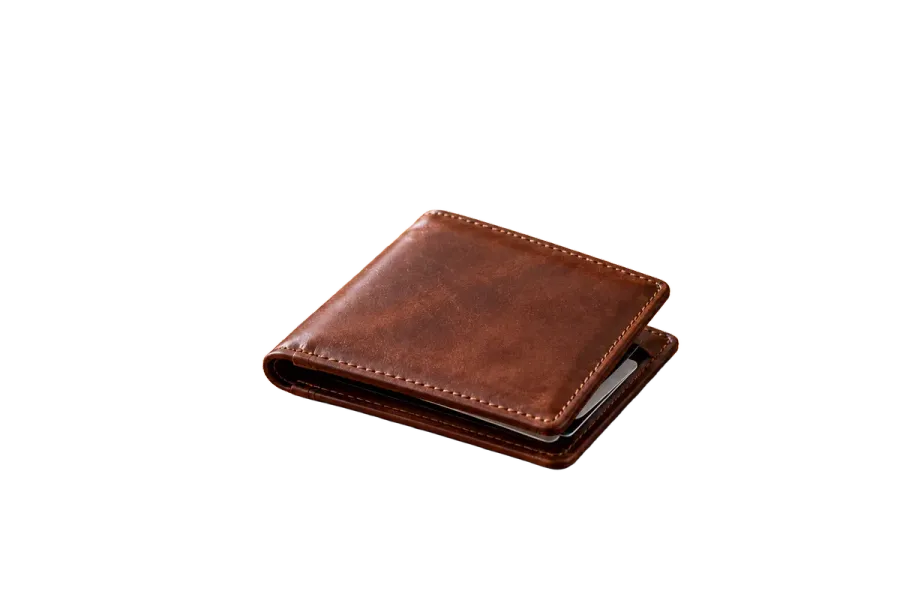
- Clipping path service: cost per photoClipping path services charge per photo, from about $0.25 to over $10. When it is worth it, and how to cut a whole folder yourself for $29 a year.
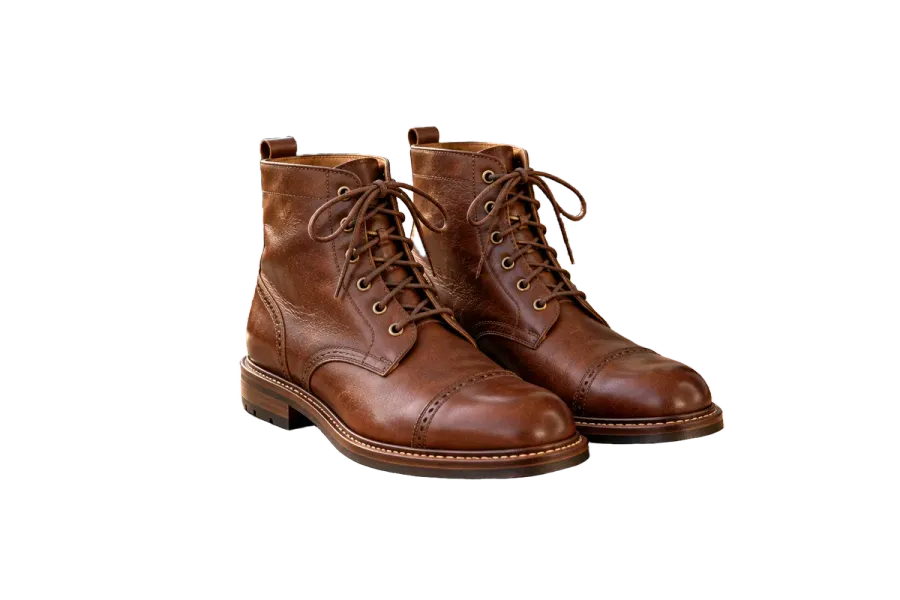
Transparent backgrounds
- Transparent PNG background removerMake an image transparent: remove the background from one photo or a whole folder and save transparent PNGs at full size. Offline. 10 photos free, then $29 a year.
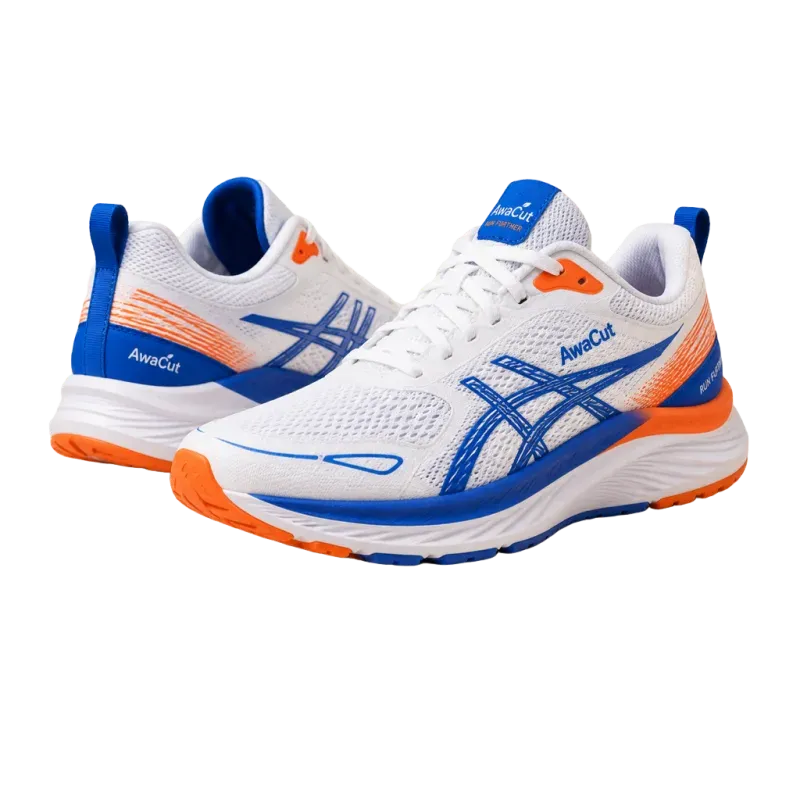
- JPG to transparent PNGTurn JPG or JPEG photos into transparent PNGs, one or a whole folder at once, offline. 10 photos free, no account. Then $29 a year for as many as you want.

- Cut out imagesA desktop app that cuts out the subject of every photo in a folder, offline. Transparent, white or any colour behind it. 10 photos free, no account, then $29 a year.

- AI background remover, on your computerAn AI background remover for whole folders on Mac, Windows or Linux. The BiRefNet model runs offline: no uploads, no credits. 10 photos free, then $29 a year.

- Remove background from HEIC photosRemove the background from HEIC photos straight from your iPhone, a whole folder at once, on your Mac. Transparent PNG or white, offline. 10 photos free.

- JPEG XL (JXL) explainedWhat a .jxl file is, which browsers open it (Chrome 155, Firefox 158, Safari 17), and our test: lossless cutouts 59% smaller than PNG. Shops still want JPG or PNG.
- JXL to PNGConvert JXL to PNG for free: Preview on a Mac, djxl on Windows and Linux. Every pixel and the transparency kept. The PNG is bigger: 35 MB against 14 MB in our test.
- JXL to JPGConvert JXL to JPG (JPEG) for free on Mac, Windows or Linux with no upload: Preview, djxl or GIMP. A JXL made from a JPG gives you the exact original back.
- JXL background removerRemove the background from .jxl photos, a whole folder at once, on Mac, Windows or Linux. Save transparent PNG, WebP or lossless JXL. 10 photos free.
White and coloured backgrounds
- Remove a white backgroundMake a white background transparent without holes in the white parts of your logo or product. One image or a whole folder, offline. 10 photos free, then $29 a year.

- Product photos on a white backgroundPut every product photo on pure white (255, 255, 255), the value Amazon and Walmart require. A whole folder at once, on your computer. 10 photos free, then $29 a year.
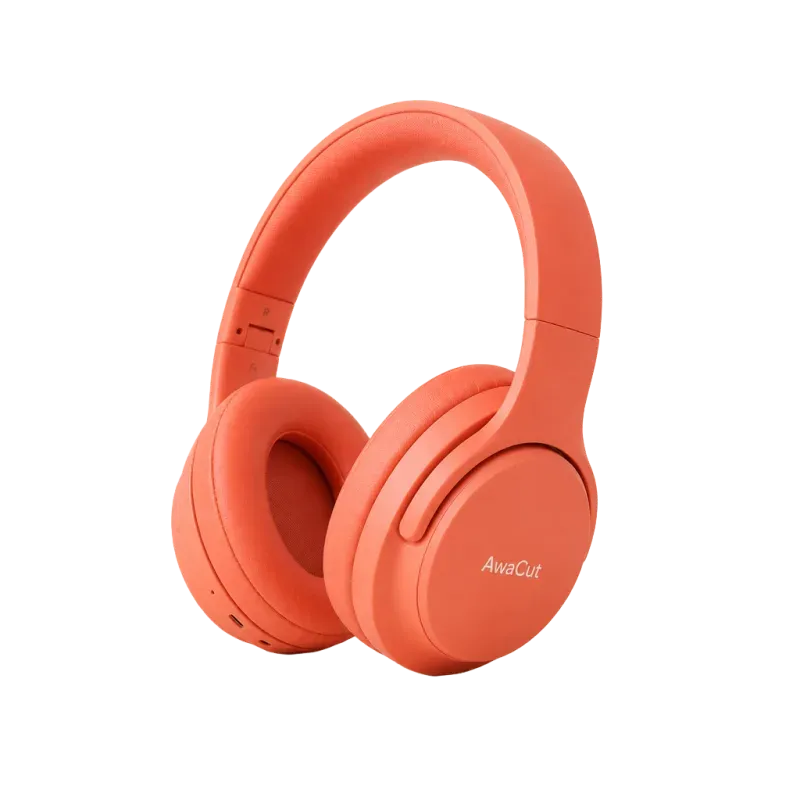
- White background for any photoChange a photo's background to white: portraits, pets, objects, whole folders at once. Pure white, original size, offline. 10 photos free, then $29 a year.
- Change background colorChange a photo's background to any color by hex code, white or transparent. One photo or a whole folder, offline. 10 photos free, then $29 a year.
Many photos, full quality
- Remove background from multiple imagesBackground remover for multiple images: drop a folder and AwaCut cuts every photo on your own computer. 10 photos free, no account. Then $29/year, as many photos as you want.



- Remove background from 500 photos at once500 photos in one folder, backgrounds removed in about 10 minutes on a Mac Studio (M4 Max), offline, no uploads. $29 a year for as many photos as you want. Try 10 free.
- Remove backgrounds without losing qualityRemove background in HD. AwaCut keeps every pixel of your photo, on your own computer. Whole folders, offline, $29 a year. Try 10 photos free.
- Remove a background in LightroomLightroom masks select the background to edit it, not delete it. Export the shoot, cut the whole folder in AwaCut: transparent PNG or white. 10 photos free.
- Offline background removerAwaCut removes backgrounds offline, locally on your own computer: the AI model is inside the app and nothing is uploaded. Whole folders, Mac, Windows, Linux.
- Open-source background removersrembg, BiRefNet, Unbagrnd, DeBG, BG Remove and more: free tools that cut many photos at once on your own computer, nothing uploaded. Side by side, with the licences.
Try it on your own photos
Download AwaCut and cut out 10 photos free. No account, no card, no watermark. Compare the cutouts yourself.
macOS
macOS 13.4+ (Apple silicon)v1.0.7 · 186 MB
Windows
Windows 10 or 11 (64-bit)v1.0.7 · 176 MB
Linux
AppImage (x86-64)v1.0.7 · 263 MB
Signed by AYA MIM S.R.L. If Windows still shows "Windows protected your PC", click More info, then Run anyway.
No AwaCut account. No credits. No uploads. 2 computers per licence, full refund within 14 days.