Guide
How to remove a background without losing quality
Many online background removers give you back a smaller image than the one you uploaded, so the cutout looks soft when you zoom in or print it. AwaCut runs on your own computer and keeps every pixel of your photo: the export has the same width and height as the original, with the cut applied to the full-resolution image. It does this for whole folders, offline, for a flat $29 per year.
- Runs offline, on your computer
- Unlimited images, no credits
- No AwaCut account. No credits. No uploads.
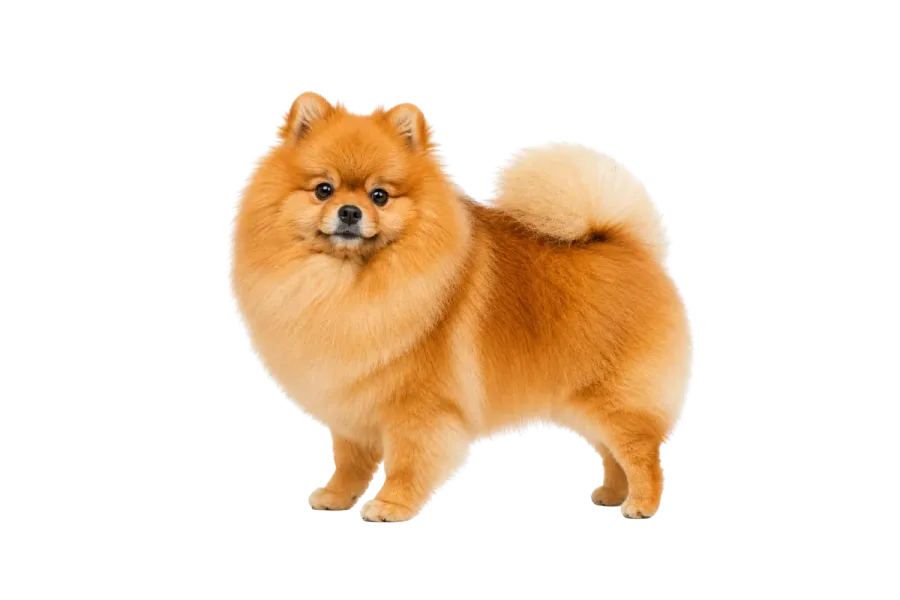
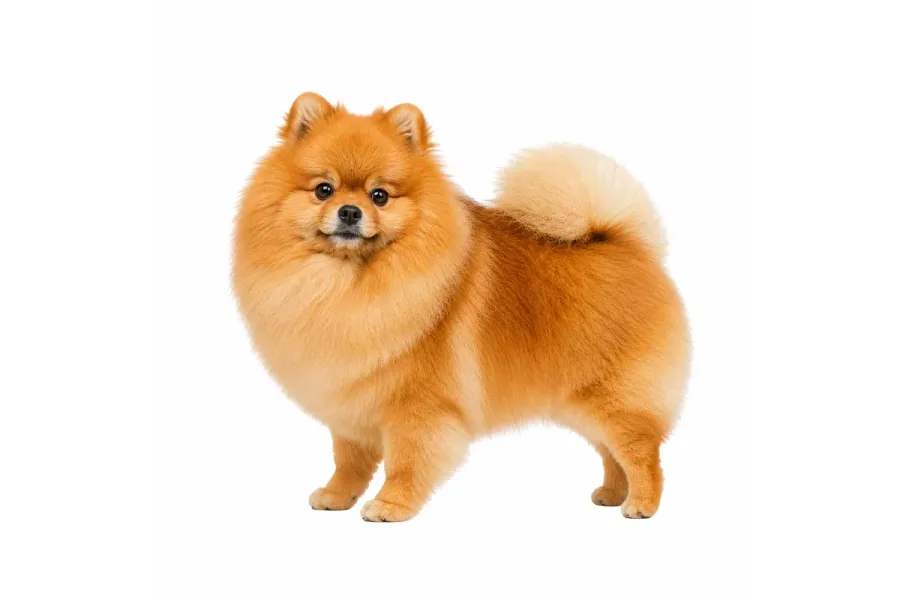
1. Start from the original files
Add the photos straight from the camera, phone or supplier, not copies that went through a chat app or a screenshot. Every resize or recompression before the cutout is detail you cannot get back.
2. Keep the original size and pick PNG
Leave the size setting on Original, so nothing is scaled down, and export PNG for a lossless file with a real transparent background. WebP is a good second choice when the files are for your own website.
3. Check the edges, then export the batch
Open a few of the hardest photos in the compare view (hair, fur, thin parts) and look at the edge at full size. When they look right, export the whole folder in one go.
What happens to the resolution
| Where the cut happens | Size you get back | Cost of the full size |
|---|---|---|
| Free online tools | Often a reduced preview | Usually a credit or a plan per full-size image |
| Paid online credits | Full size | One credit per image, every time |
| AwaCut, on your computer | Same width and height as your original | Included, unlimited, for $29 per year |
Online tools differ and change their plans; check the current terms of the tool you use.
Three ways quality gets lost before you notice
Starting from a compressed copy
Photos sent through messaging apps or saved from a web page are often shrunk and recompressed. The cutout can only be as sharp as the file it starts from.
Saving the cutout as JPG
JPG compresses again every time it is saved and cannot hold transparency, so the background comes back as white and the edges pick up blocky artifacts. Use PNG or WebP.
Enlarging a small cutout afterwards
Scaling a small result back up to print size does not restore detail; it only makes the blur bigger. Cut from the full-size original instead.
Why a desktop app has no reason to shrink your photos
An online service pays for every pixel it receives and sends back, which is why free tiers often return a preview size. AwaCut does the work on your own processor, so a full-size photo costs nothing extra: it keeps the original dimensions on every image in the folder, and never scales up a small one to pretend.
Does AwaCut reduce the resolution of my photos?
No. The export has the same width and height as the original, unless you choose a maximum size yourself in the export settings. The photo's own pixels are kept as they are; only the background is removed.
Can AwaCut make a low-resolution image HD?
No. AwaCut never enlarges an image, so a small photo stays small. If you need a large cutout, start from a large original.
How sharp is the edge on very large photos?
The model computes the cut at 1,024 pixels and AwaCut scales that edge up to your photo, while the photo itself keeps every pixel. On very large images, the finest strands of hair or fur can come out slightly softer than the rest; check them in the compare view before you export.
Which format keeps the most quality?
PNG is lossless and keeps a real transparent background, so it is the safe choice for print and marketplaces. WebP is much smaller at very high quality and also keeps transparency. JPG is lossy and has no transparency.
Is there a limit on file size or number of photos?
No plan limit: no credits, no image cap, no maximum file size set by us. The practical limits are your computer's memory and disk space.
Check it on your own photos
Download AwaCut, process 10 images free at full resolution, and zoom in on the edges yourself.
No AwaCut account. No credits. No uploads.