macOS app for Apple silicon
Background remover for Mac that works on whole folders
AwaCut is a desktop background remover for Mac: drop a whole folder and it removes the background from every photo on your own computer. Nothing is uploaded and there are no credits: $29 a year for as many photos as you want.
2 computers per licence. Full refund within 14 days, no reason needed.
v1.0.7 · 186 MB · Free trial: 10 images at full resolution. No account, no card.
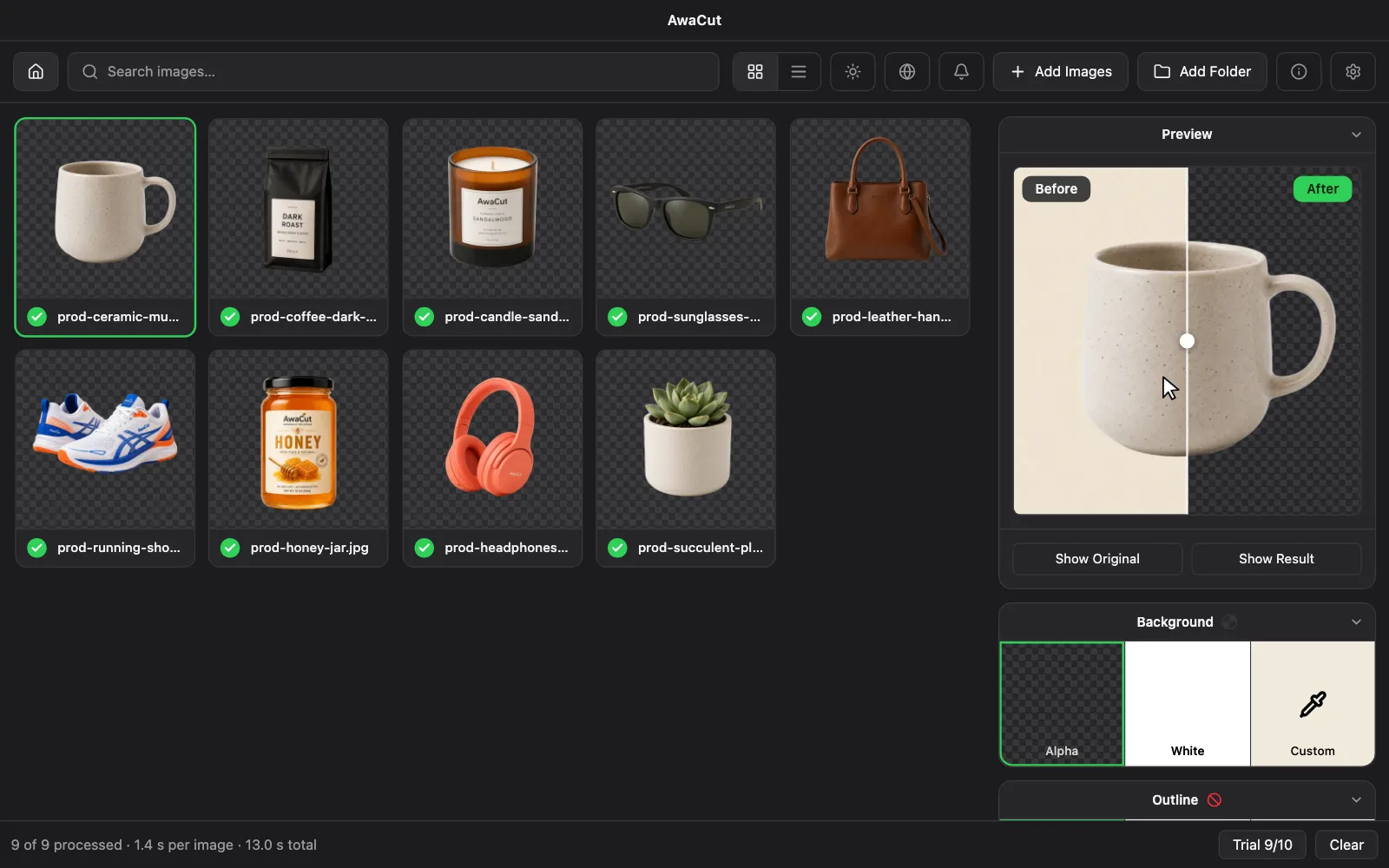
- Works offline
- No account, no uploads
- As many photos as you want, all year
Listed onAlternativeToMicrosoft Store
Real cutouts, straight out of AwaCut
Sample photos processed with the exact model that ships in the app. No retouching, no cherry-picking.

Portraits 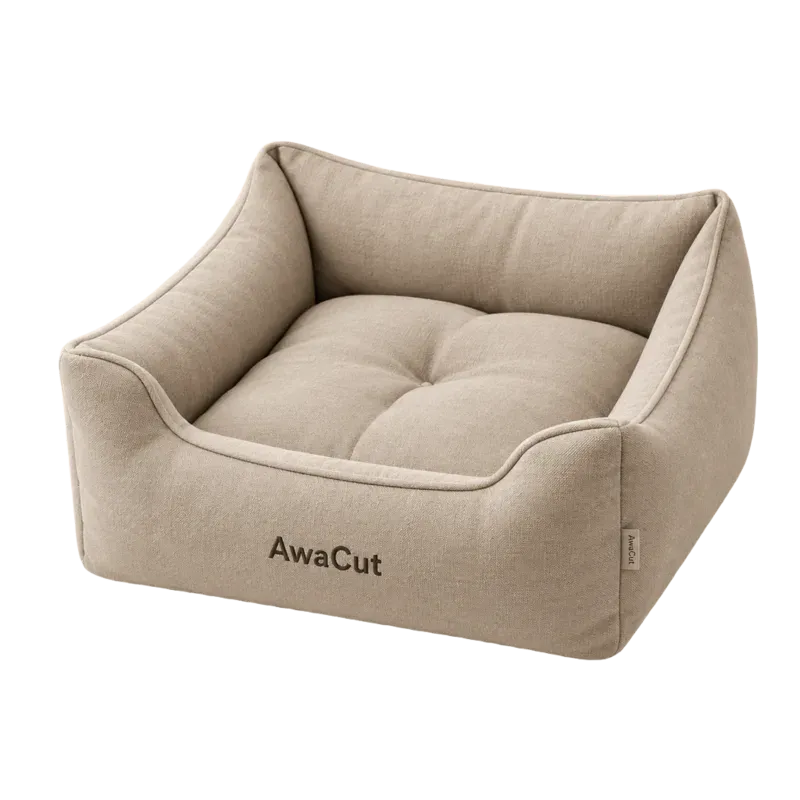
Products 
Pets 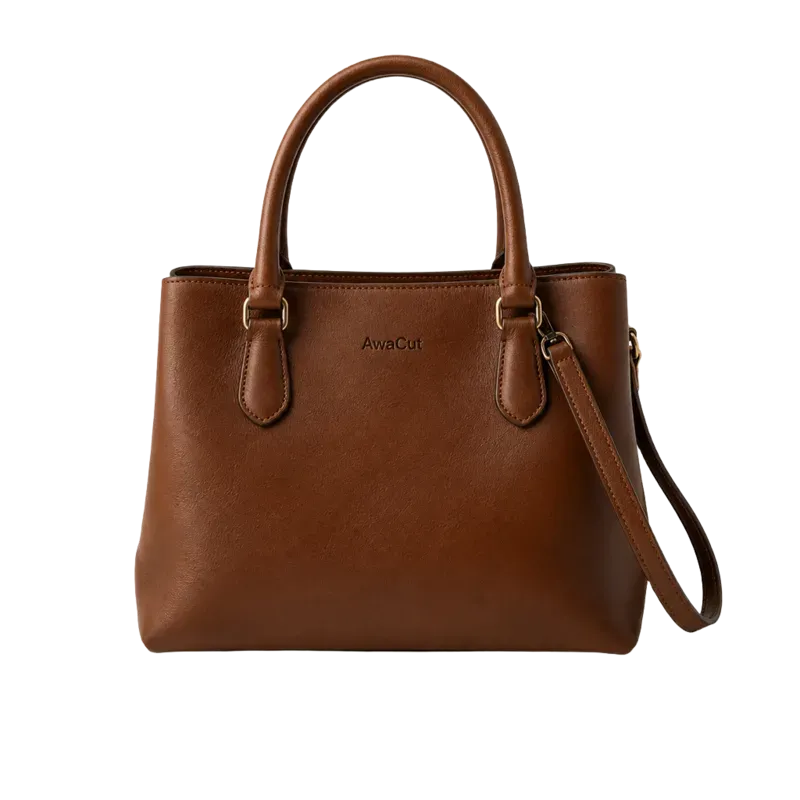
Bags 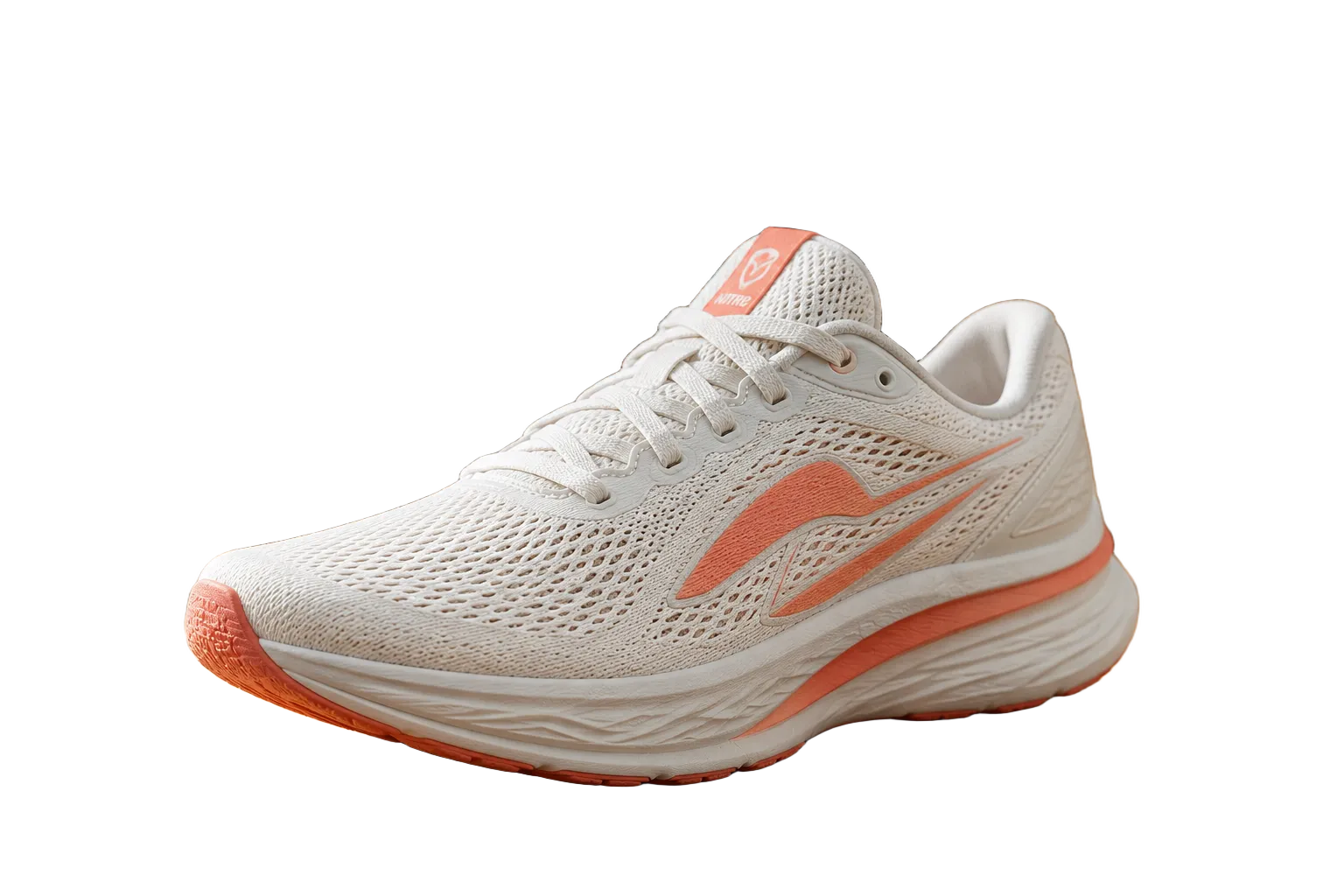
Shoes 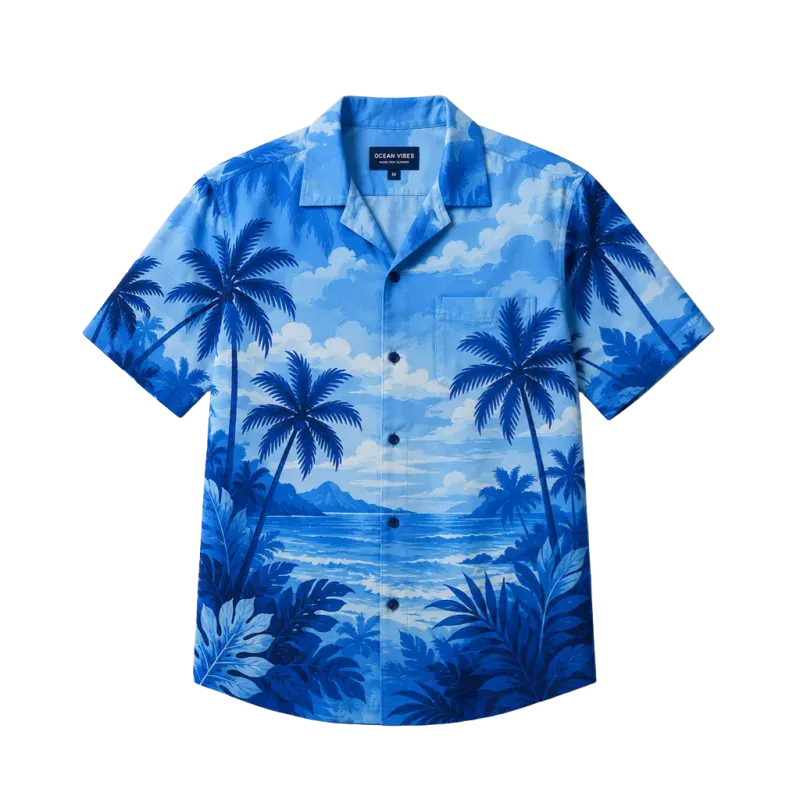
Clothing 
Logos 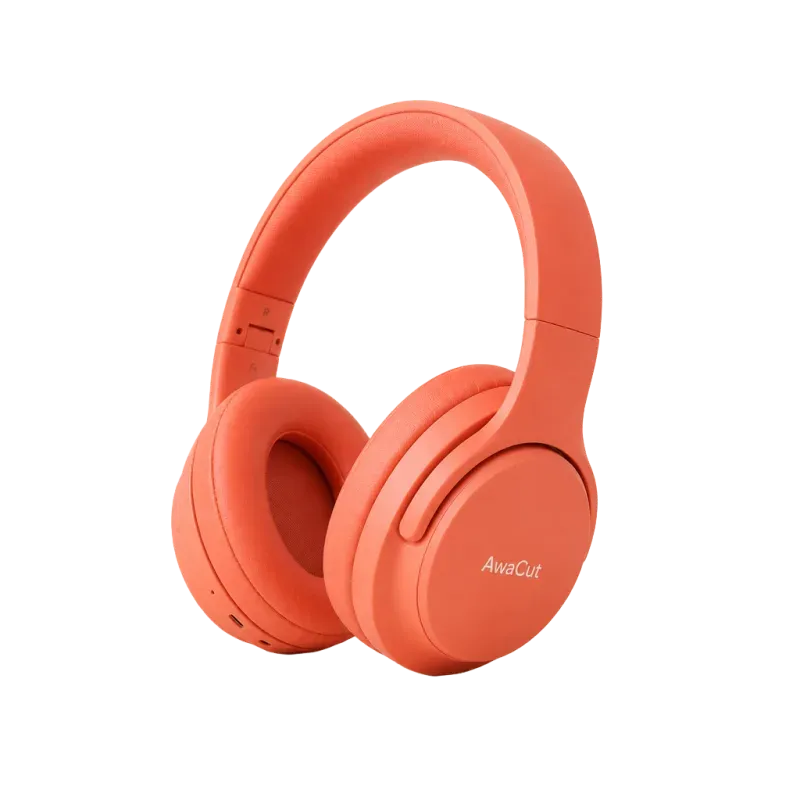
Electronics
How to install AwaCut on Mac
- A Mac with Apple silicon (M1 or later) and macOS 13.4 or newer. Intel Macs are not supported.
- One licence: 2 computers, any mix of Mac, Windows and Linux.
Download the .dmg
One installer for Apple silicon Macs, 186 MB.
Drag AwaCut into Applications
Open the .dmg and drag AwaCut into your Applications folder.
Open it from Applications
AwaCut is signed and notarized by Apple. On the first launch macOS may ask once whether to open an app downloaded from the internet: click Open.
Your Mac can cut out one photo. AwaCut does the whole folder.
Preview and Photos can lift the subject out of a single image. AwaCut takes a whole folder at once, keeps each photo's original size and exports every cutout as a transparent PNG or WebP, or as a JPG on white or any colour. It opens HEIC photos straight from your iPhone. On a Mac Studio (M4 Max), a 12-megapixel phone photo takes about 1.2 seconds, so 500 photos take about 10 minutes.
Frequently asked questions
Does AwaCut work on an Intel Mac?
No. AwaCut is built for Apple silicon (M1 or later) and needs macOS 13.4 or newer.
Can it open iPhone HEIC photos?
Yes. On a Mac, AwaCut opens HEIC and HEIF photos directly, and phone photos come out the right way up.
Does AwaCut need a graphics card?
No. Background removal runs on the processor. A faster processor finishes a folder sooner, but any 64-bit computer that meets the requirements works.
Does it work without an internet connection?
Yes. Removing backgrounds and exporting work offline. The licence is activated online once and rechecked about once a day; if you are offline then, AwaCut keeps working and tries again later.
Can I use one licence on Mac and on another system?
Yes. One licence activates on 2 computers, in any mix of macOS, Windows and Linux.
What if AwaCut is not for me?
Ask for a refund within 14 days of the purchase, wherever you are, with no reason needed. Before that, the 10 free photos let you try it on your own pictures.
Try it on your own photos
Download AwaCut and cut out 10 photos free. No account, no card, no watermark. Compare the cutouts yourself.
macOS
macOS 13.4+ (Apple silicon)v1.0.7 · 186 MB
Windows
Windows 10 or 11 (64-bit)v1.0.7 · 176 MB
Linux
AppImage (x86-64)v1.0.7 · 263 MB
Signed by AYA MIM S.R.L. If Windows still shows "Windows protected your PC", click More info, then Run anyway.
No AwaCut account. No credits. No uploads. 2 computers per licence, full refund within 14 days.