Flat $29 a year
Unlimited background remover, no credits
AwaCut removes backgrounds on your own computer, so there are no credits to count. As many photos as you want, all year, for a flat $29. On a Mac Studio (M4 Max), 500 phone photos take about 10 minutes, offline, with no account.
2 computers per licence. Full refund within 14 days, no reason needed.


- Works offline
- No account, no uploads
- As many photos as you want, all year
Listed onAlternativeToMicrosoft Store
How to remove backgrounds with no credits and no limits
Three steps in AwaCut, the same for 10 photos or 10,000.
Drop in the folder
One photo or a whole folder. Hundreds queue at once and run on your computer, about 1.2 seconds each on a Mac Studio (M4 Max). Nothing is taken off a balance.
Pick one background
Alpha for transparency, White, or any Custom colour. One setting covers the whole batch, so every photo comes out the same.
Saved at full resolution
PNG or WebP with Alpha, or JPG on White or a Custom colour, at the size of the original: a 12-megapixel photo comes back at 12 megapixels. No watermark on any export.
Real cutouts, straight out of AwaCut
Sample photos processed with the exact model that ships in the app. No retouching, no cherry-picking.

Portraits 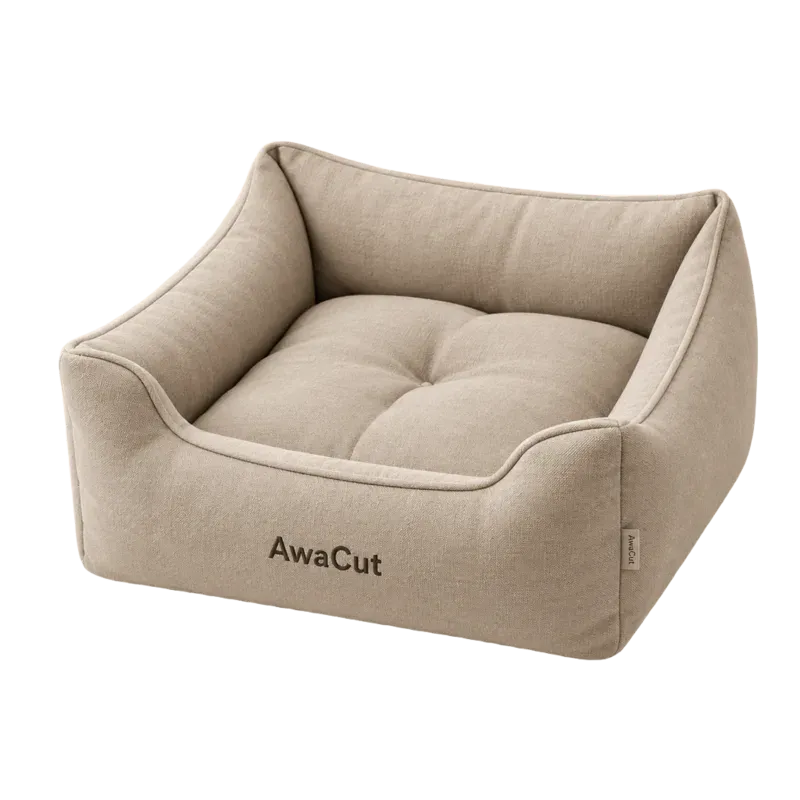
Products 
Pets 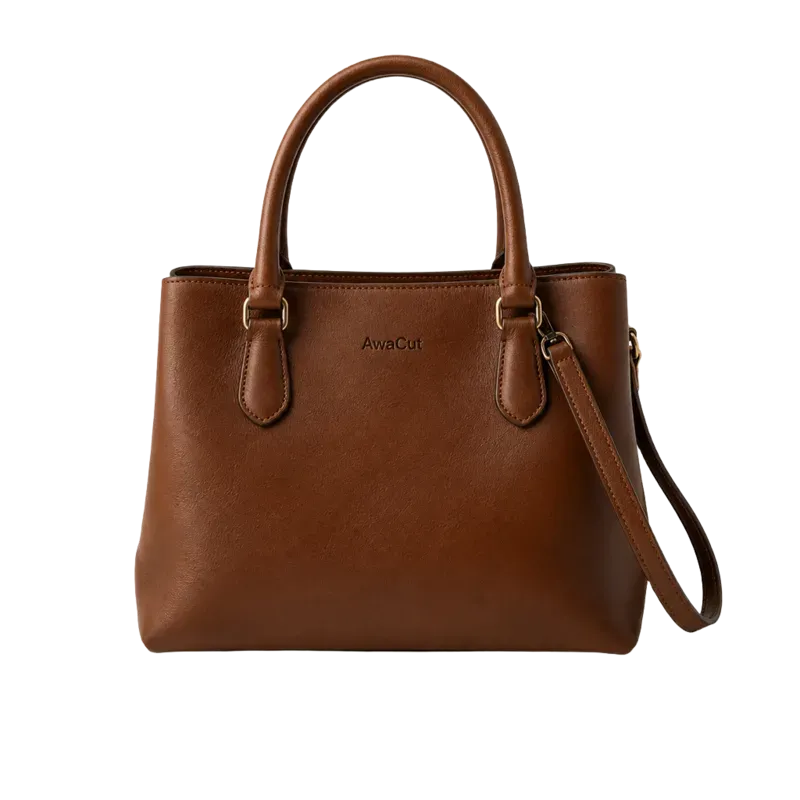
Bags 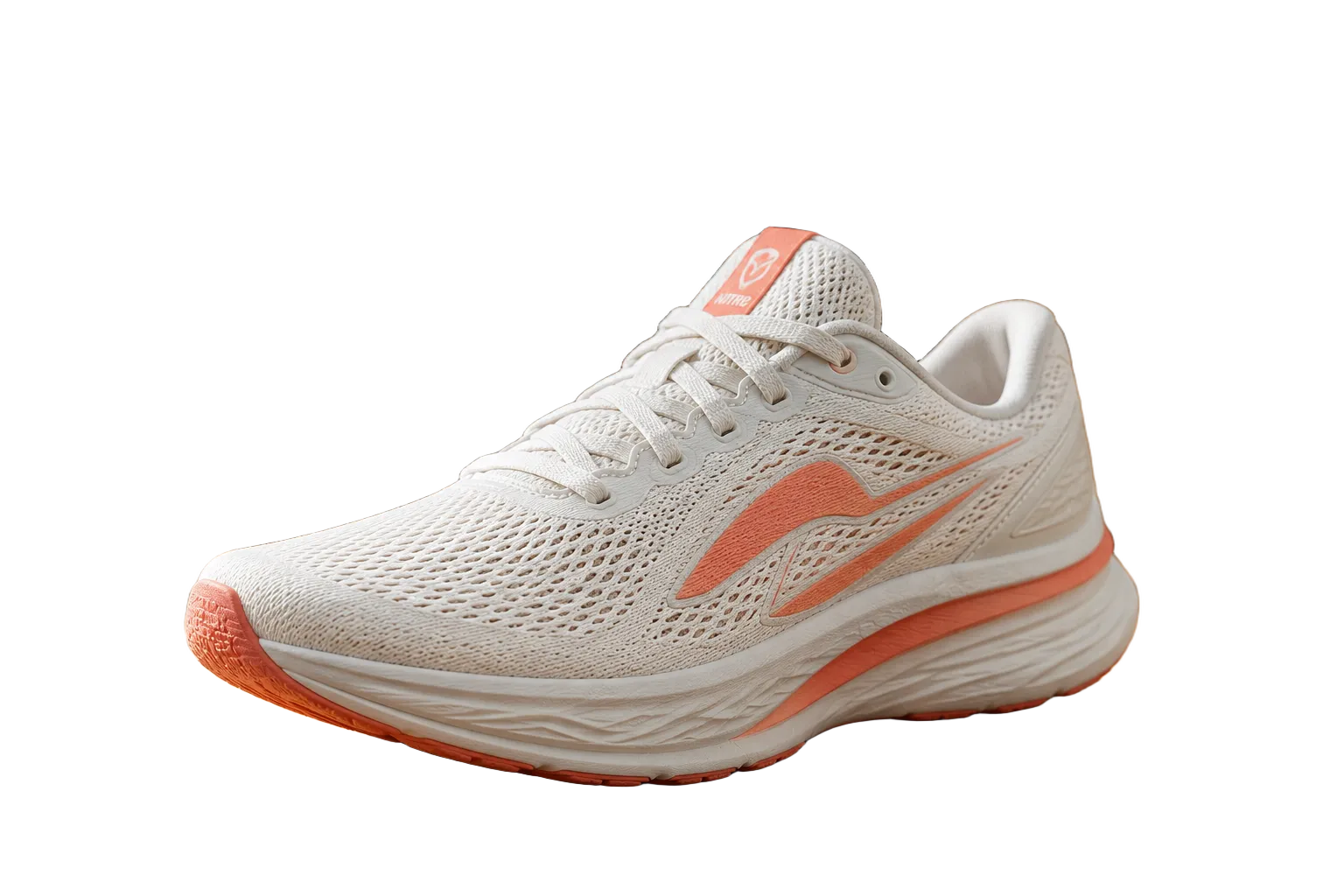
Shoes 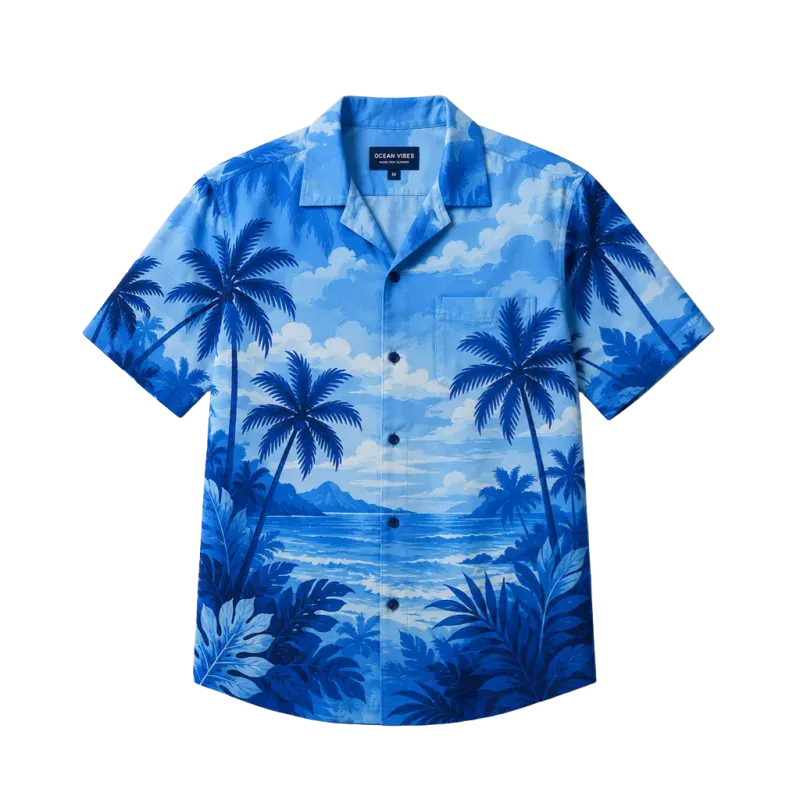
Clothing 
Logos 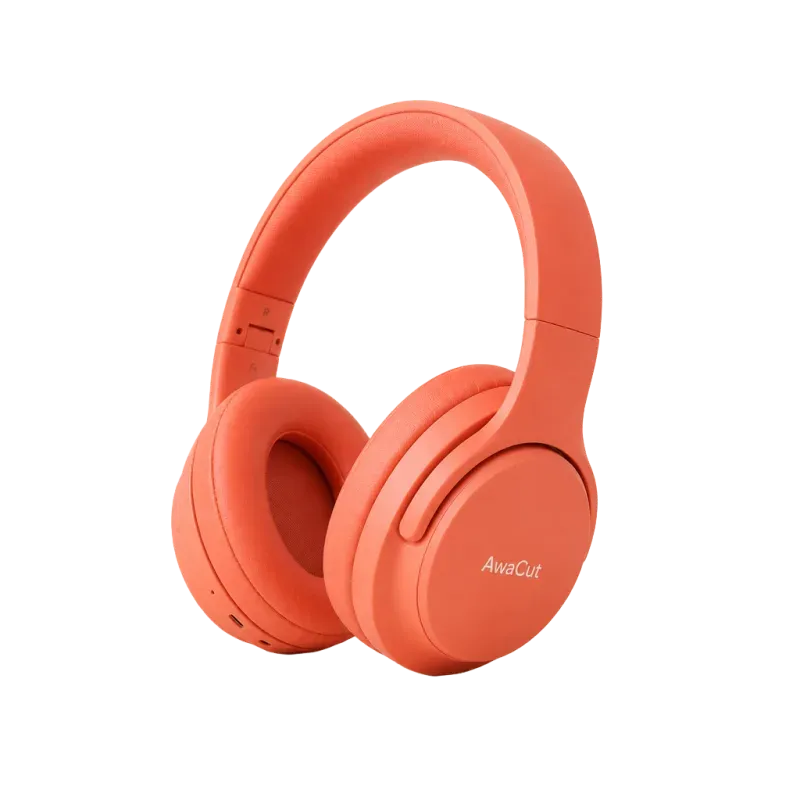
Electronics
Full resolution, no watermark
Ordinary photos at full resolution, cut by the app. No retouching, no watermark.


What to check before you pay for a background remover
Three checks before you pay for any tool, when you have many photos.
Count your busiest month
Multiply the photos in your busiest month by the price per image. A flat $29 a year stays the same whatever that number is.
High quality means full resolution
Look at the pixel size of the result, not only the preview. Try your own photos: the 10 free photos in AwaCut come back at full resolution.
Ask what happens when you stop paying
With AwaCut the app keeps working on your version, and your exports are plain files in your own folders, with no account attached.
Why a flat price instead of credits?
AwaCut runs on your computer, so an extra photo costs nothing to process. That is why the price is flat: $29 a year, as many photos as you want, on up to 2 computers. Not sure? Full refund within 14 days, wherever you live, no reason needed.
What 12 months cost, by monthly volume
What 1,000 removals cost on each tool →
Remove background from multiple images →
2 computers per licence. Full refund within 14 days, no reason needed.
Questions about price and limits
About credits, limits, the trial and what happens if you stop paying. Not here? Write to contact@aya.software, a person answers.
Is AwaCut really unlimited?
Yes. No credits and no monthly cap. The AI runs on your own computer, so there is no per-photo count: 200 photos this month, 20,000 next month, the same $29 a year.
How much does AwaCut cost per month?
There is no monthly price. The licence is $29 a year, flat, with as many photos as you want on up to 2 of your computers.
What happens if I stop paying?
The app keeps working on the version you have; only updates stop. Your exports are ordinary PNG, WebP and JPG files on your own disk, so nothing disappears.
Is AwaCut free and unlimited?
Unlimited, yes. Free, no. The first 10 photos are free, at full resolution, with no watermark and no account. After that it is $29 a year for as many photos as you want, on 2 computers, with no cost per photo. Free tools such as rembg have no cost per photo either, but rembg needs Python and a terminal, and its default model needs a paid agreement for commercial use. AwaCut is one installer with the model inside, and you can use the results commercially. Full refund within 14 days, no reason needed.
Is there a watermark?
No. No export ever gets a watermark, the 10 free trial photos included. They come back at full resolution, so you judge the real result before you buy.
Do I need an account?
No. Download the app, open it and drop in photos: the first 10 are free, with no sign-up. Photos are never uploaded and never used to train AI.
Does it work on Mac, Windows and Linux?
Yes. AwaCut runs on macOS 13.4 or later (Apple silicon), Windows 10 or 11 (64-bit) and Linux (AppImage, x86-64). One licence covers 2 computers. Background removal runs on the computer itself, so it works offline, and no graphics card is needed.
Can I use the results commercially?
Yes. Exports are yours to use commercially: shop listings, client work, print. As many as you want, for the same $29 a year.
Try it on your own photos
Download AwaCut and cut out 10 photos free. No account, no card, no watermark. Compare the cutouts yourself.
macOS
macOS 13.4+ (Apple silicon)v1.0.7 · 186 MB
Windows
Windows 10 or 11 (64-bit)v1.0.7 · 176 MB
Linux
AppImage (x86-64)v1.0.7 · 263 MB
Signed by AYA MIM S.R.L. If Windows still shows "Windows protected your PC", click More info, then Run anyway.
No AwaCut account. No credits. No uploads. 2 computers per licence, full refund within 14 days.