Guide
Remove the background from multiple images at once
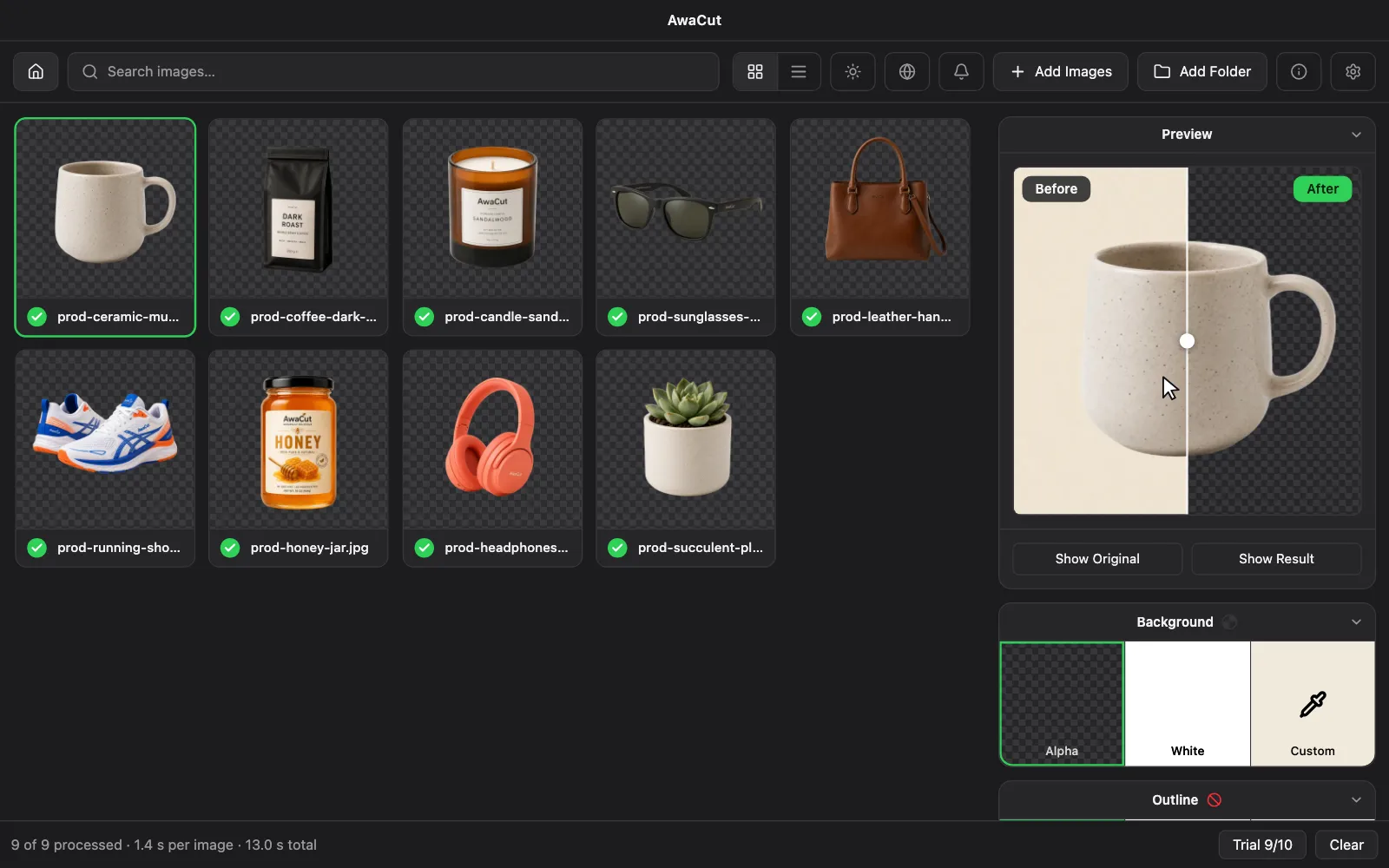
Put the images in one folder and drop the folder on AwaCut. The app cuts every image by itself, on your own computer, and saves each one as soon as it is ready: transparent PNG (Alpha) or on white for marketplaces. No uploads, no credits. The first 10 photos are free, then $29 a year for as many photos as you want.
2 computers per licence. Full refund within 14 days, no reason needed.
- Works offline
- No account, no uploads
- As many photos as you want, all year
Listed onAlternativeToMicrosoft Store
Gather the images in a folder
40 photos or 4,000, the workflow is the same: one folder. Subfolders are included, so a whole shop or a full shoot goes in one drop.
Drop the folder on AwaCut
Every image is queued and cut on your machine by the built-in model. Your images never leave your computer, so it works on a plane and with photos under NDA.
Pick the background
Check a few edges with the before/after slider and pick Alpha for transparent PNGs, or White. Each image is saved as soon as it is cut, to Pictures/AwaCut or any folder you choose with Export to Folder.
remove.bg closes on 1 December 2026. Its FAQ sends users to Canva, whose background remover takes 50 images per folder and returns at most 10 megapixels (Canva Help Center, October 2026). remove.bg is closing: alternatives
Real cutouts, straight out of AwaCut
Sample photos processed with the exact model that ships in the app. No retouching, no cherry-picking.

Portraits 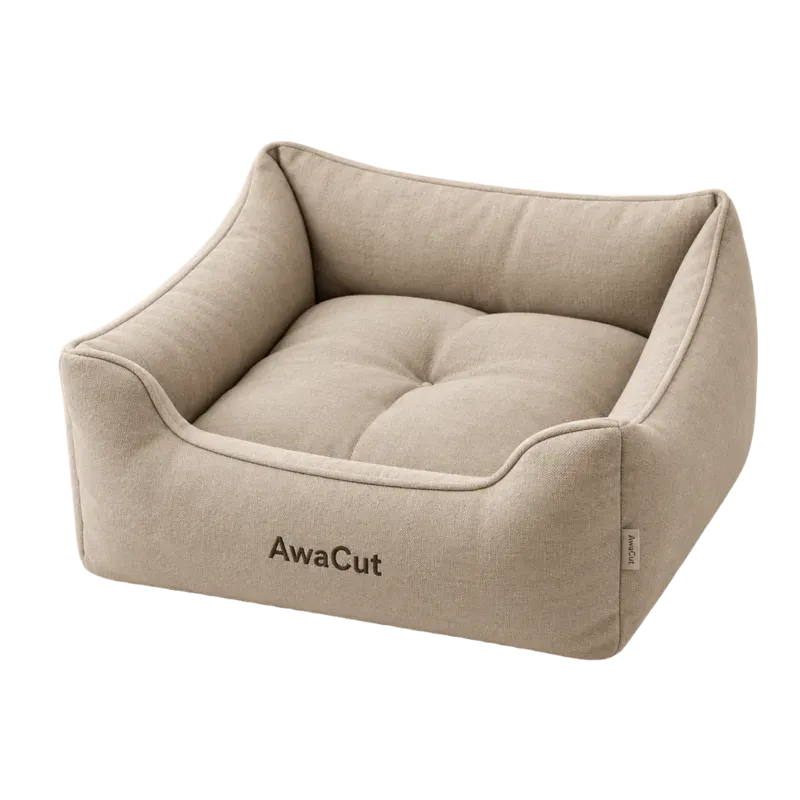
Products 
Pets 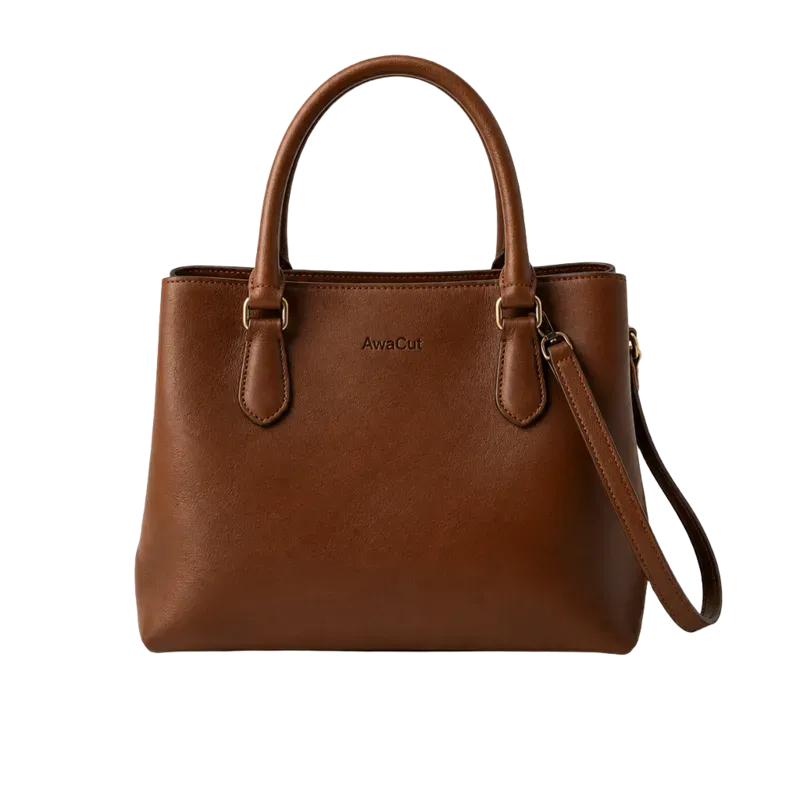
Bags 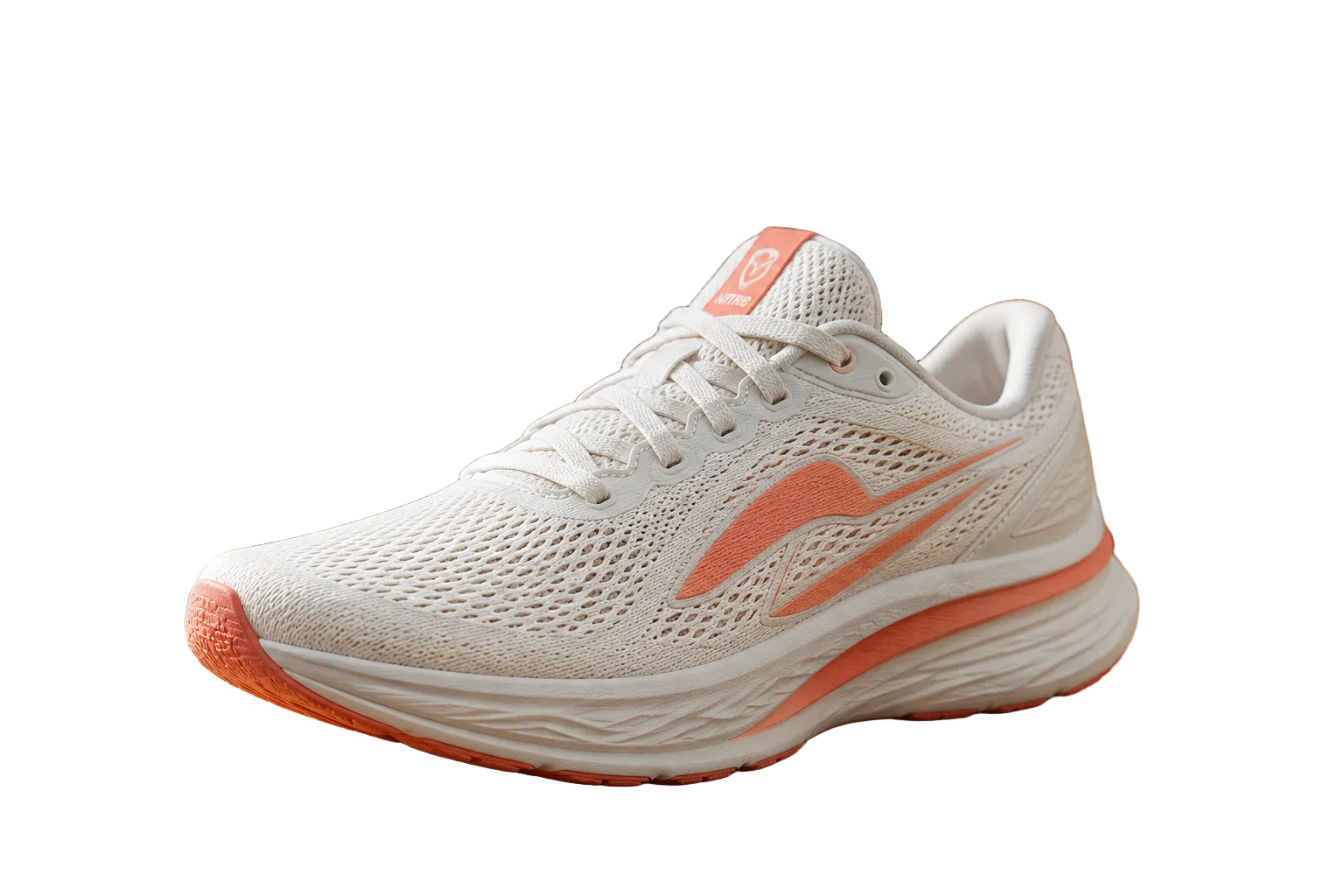
Shoes 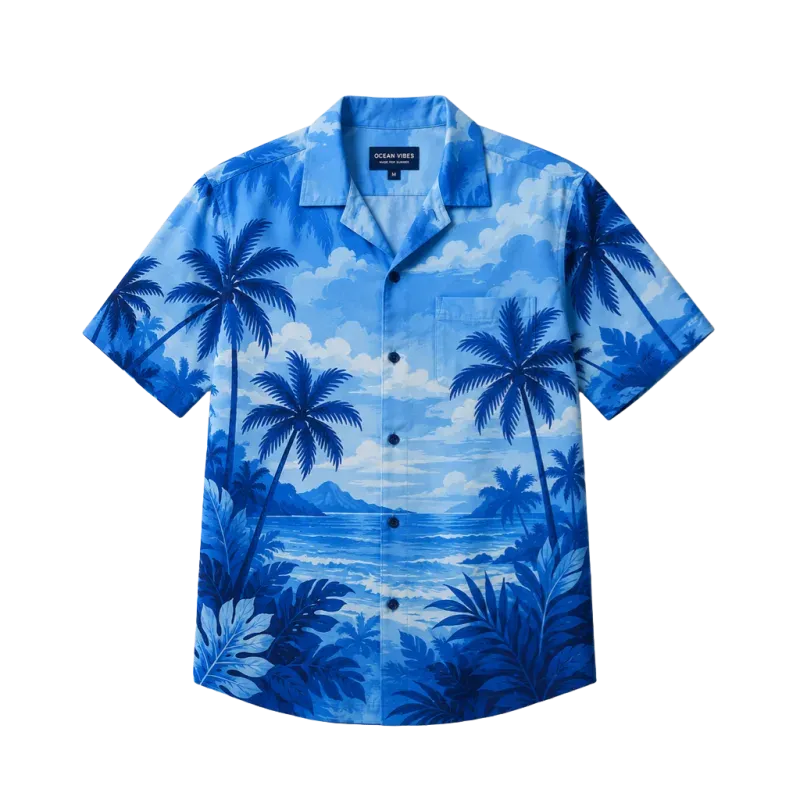
Clothing 
Logos 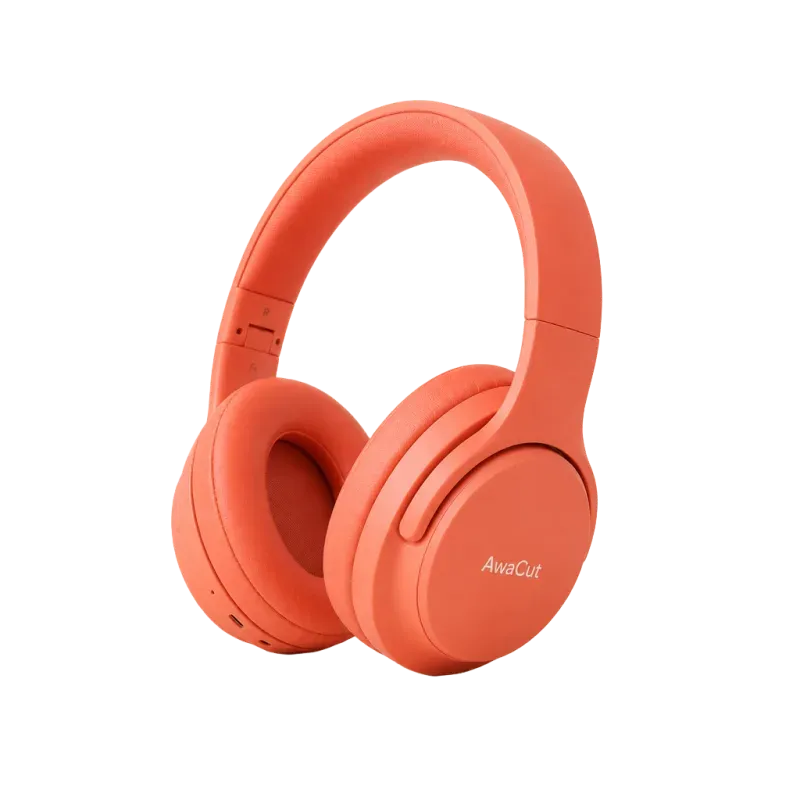
Electronics
2 computers per licence. Full refund within 14 days, no reason needed.
Why not a web tool?
Most online tools meter bulk work by credits, plan limits or batch allowances. AwaCut takes the whole folder, and one licence covers as many photos as you want, all year: 40 today, 4,000 next month, same price. Your photos stay on your computer. Prices side by side, in the cost study:
Frequently asked questions
How many images can I process at once?
As many as you want. No limit per batch, no monthly quota, no yearly cap. One licence covers every photo you cut, all year.
Do all the images get the same background?
Yes. Pick Alpha (transparent), White or Custom once, and every image in the folder gets it. Change it later and AwaCut saves the finished images again with the new background.
Does it work with mixed formats and sizes?
Yes. JPG, PNG, WebP, BMP and TIFF (and HEIC on a Mac) can sit in the same folder, at any size; each image exports at its original resolution.
Is there a background remover for multiple images at once?
Yes. AwaCut takes a whole folder, not one file: 40 images or 4,000, one drop. On a Mac Studio (M4 Max) each 12 MP phone photo takes about 4 seconds, so 500 take about 32 minutes there. The licence is $29 a year for as many photos as you want, all year.
Can I try it before I pay?
Yes. Download AwaCut and cut your first 10 photos free, with no account and no card. The trial works offline. If you buy and change your mind, you get a full refund within 14 days, no reason needed.
Try it on your own photos
Download AwaCut and cut out 10 photos free. No account, no card, no watermark. Compare the cutouts yourself.
macOS
macOS 13.4+ (Apple silicon)
v1.0.6 · 194 MB
macOSBackground remover for MacWindows
Windows 10 or 11 (64-bit)
v1.0.6 · 180 MB
WindowsBackground remover for WindowsLinux
AppImage (x86-64)
v1.0.6 · 268 MB
LinuxBackground remover for Linux
Signed by AYA MIM S.R.L. If Windows still shows "Windows protected your PC", click More info, then Run anyway.
No AwaCut account. No credits. No uploads. 2 computers per licence, full refund within 14 days.