Instagram reel guide
Instagram reel size, cover size and safe zone
Make reels 9:16 (Instagram accepts from 1.91:1 to 9:16, at least 720 px); 1080 × 1920 is the common size. Instagram recommends 420 × 654 px (1:1.55) for the cover and says it cannot be edited after posting, so set it before you share. Meta's ad guide keeps text out of the top 14%, bottom 35% and outer 6%. AwaCut cuts you out for a clean cover, offline.
2 computers per licence. Full refund within 14 days, no reason needed.
- Works offline
- No account, no uploads
- As many photos as you want, all year
Listed onAlternativeToMicrosoft Store
Cut yourself out with AwaCut
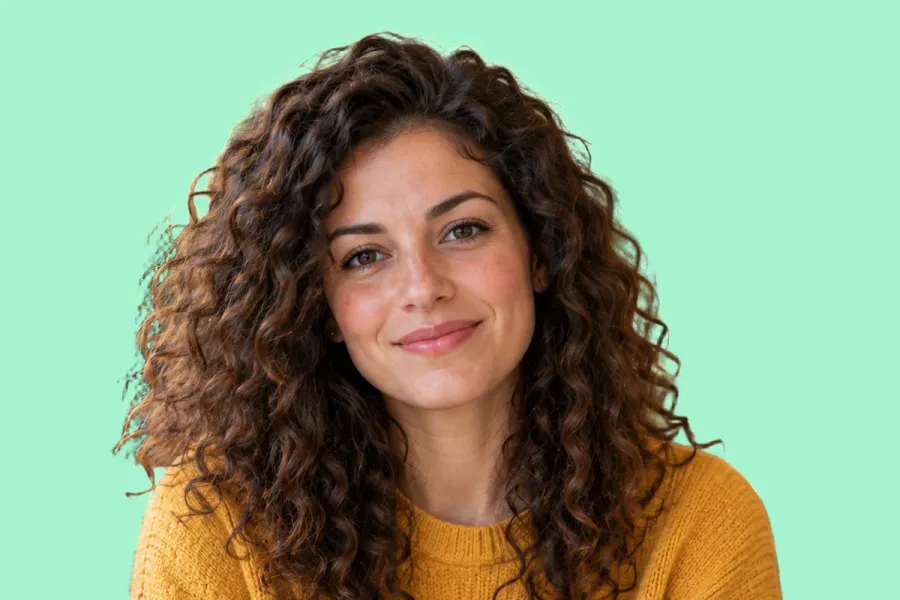
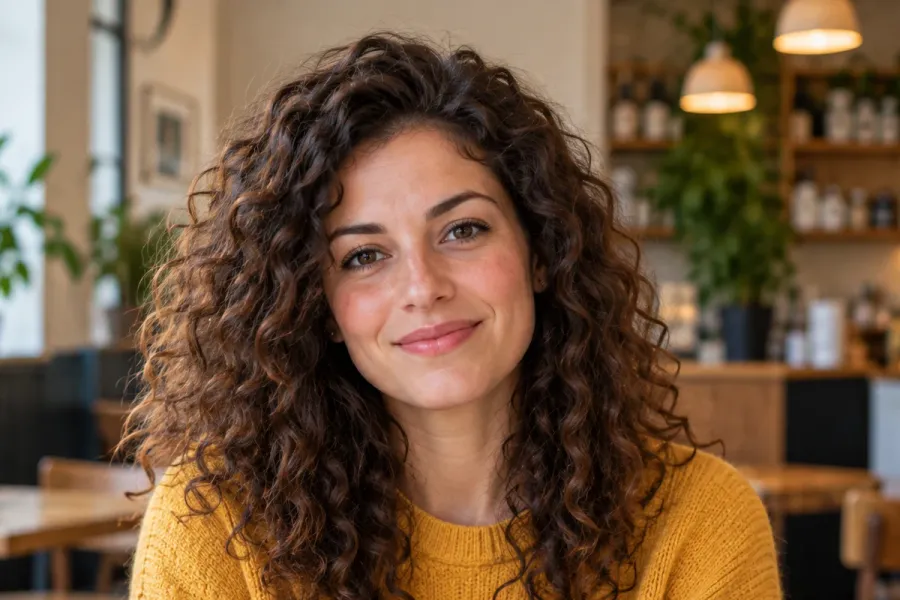
Drop the photo, or a whole folder, into AwaCut. Choose Alpha for a transparent PNG, or Custom and type a colour such as #A7F3D0 to get it on a plain background straight away. About 4 seconds a photo on a Mac Studio (M4 Max), at full size.
Make the cover 9:16
A 1080 × 1920 canvas, so it can open the reel full screen. Instagram's recommended cover size, 420 × 654 (1:1.55), is a crop of the middle of it, so keep the face and the words there.
Set it before you share
When posting, choose the cover: pick a frame from the clip or, on a computer, Select from computer under Cover photo. Instagram says it cannot be changed afterwards.
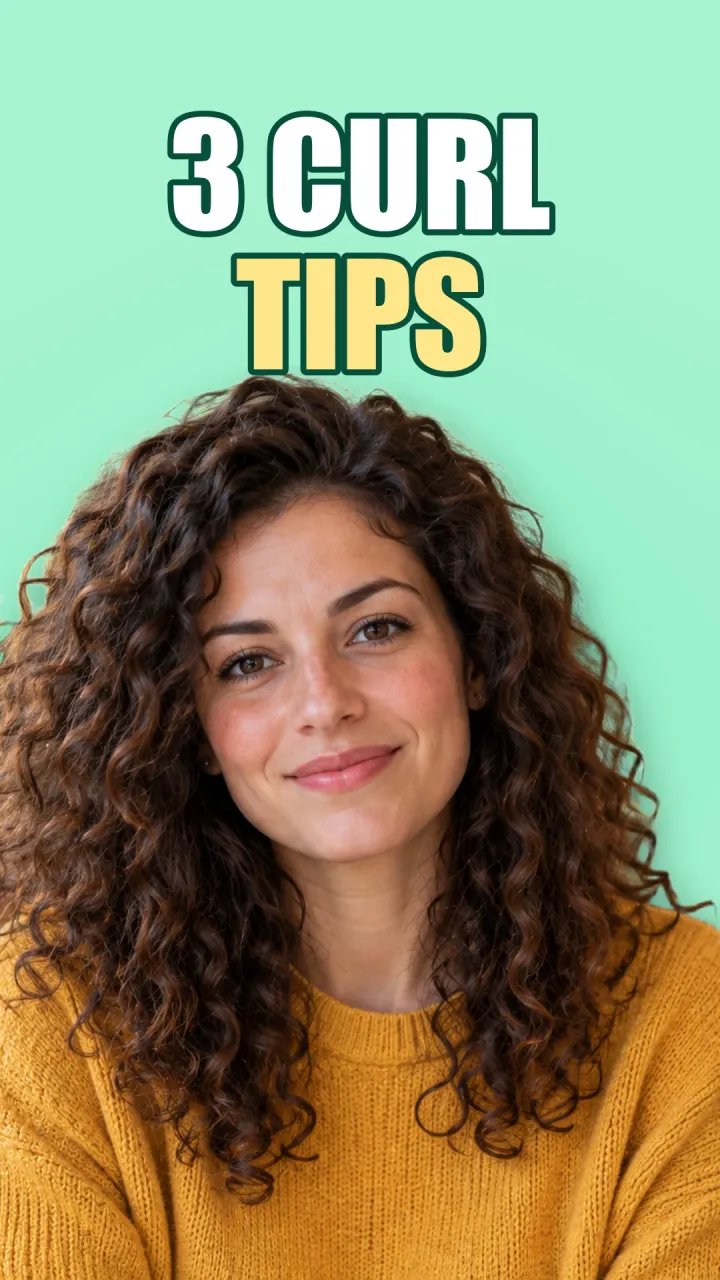
The finished reel cover
1080 × 1920, the AwaCut cutout on mint (Custom, #A7F3D0), three words at the top, the face in the middle where every crop keeps it.
Check it small
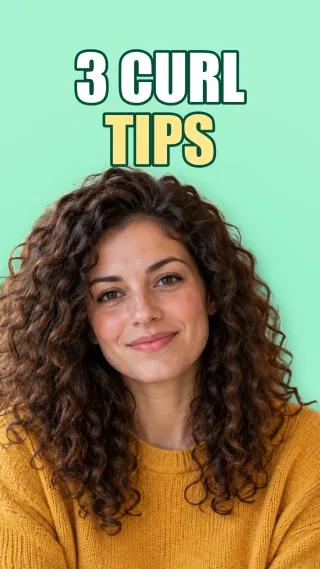
On your profile grid a reel shows as a small tile. The face and the two lines still read at this size.
Instagram reel size in 2026
Ratio
- What Instagram says
- From 1.91:1 to 9:16
- What to do
- Use 9:16 to fill the screen.
Resolution
- What Instagram says
- At least 720 px
- What to do
- 1080 × 1920 is the common size.
Cover
- What Instagram says
- 420 × 654 px recommended (1:1.55)
- What to do
- Keep the face and words in the middle.
Editing the cover
- What Instagram says
- Not possible after posting
- What to do
- Set it before you share.
Safe zone (ads)
- What Instagram says
- About 14% top, 35% bottom, 6% sides free of text
- What to do
- Keep words inside.
Your cutout (AwaCut)
- What Instagram says
- Keeps the photo's own size
- What to do
- A 12 MP upright photo is about 3000 × 4000, more than a cover needs.
| What | What Instagram says | What to do |
|---|---|---|
| Ratio | From 1.91:1 to 9:16 | Use 9:16 to fill the screen. |
| Resolution | At least 720 px | 1080 × 1920 is the common size. |
| Cover | 420 × 654 px recommended (1:1.55) | Keep the face and words in the middle. |
| Editing the cover | Not possible after posting | Set it before you share. |
| Safe zone (ads) | About 14% top, 35% bottom, 6% sides free of text | Keep words inside. |
| Your cutout (AwaCut) | Keeps the photo's own size | A 12 MP upright photo is about 3000 × 4000, more than a cover needs. |
Source: Instagram Help Center (“Reel size & aspect ratios on Instagram”) and the Meta Ads Guide (Instagram Reels), read on 25 October 2026.
Three mistakes on reel covers
A random frame as the cover
Mid-motion frames are blurry and say nothing. Make a cover on purpose.
Words at the very top or bottom
The grid and the app's buttons crop them. Keep them in the middle.
Forgetting the cover before posting
Instagram says it cannot be edited afterwards.
Covers that make your grid look planned
Reel covers on one colour, with the same cutout style, turn a profile grid into a shop window. AwaCut cuts out a whole folder at once, so a week of posts is one drop, not one upload per photo. It runs on your computer, with no credits: as many photos as you want, all year.
Try it on your own photos: the first 10 are free, no account.
2 computers per licence. Full refund within 14 days, no reason needed.
Frequently asked questions
What size is an Instagram reel?
Instagram accepts reels from 1.91:1 to 9:16, at least 720 px. Make them 9:16, 1080 × 1920, to fill the screen.
What size is an Instagram reel cover?
Instagram recommends 420 × 654 px (1:1.55). Keep the face and the words in the middle, because the grid shows a cropped preview.
Can I change a reel cover after posting?
Instagram's help says the cover cannot be edited after the reel is shared, so choose it before posting.
What is the Instagram reel safe zone?
Meta's ad guide for Reels asks to keep about 14% at the top, 35% at the bottom and 6% at each side free of text and logos.
How do I cut out a person or a product for a social media image?
Drop the photo into AwaCut and choose Alpha for a transparent PNG to place on your design, or Custom to put it straight on a colour. It runs offline on Mac, Windows and Linux.
Cut out every photo for your next posts
The first 10 photos are free on each computer, with no account and no card. Then one yearly licence for as many photos as you want.
macOS
macOS 13.4+ (Apple silicon)
v1.0.6 · 194 MB
macOSBackground remover for MacWindows
Windows 10 or 11 (64-bit)
v1.0.6 · 180 MB
WindowsBackground remover for WindowsLinux
AppImage (x86-64)
v1.0.6 · 268 MB
LinuxBackground remover for Linux
Signed by AYA MIM S.R.L. If Windows still shows "Windows protected your PC", click More info, then Run anyway.
No AwaCut account. No credits. No uploads. 2 computers per licence, full refund within 14 days.