Comparison
AwaCut vs Cutout.Pro: two ways to remove a background
Cutout.Pro is a large AI photo suite, and background removal is its best-known tool. You can use it on the web, through an API, or with a free desktop app for Mac and Windows. That app signs in with your API key and sends each photo to Cutout.Pro's servers, and every HD cutout spends a credit. AwaCut runs the model on your own computer: whole folders, nothing uploaded, for a flat $29 per year. Here is the honest comparison.
2 computers per licence. Full refund within 14 days, no reason needed.
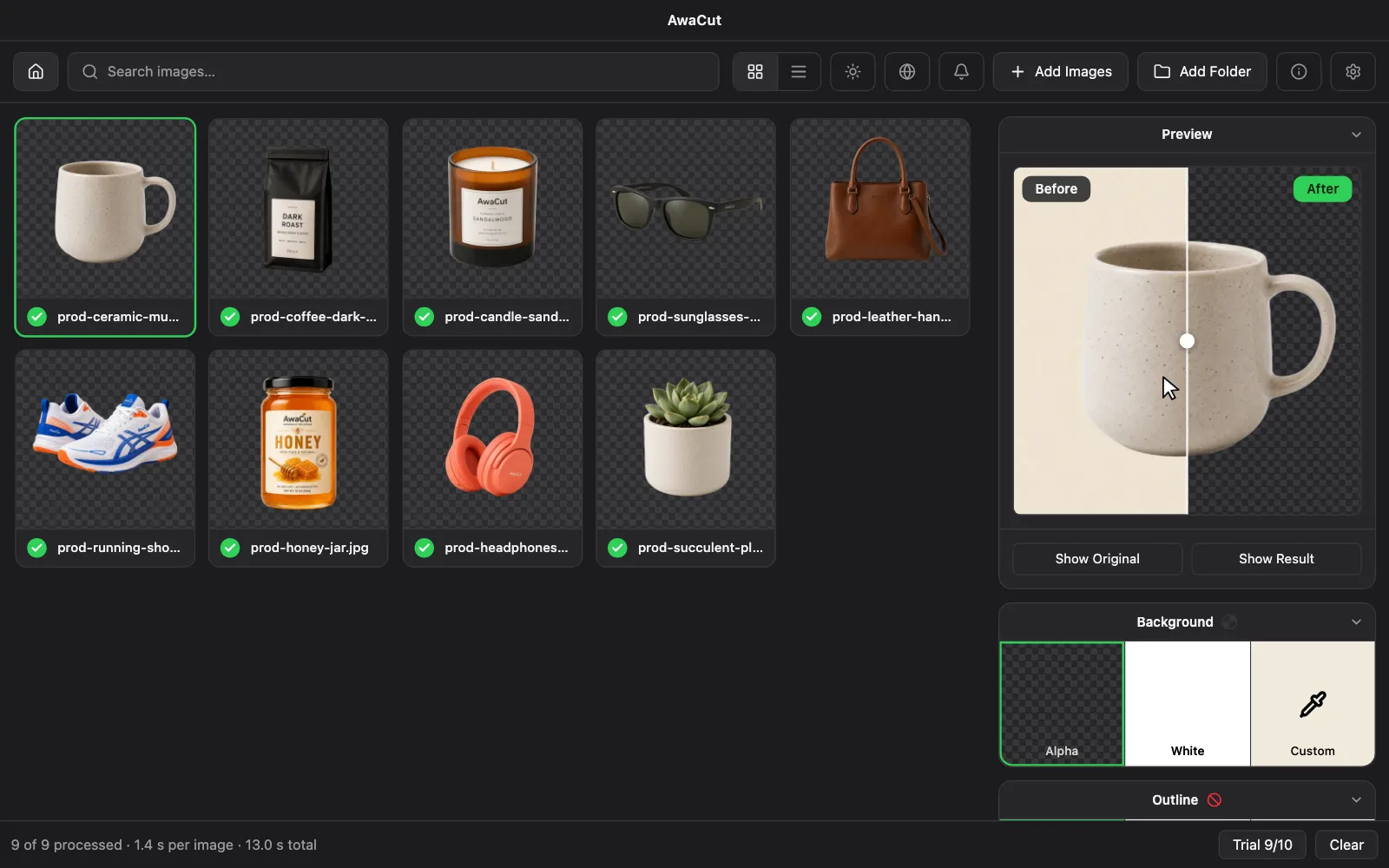
- Works offline
- No account, no uploads
- As many photos as you want, all year
Listed onAlternativeToMicrosoft Store
| Feature | AwaCut | Cutout.Pro |
|---|---|---|
| Pricing | $29 a year, as many photos as you want | Credits: each full-size image uses a credit (from $5 a month for 80 credits, October 2026) |
| Cost per image | Nothing extra: one yearly price covers every photo | 1 credit per HD image: $0.048 to $0.063 on monthly plans, $0.166 in the 30-credit pack |
| Where your photos go | They stay on your computer | Uploaded to their servers |
| Works offline | Yes | No |
| Bulk processing | Yes: drop in whole folders | Yes, but every image spends credits |
| Image limits | Unlimited | Your credit balance; free downloads are low-resolution previews; above 4000 x 4000 pixels, ask their support |
| Runs on | macOS, Windows and Linux desktop app | Web, desktop app and API (credits either way) |
Checked in October 2026 against Cutout.Pro's published pages. Prices and features vary by region and can change at any time; the authoritative version is always the one on their site. Spotted something outdated? Tell us and we will correct it: www.cutout.pro/image-pricing · contact@aya.software
Checked October 2026 on Cutout.Pro's own pages: background removal is 1 credit per image. A new account gets 5 free credits, and web previews are free at low resolution; HD downloads need credits. Monthly plans run from $5 for 80 credits to $69 for 1,450 credits; pay-as-you-go packs start at $4.99 for 30 credits, and those credits do not expire. The Mac and Windows desktop app works with an API key. Their FAQ says uploaded images are deleted within 1 hour, and photos larger than 4000 x 4000 pixels need their support team.
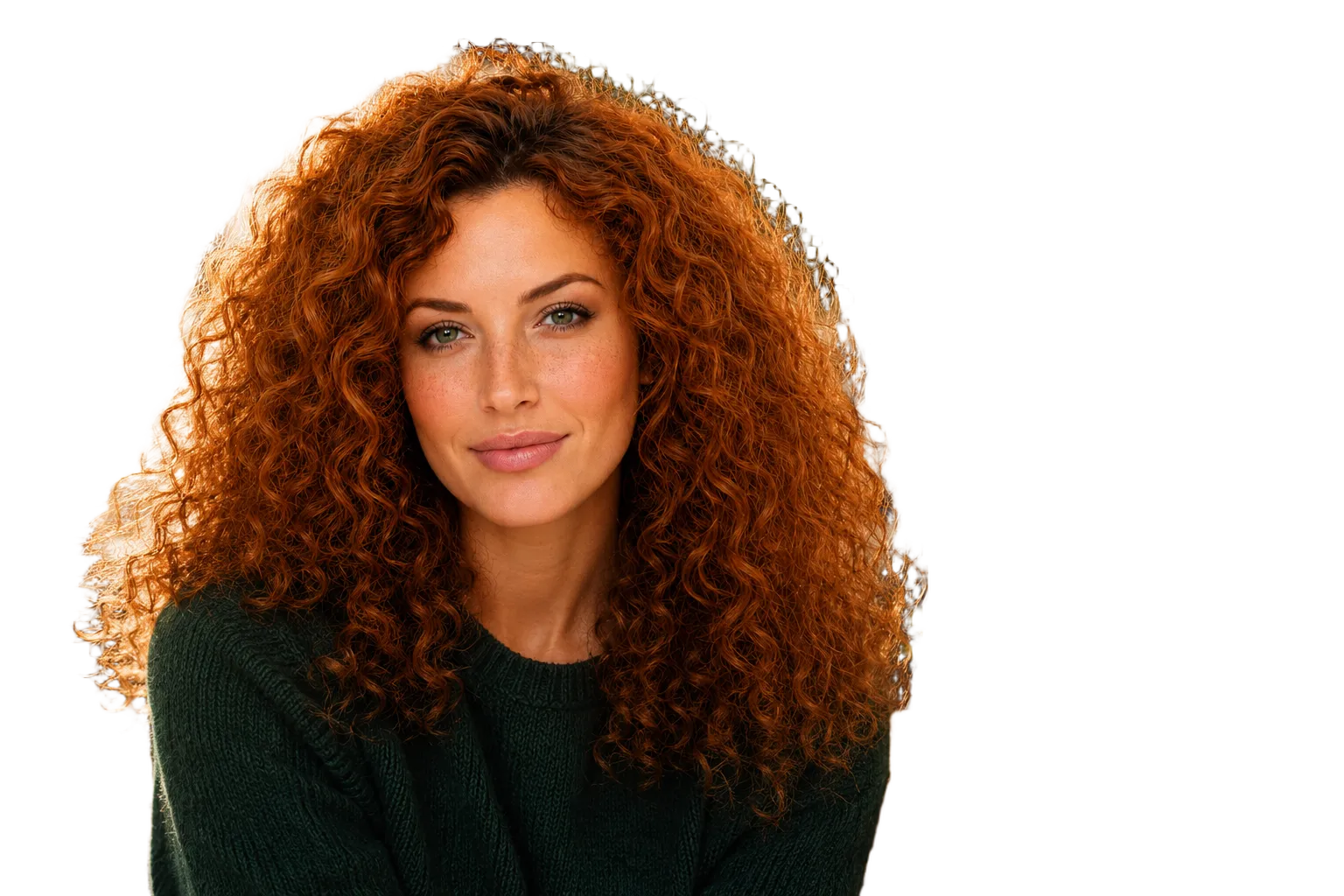
Real cutouts, straight out of AwaCut
Sample photos processed with the exact model that ships in the app. No retouching, no cherry-picking.
Portraits 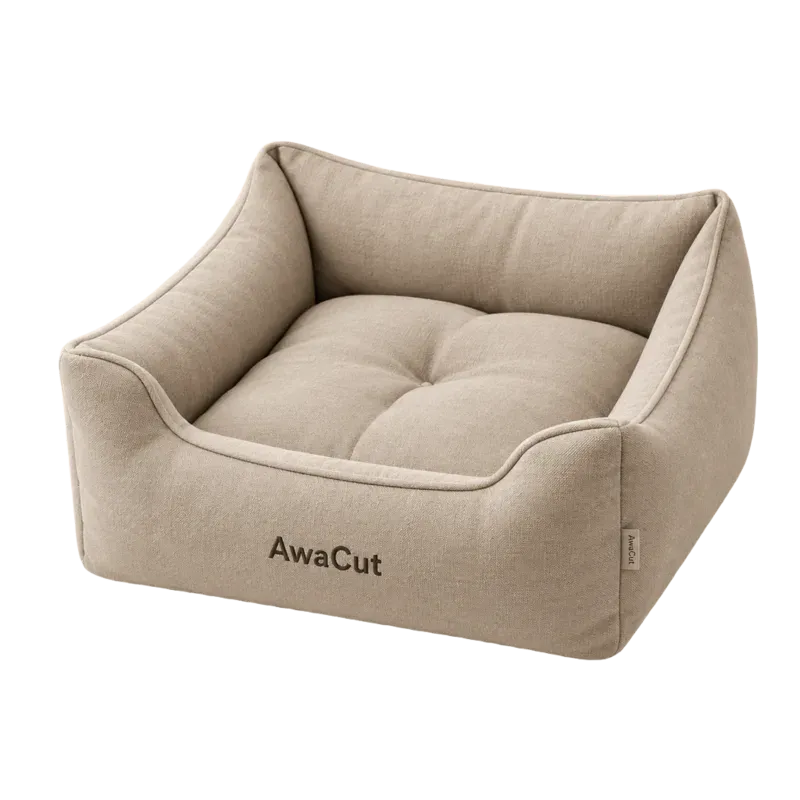
Products 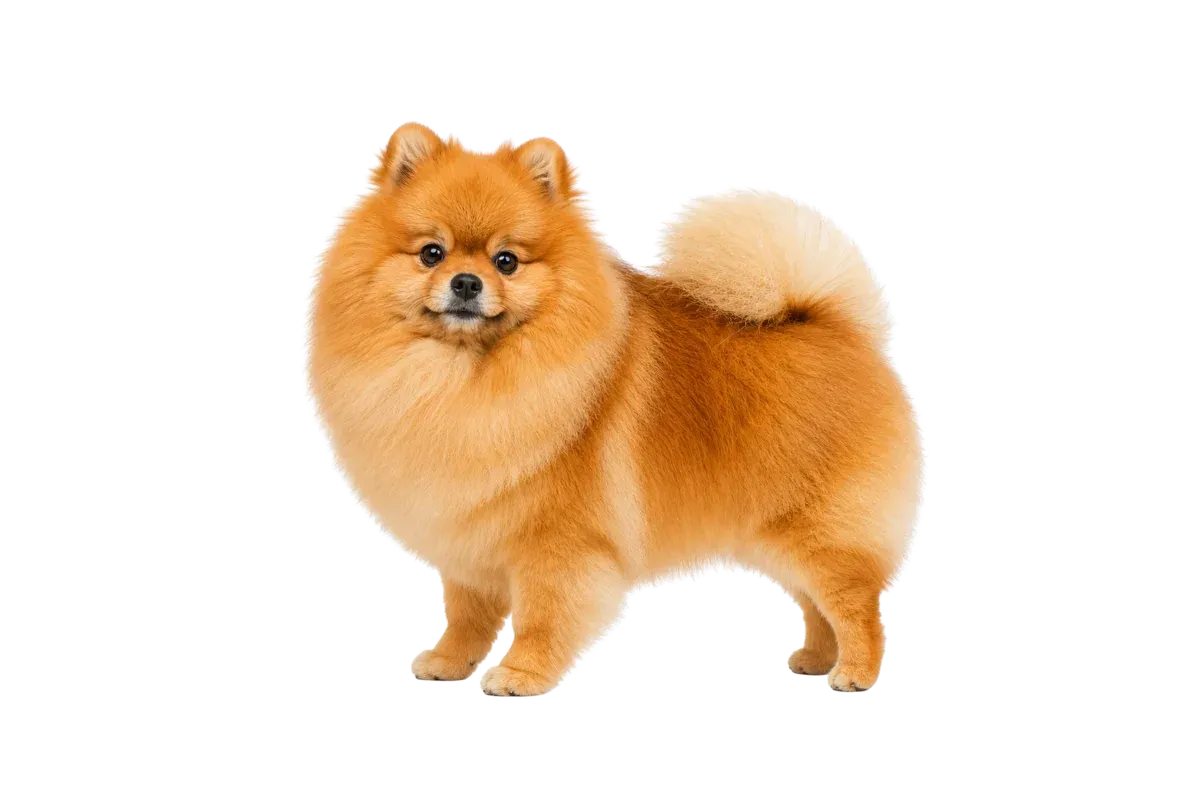
Pets 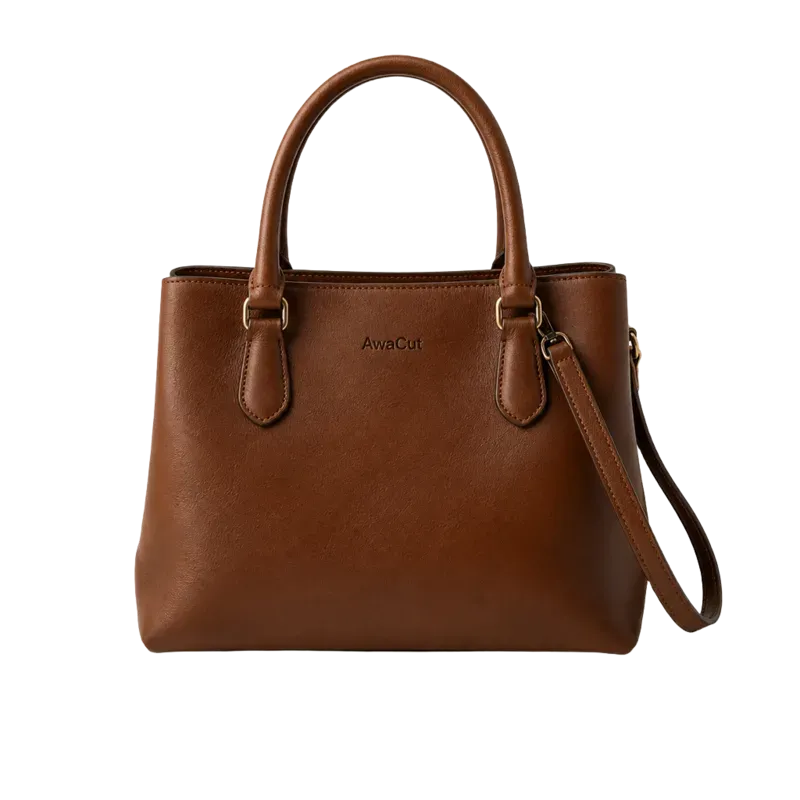
Bags 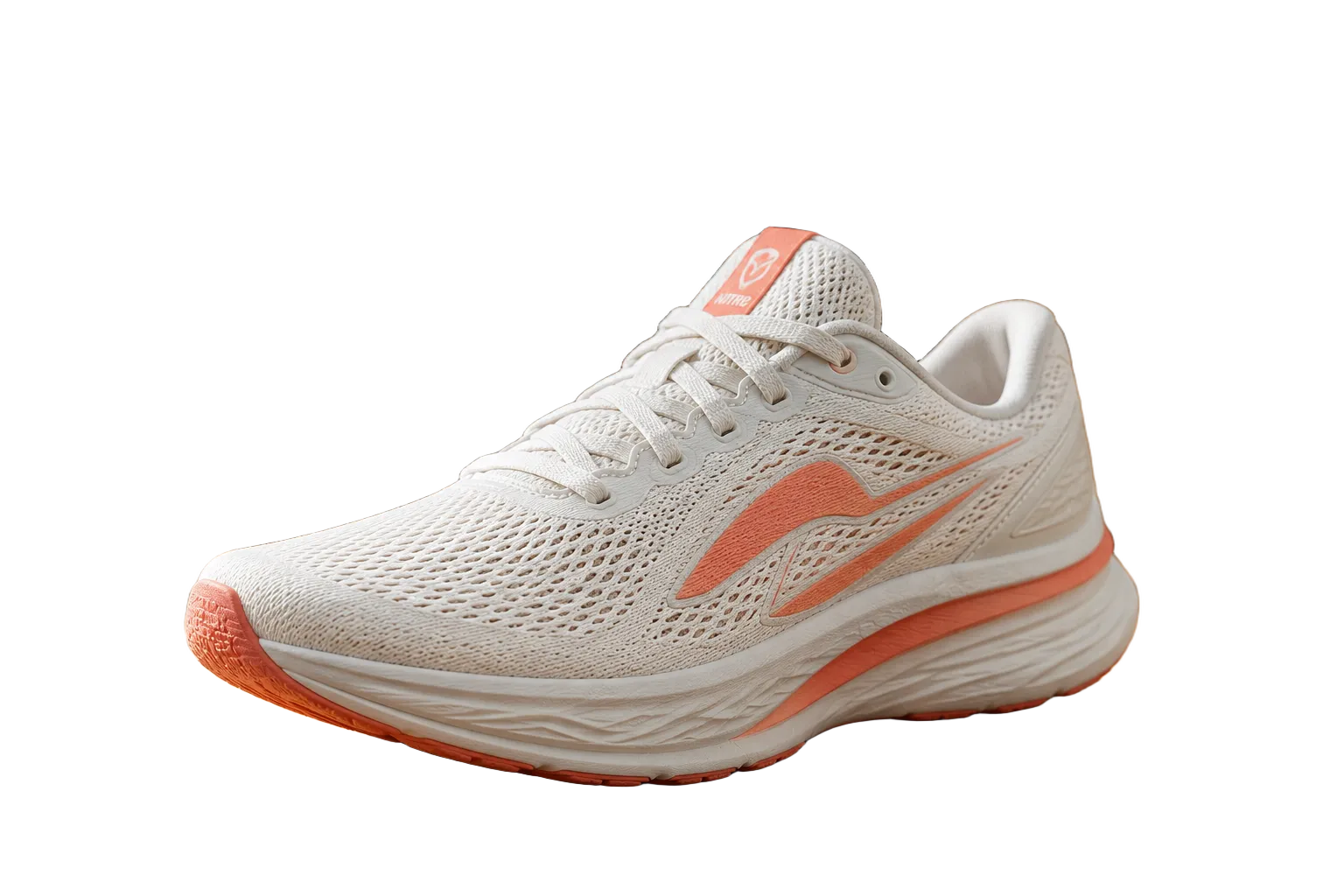
Shoes 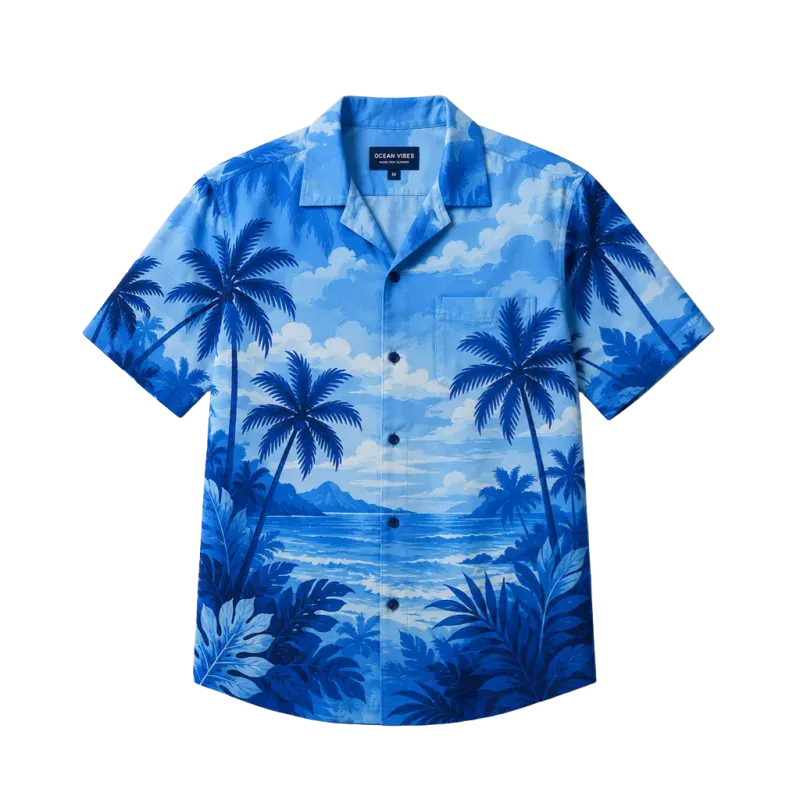
Clothing 
Logos 
Electronics
When Cutout.Pro is the better pick
You need background removal inside your own app or website through an API, you sell on Shopify and want a plugin, or you want other AI tools in the same account: photo enhancer, passport photos, AI product images. If you only cut a few photos a year, a small credit pack that never expires costs less than a licence, and a free low-resolution preview may be enough. For all that, Cutout.Pro covers more ground than AwaCut, which has no API and does one job.
When AwaCut wins
You want a desktop app for whole folders, and you want the folder to stay on your computer: no API key, no credit balance, no internet needed. AwaCut cuts hundreds of photos in one run and exports them at the original resolution, as many photos as you want, all year, for $29.
2 computers per licence. Full refund within 14 days, no reason needed.
Frequently asked questions
Is AwaCut a good Cutout.Pro alternative?
For folders on a desktop, yes: AwaCut does the batch on your computer, with no credits and no upload, for a flat $29 per year. Cutout.Pro also has a desktop download, but it works with an API key and each HD image spends a credit. If you need an API, a Shopify plugin or a few free previews, Cutout.Pro fits better.
Is the cutout quality comparable?
AwaCut uses BiRefNet, an open AI model built for fine edges like hair and fur. Try 10 of your own photos free, at full resolution, and judge the edges before you pay.
Is AwaCut free?
The first 10 photos are free on each computer, at full resolution, with no account. After that it is $29 a year for as many photos as you want, on 2 computers, with no credits. Changed your mind? Full refund within 14 days, no reason needed.
Try it on your own photos
Download AwaCut and cut out 10 photos free. No account, no card, no watermark. Compare the cutouts yourself.
macOS
macOS 13.4+ (Apple silicon)v1.0.7 · 186 MB
Windows
Windows 10 or 11 (64-bit)v1.0.7 · 176 MB
Linux
AppImage (x86-64)v1.0.7 · 263 MB
Signed by AYA MIM S.R.L. If Windows still shows "Windows protected your PC", click More info, then Run anyway.
No AwaCut account. No credits. No uploads. 2 computers per licence, full refund within 14 days.