AwaCut for Etsy sellers
Remove background from Etsy product photos, a whole shop at once
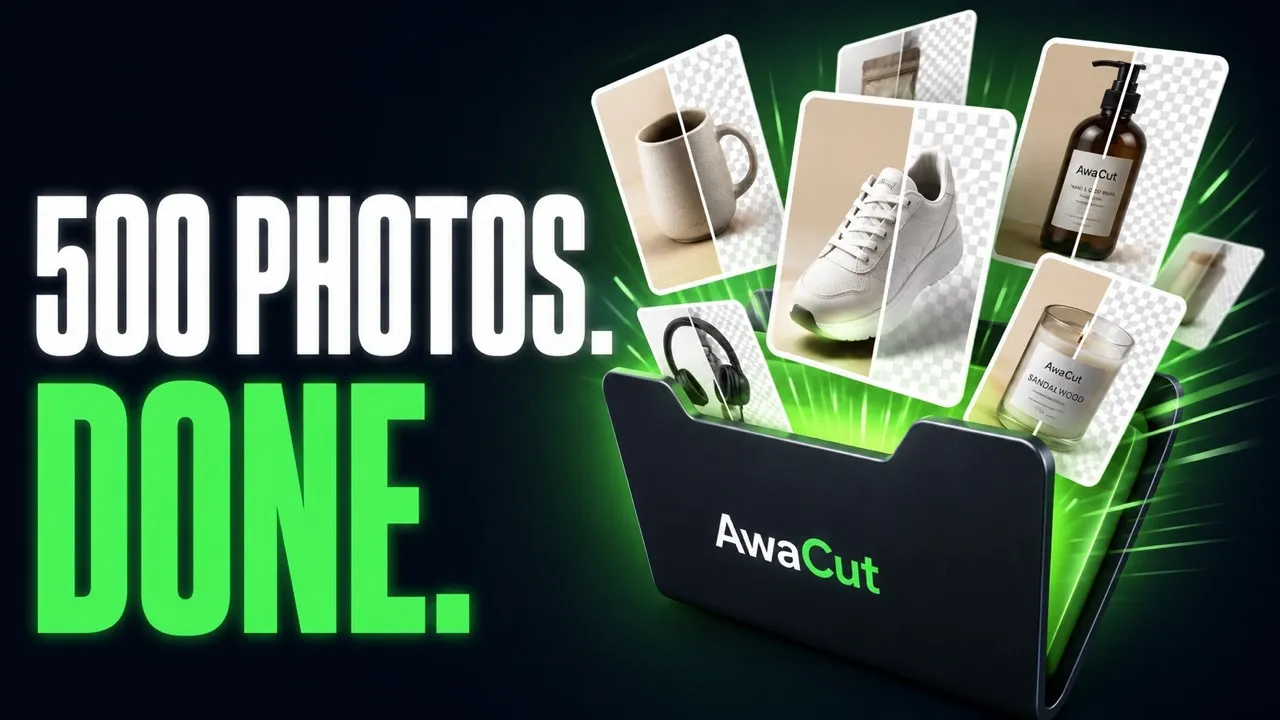
Drop in the folder with your listing photos. AwaCut cuts out every product and puts it on White, transparent (Alpha) or your shop colour, about 4 seconds a photo on a Mac Studio (M4 Max). 500 photos take about 32 minutes, offline.
2 computers per licence. Full refund within 14 days, no reason needed.


- Works offline
- No account, no uploads
- As many photos as you want, all year
Listed onAlternativeToMicrosoft Store
How to edit Etsy product photos, a whole shop at a time
Three steps in AwaCut, the same for one listing or a whole shop.
Drop in the folder of listing photos
Phone shots or studio shots: drag the whole folder in and hundreds queue at once, about 4 seconds each on a Mac Studio (M4 Max).
Pick one background for the shop
White for clean listings, Alpha for transparent PNGs and mockups, or Custom for your shop colour. One setting covers the whole folder.
Check, then upload to Etsy
Each photo is saved as JPG, PNG or WebP at the original resolution as soon as it is ready. Compare Before and After on any of them, then upload them to your listings.
Etsy listing photos, straight out of AwaCut
Product photos in a home setting, cut by the app. No retouching.


Etsy listing photo size, background and thumbnail
Three things that decide how a page of your listings looks.
Etsy listing photo size: 2000 px on the short side
Etsy recommends at least 2000 pixels on the shortest side, in a 4:3 landscape frame. AwaCut keeps the size you shoot: a 12-megapixel phone photo comes back at 12 megapixels.
One background across the shop
Use the same background setting for every folder. A row of listings on the same white or the same colour looks like one shop, not a mix of tables and floors.
Etsy thumbnail size: leave room around the product
Etsy shows the first photo as a smaller, cropped thumbnail in search. Shoot with space around the product, so the crop never cuts into it.
Why not a per-image web tool?
Every Etsy listing takes several photos, and every new collection adds more. Many web tools charge per image or in credits, so the bill grows with the shop. AwaCut is a flat $29 a year: as many photos as you want, all year, and nothing is uploaded.
2 computers per licence. Full refund within 14 days, no reason needed.
Questions Etsy sellers ask
About photo size, backgrounds, selling rights and the price. Not here? Write to contact@aya.software, a person answers.
How many Etsy product photos can I process at once?
As many as the folder holds: hundreds queue automatically at about 4 seconds each on a Mac Studio (M4 Max), offline. 500 photos take about 32 minutes. There are no credits, so a full shop refresh costs nothing beyond the flat $29 a year.
Does AwaCut keep the resolution Etsy recommends?
Yes. AwaCut never shrinks the export: cutouts come back at the original resolution, so a photo at or above Etsy's recommended 2000 pixels on the shortest side stays that size.
Do I need photo-editing skills?
No. Drop the folder, pick a background, check Before and After, export. The app does the cutting; there is nothing to mask or trace by hand.
White or transparent: which is better for Etsy?
For listing photos, choose JPG on White or your shop colour. Use Alpha with PNG when the cutout goes into a mockup, a design or a digital download. To get both, run the folder once, pick another Export to Folder, then switch the setting: AwaCut saves every photo again.
Can I use the cutouts in my Etsy listings?
Yes, the exports are yours to use commercially: listings, ads, mockups, your own website. No watermark is ever written into an export, the ten trial photos included.
Can I try it on my own product photos first?
Yes. The first 10 photos are free, at full resolution, with no account. Try your hardest shots: shiny, see-through or with fine edges.
Does it work on Windows and Mac?
Yes. AwaCut runs on macOS 13.4 or later (Apple silicon), Windows 10 or 11 (64-bit) and Linux, and one licence covers 2 computers. Background removal runs on the computer itself, so it works offline too.
What happens if I cancel?
The app keeps working on the version you have. You can cancel anytime; you only stop getting new versions.
Try it on your own photos
Download AwaCut and cut out 10 photos free. No account, no card, no watermark. Compare the cutouts yourself.
macOS
macOS 13.4+ (Apple silicon)
v1.0.6 · 194 MB
macOSBackground remover for MacWindows
Windows 10 or 11 (64-bit)
v1.0.6 · 180 MB
WindowsBackground remover for WindowsLinux
AppImage (x86-64)
v1.0.6 · 268 MB
LinuxBackground remover for Linux
Signed by AYA MIM S.R.L. If Windows still shows "Windows protected your PC", click More info, then Run anyway.
No AwaCut account. No credits. No uploads. 2 computers per licence, full refund within 14 days.