Comparison
AwaCut vs Pixelcut: two ways to remove a background
Pixelcut started on the phone and grew into a product-photo suite with a web app and a dedicated bulk background remover, sold by subscription. Photos are processed in the cloud. AwaCut is a small desktop app that does the bulk cutout on your own computer, with nothing uploaded: one flat $29 per year, unlimited. Here is the honest comparison.
2 computers per licence. Full refund within 14 days, no reason needed.
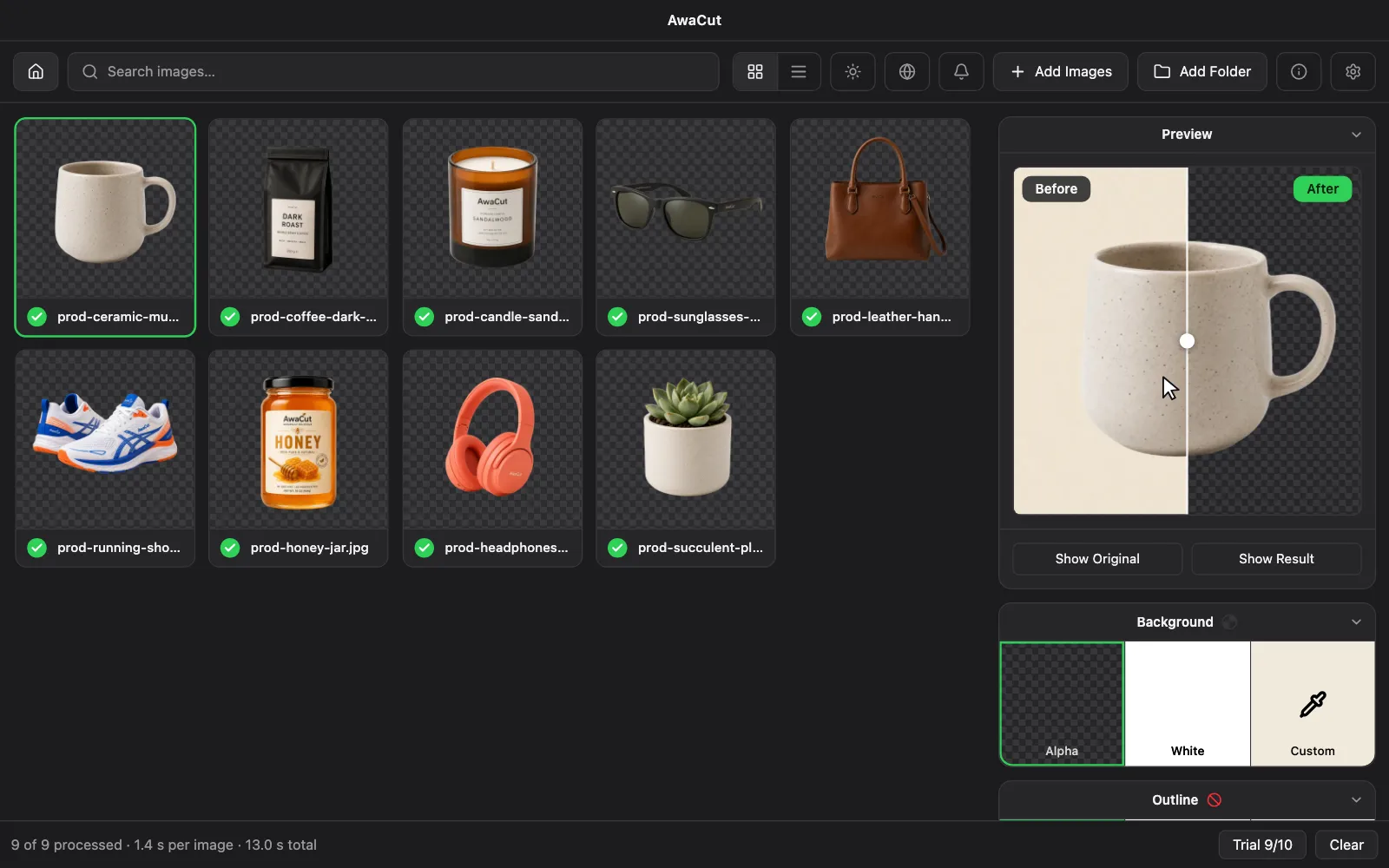
- Works offline
- No account, no uploads
- As many photos as you want, all year
Listed onAlternativeToMicrosoft Store
| Feature | AwaCut | Pixelcut |
|---|---|---|
| Pricing | $29 a year, as many photos as you want | Subscription plans |
| Cost per image | Nothing extra: one yearly price covers every photo | Included while subscribed |
| Where your photos go | They stay on your computer | Uploaded to their servers |
| Works offline | Yes | No |
| Bulk processing | Yes: drop in whole folders | Yes, on paid plans |
| Image limits | Unlimited | Capped by your credit balance or plan |
| Runs on | macOS, Windows and Linux desktop app | Web, iOS and Android |
Checked in September 2026 against Pixelcut's published pages. Prices and features vary by region and can change at any time; the authoritative version is always the one on their site. Spotted something outdated? Tell us and we will correct it: www.pixelcut.ai/bulk/background-remover · contact@aya.software
Real cutouts, straight out of AwaCut
Sample photos processed with the exact model that ships in the app. No retouching, no cherry-picking.

Portraits 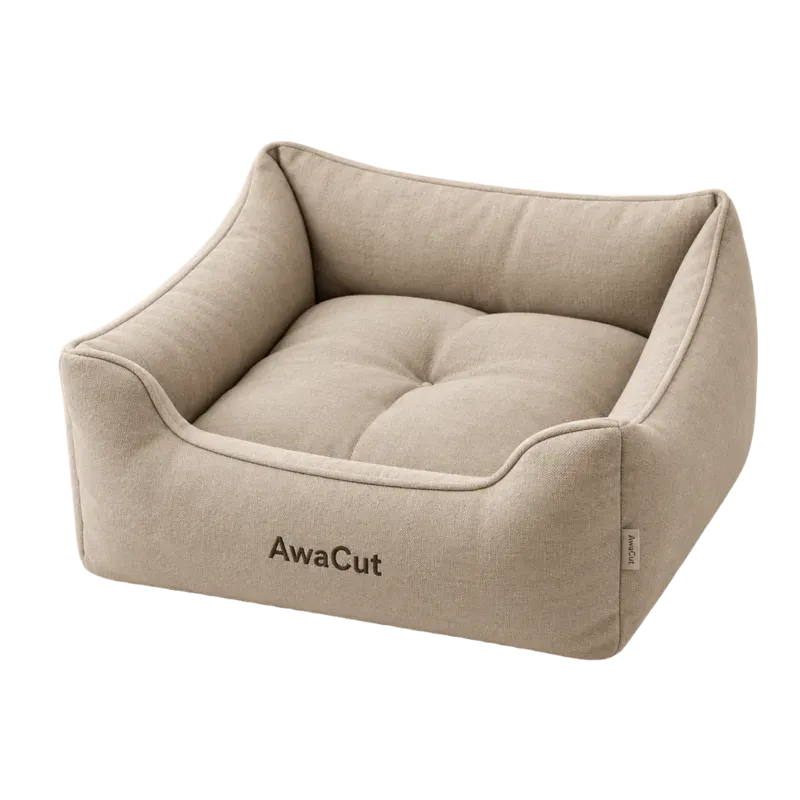
Products 
Pets 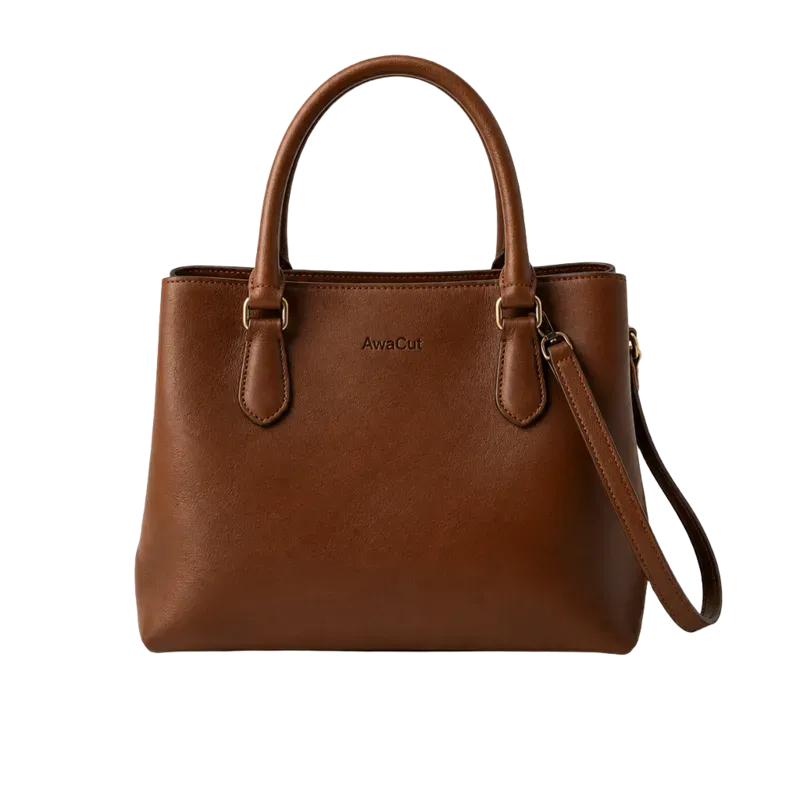
Bags 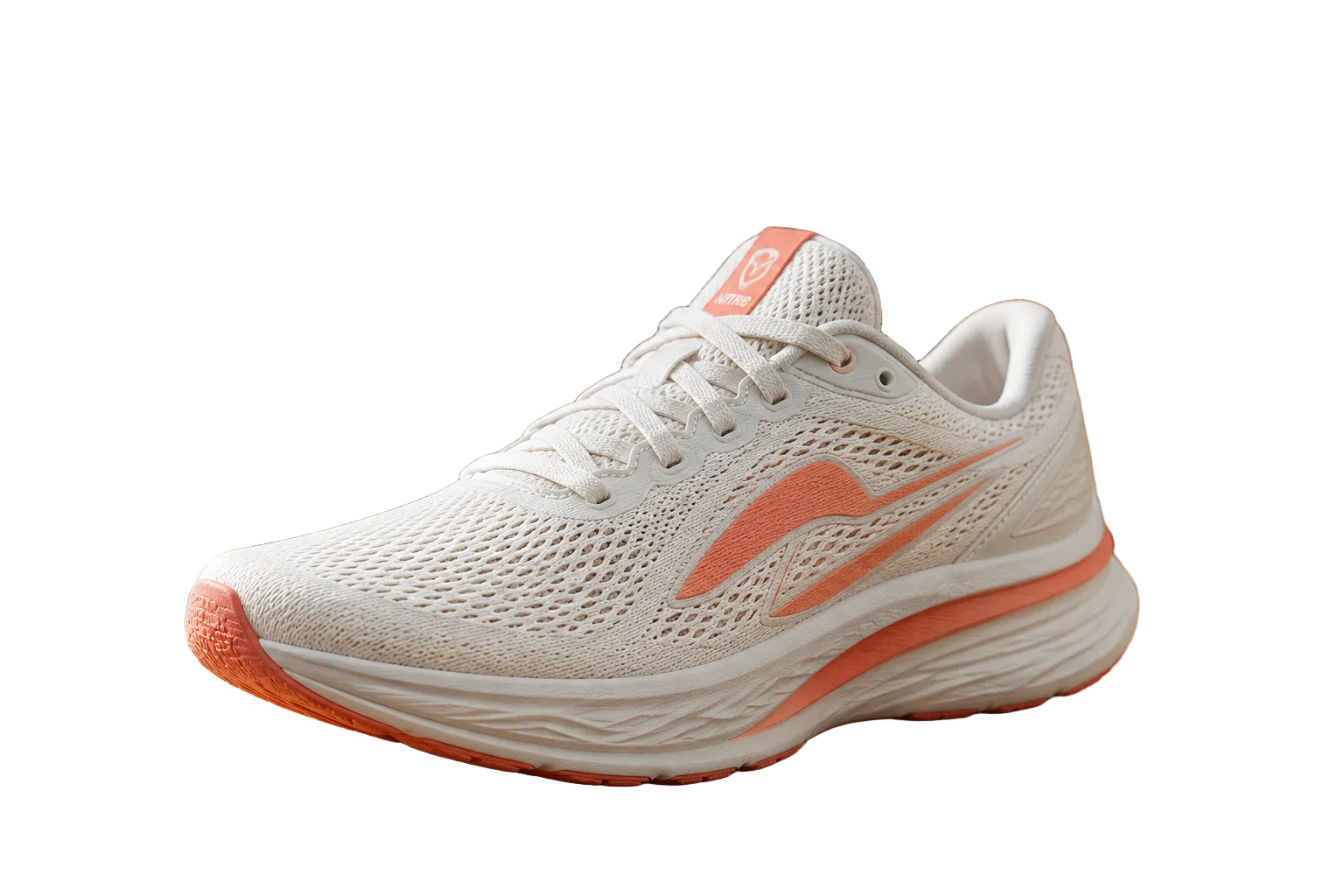
Shoes 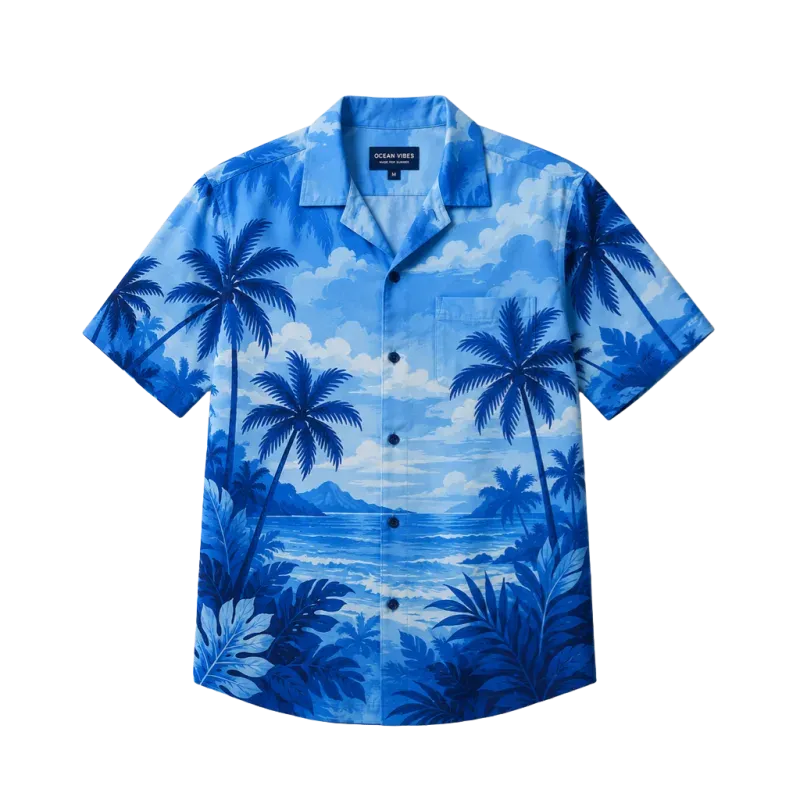
Clothing 
Logos 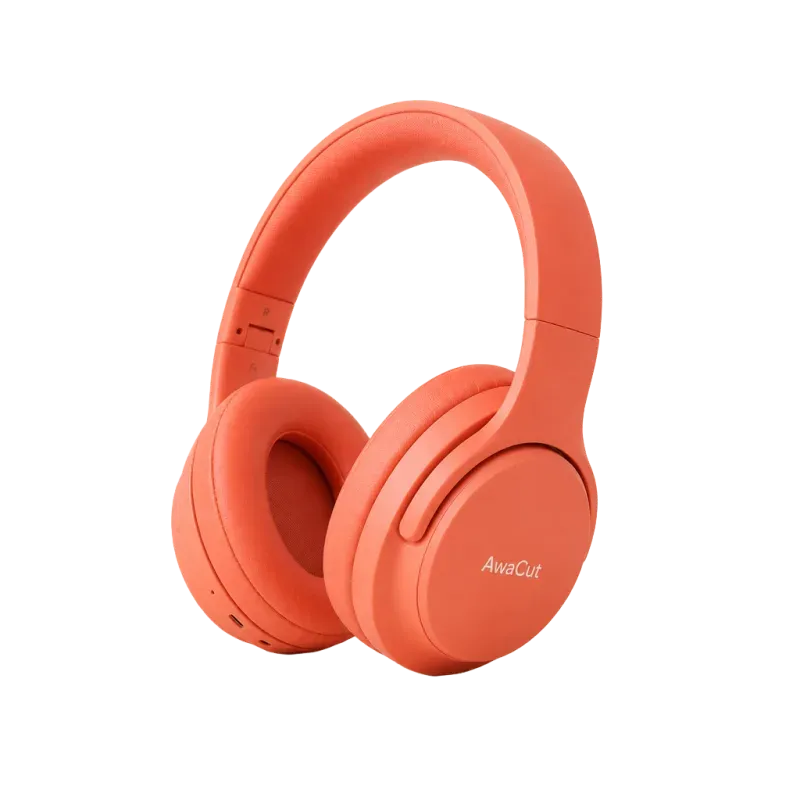
Electronics
When Pixelcut is the better pick
You photograph and list from your phone, and you want cutouts, AI product shots and quick edits in the one app you always carry. For a mobile-first seller, Pixelcut is genuinely convenient.
When AwaCut wins
Your product photos live on a computer, in folders of a hundred or more, and you want them back as finished files without uploading each batch. AwaCut processes the folder locally and exports at the original resolution, for $29 a year.
2 computers per licence. Full refund within 14 days, no reason needed.
Frequently asked questions
Is AwaCut a good Pixelcut alternative?
For batches on a desktop, yes: drop a whole folder, keep the photos on your computer and pay a flat $29 per year with no image cap. For editing and listing straight from a phone, Pixelcut fits better; AwaCut has no mobile app.
Is the cutout quality comparable?
AwaCut uses BiRefNet, an open AI model built for fine edges like hair and fur. Try 10 of your own photos free, at full resolution, and judge the edges before you pay.
Is AwaCut free?
The first 10 photos are free on each computer, at full resolution, with no account. After that it is $29 a year for as many photos as you want, on 2 computers, with no credits. Changed your mind? Full refund within 14 days, no reason needed.
Try it on your own photos
Download AwaCut and cut out 10 photos free. No account, no card, no watermark. Compare the cutouts yourself.
macOS
macOS 13.4+ (Apple silicon)
v1.0.6 · 194 MB
macOSBackground remover for MacWindows
Windows 10 or 11 (64-bit)
v1.0.6 · 180 MB
WindowsBackground remover for WindowsLinux
AppImage (x86-64)
v1.0.6 · 268 MB
LinuxBackground remover for Linux
Signed by AYA MIM S.R.L. If Windows still shows "Windows protected your PC", click More info, then Run anyway.
No AwaCut account. No credits. No uploads. 2 computers per licence, full refund within 14 days.