Instagram post guide
Instagram post size: ratio, dimensions and what gets cropped
Make it 1080 px wide. Instagram keeps a photo's full resolution between 1.91:1 (landscape) and 3:4 (portrait, 1080 × 1440 px). Wider photos are sized down to 1080 px, and other ratios are cropped. The taller the post, the more of the feed it takes: 3:4 is the tallest, 4:5 (1080 × 1350) is a safe choice too. AwaCut puts your product on a clean colour first, offline.
2 computers per licence. Full refund within 14 days, no reason needed.
- Works offline
- No account, no uploads
- As many photos as you want, all year
Listed onAlternativeToMicrosoft Store
Cut the product out with AwaCut
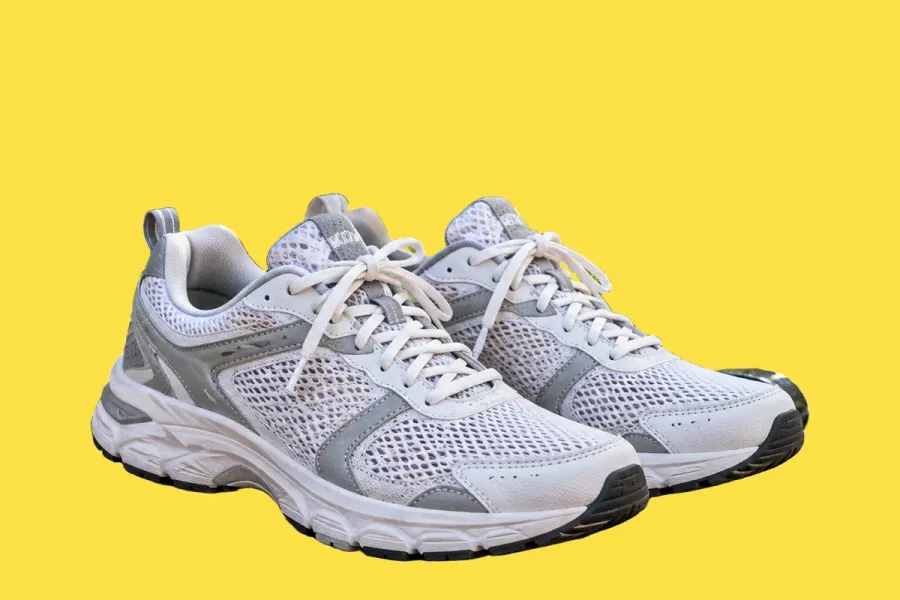
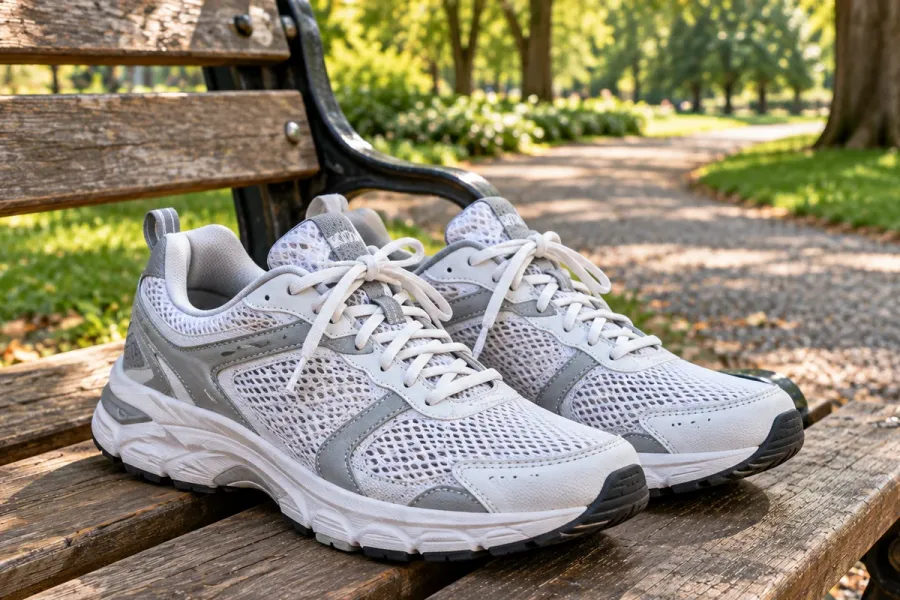
Drop the photo, or a whole folder, into AwaCut. Choose Alpha for a transparent PNG, or Custom and type a colour such as #FDE047 to get it on a plain background straight away. About 4 seconds a photo on a Mac Studio (M4 Max), at full size.
Make it 1080 × 1350 or 1080 × 1440
In any editor, make a 1080 × 1350 (4:5) or 1080 × 1440 (3:4) canvas, place the product low and large, and keep a short headline at the top. Export as JPG.
Post it
In the app, tap + and choose Post, pick the image and keep its crop. On a computer: Create, Post, Select from computer, then Next.
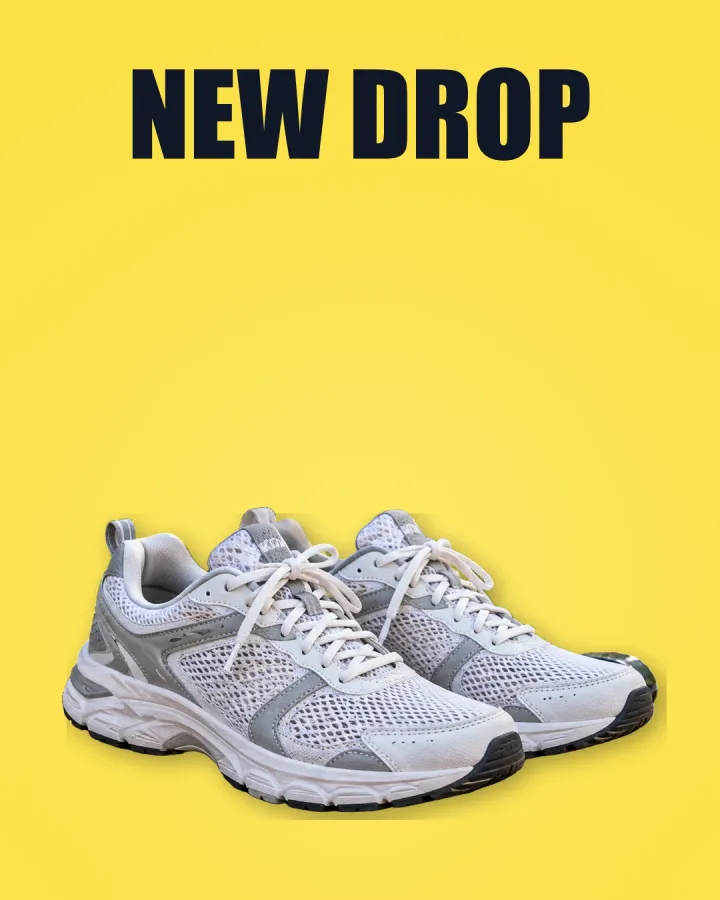
The finished post
1080 × 1350 (4:5), the AwaCut cutout on bright yellow (Custom, #FDE047) with two words at the top. Tall posts fill more of a phone screen than squares.
Check it small
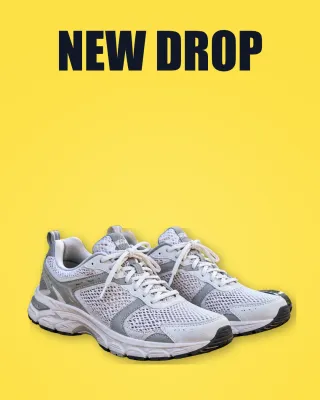
In the feed and the grid the post is a few centimetres wide. A plain colour and a large product still read; a busy photo would not.
Instagram post size in 2026
Width
- What Instagram says
- Photos wider than 1080 px are sized down to 1080
- What to do
- Export at 1080 px wide.
Portrait
- What Instagram says
- Up to 3:4 (1080 × 1440)
- What to do
- 3:4 for the most room; 4:5 (1080 × 1350) also keeps full resolution.
Landscape
- What Instagram says
- Down to 1.91:1 (1080 × 566)
- What to do
- Use it for wide scenes only; it takes less room.
Other ratios
- What Instagram says
- Cropped to a supported ratio
- What to do
- Crop yourself, so you choose what stays.
Your cutout (AwaCut)
- What Instagram says
- Keeps the photo's own size
- What to do
- A 12 MP photo is far above 1080 px.
| What | What Instagram says | What to do |
|---|---|---|
| Width | Photos wider than 1080 px are sized down to 1080 | Export at 1080 px wide. |
| Portrait | Up to 3:4 (1080 × 1440) | 3:4 for the most room; 4:5 (1080 × 1350) also keeps full resolution. |
| Landscape | Down to 1.91:1 (1080 × 566) | Use it for wide scenes only; it takes less room. |
| Other ratios | Cropped to a supported ratio | Crop yourself, so you choose what stays. |
| Your cutout (AwaCut) | Keeps the photo's own size | A 12 MP photo is far above 1080 px. |
Source: Instagram Help Center (“Image resolution of photos you share on Instagram”), read on 25 October 2026.
Three mistakes on Instagram posts
Posting square by habit
A 3:4 post is a third taller than a square and fills more of the screen.
A product lost in its room
Kitchens and shelves pull the eye. A plain colour makes the product the post.
Text at the very edges
The grid preview crops the edges. Keep words in the middle.
A whole catalogue on one colour
Shops whose posts share one background colour look like a brand in the grid. AwaCut cuts out a whole folder at once, so a week of posts is one drop, not one upload per photo. It runs on your computer, with no credits: as many photos as you want, all year.
Try it on your own photos: the first 10 are free, no account.
2 computers per licence. Full refund within 14 days, no reason needed.
Frequently asked questions
What size is an Instagram post?
Make it 1080 px wide. Portrait posts can be up to 3:4 (1080 × 1440 px); landscape goes down to 1.91:1 (1080 × 566 px).
What is the best aspect ratio for Instagram?
Portrait: 3:4 (1080 × 1440 px) is the tallest Instagram keeps at full resolution, and 4:5 (1080 × 1350 px) works too. Both fill more of the screen than a square.
Why does Instagram crop my photo?
Instagram crops photos whose ratio is outside what it supports, and the grid shows a cropped preview. Crop to 4:5 yourself before posting.
How do I resize a photo for Instagram?
Make a 1080 × 1440 or 1080 × 1350 canvas in any editor and place the photo on it. With a cutout from AwaCut, you can put the product anywhere on the canvas without cropping it.
How do I cut out a person or a product for a social media image?
Drop the photo into AwaCut and choose Alpha for a transparent PNG to place on your design, or Custom to put it straight on a colour. It runs offline on Mac, Windows and Linux.
Cut out every photo for your next posts
The first 10 photos are free on each computer, with no account and no card. Then one yearly licence for as many photos as you want.
macOS
macOS 13.4+ (Apple silicon)
v1.0.6 · 194 MB
macOSBackground remover for MacWindows
Windows 10 or 11 (64-bit)
v1.0.6 · 180 MB
WindowsBackground remover for WindowsLinux
AppImage (x86-64)
v1.0.6 · 268 MB
LinuxBackground remover for Linux
Signed by AYA MIM S.R.L. If Windows still shows "Windows protected your PC", click More info, then Run anyway.
No AwaCut account. No credits. No uploads. 2 computers per licence, full refund within 14 days.