Facebook profile picture guide
Facebook profile picture: size, background and how to change it
Facebook does not publish a size for personal profile pictures; it shows them as a circle. Our advice: upload a square photo of at least 1080 × 1080 px, face in the middle, so nothing important falls outside the circle. To change it on a computer, click your picture at the top right, then your name, then the camera on your profile picture. AwaCut puts you on a clean background first, offline.
2 computers per licence. Full refund within 14 days, no reason needed.
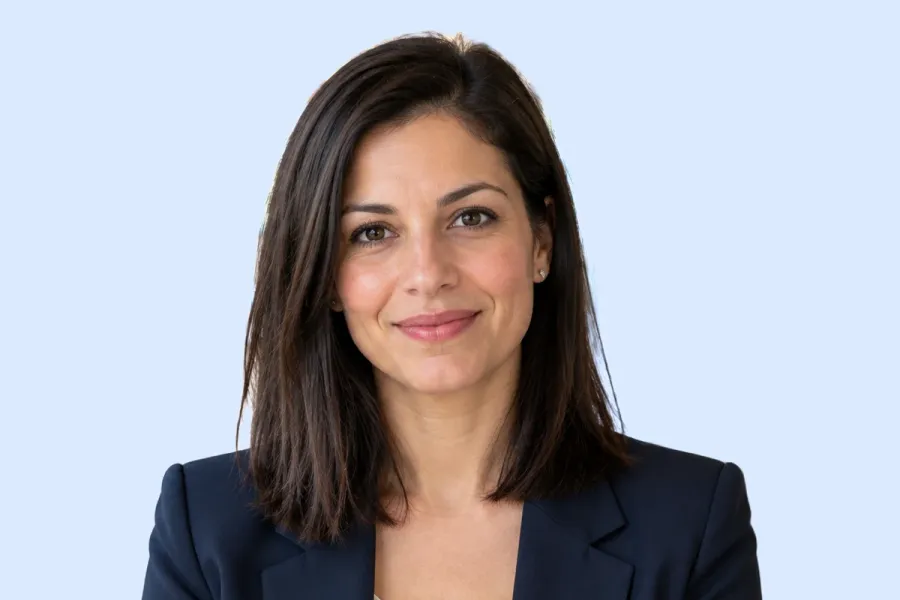
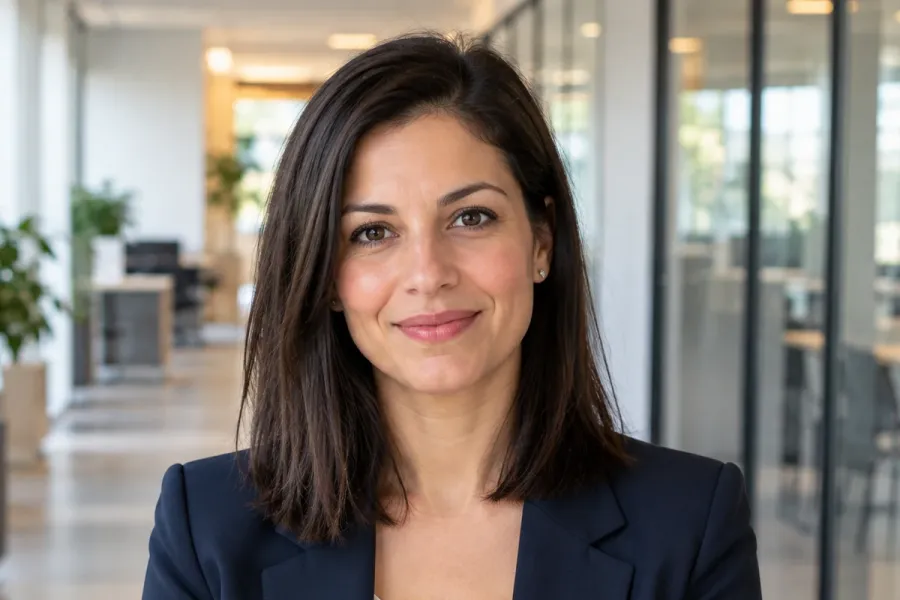
- Works offline
- No account, no uploads
- As many photos as you want, all year
Listed onAlternativeToMicrosoft Store
Pick a photo with your face large
Head and shoulders, good light, looking at the camera. The background does not matter: it is about to go.
Cut yourself out with AwaCut
Drop the photo into AwaCut and choose Custom, then type a colour such as #DBEAFE, a soft blue. You get the same photo on a plain background, at its full size, in about 4 seconds on a Mac Studio (M4 Max).
Crop square and upload
Crop to a square with your face in the middle. On a computer: click your picture at the top right, then your name, then the camera on your profile picture; choose the photo and save.
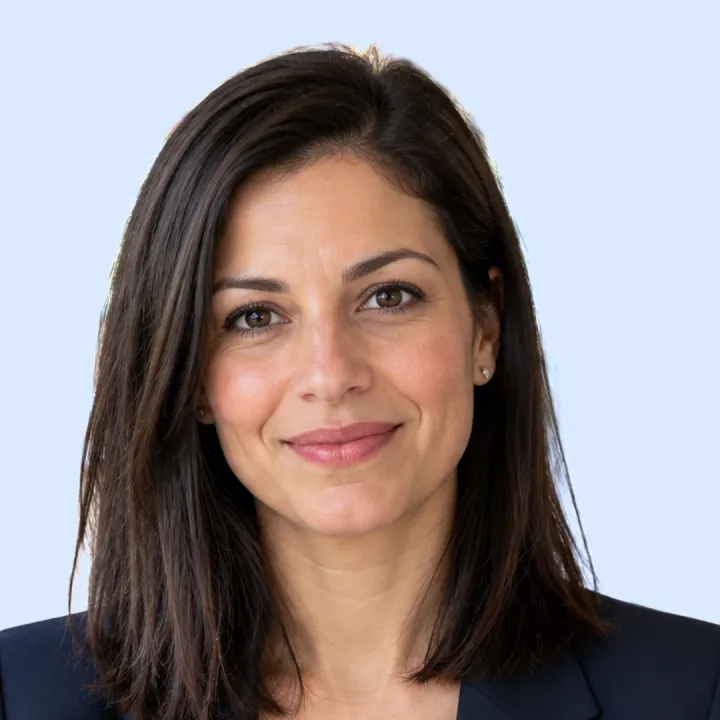
The finished profile picture
The AwaCut cutout on a soft blue (Custom, #DBEAFE), cropped square with the face centred, so the circle keeps it whole.
Check it small
The same picture as a circle at 110 px, about the size on a profile page, and at 40 px, the size beside a comment or a message. The face still reads at both, because it fills the frame and the background is plain.
Facebook profile picture size in 2026
Size (personal profile)
- What Facebook says
- No size published
- What to do
- Upload a square of at least 1080 × 1080 px (our advice).
Shape
- What Facebook says
- Shown as a circle
- What to do
- Keep your face in the middle; the corners are cut off.
Who sees it
- What Facebook says
- Public, like the cover photo
- What to do
- Pick one you are happy for anyone to see.
Your cutout (AwaCut)
- What Facebook says
- Keeps the photo's own size
- What to do
- A 12 MP phone photo is about 4000 × 3000, far above any profile size.
| What | What Facebook says | What to do |
|---|---|---|
| Size (personal profile) | No size published | Upload a square of at least 1080 × 1080 px (our advice). |
| Shape | Shown as a circle | Keep your face in the middle; the corners are cut off. |
| Who sees it | Public, like the cover photo | Pick one you are happy for anyone to see. |
| Your cutout (AwaCut) | Keeps the photo's own size | A 12 MP phone photo is about 4000 × 3000, far above any profile size. |
Source: Facebook Help (“Add or change your profile picture”), read on 25 October 2026.
Three mistakes on Facebook profile pictures
A landscape photo
Facebook crops it to a circle in the middle. Crop it square yourself, so you choose what stays.
A group photo
In a small circle, nobody can tell which one is you.
A background that fights the face
A bright street or patterned wall pulls the eye. A plain colour lets the face lead.
Why a plain background works
At the size of a comment, a profile picture is a few millimetres wide. A plain colour behind you is the difference between a face and a smudge. AwaCut does it on your computer, so your photo never goes to a server, and there are no credits: as many photos as you want, all year.
Try it on your own photos: the first 10 are free, no account.
2 computers per licence. Full refund within 14 days, no reason needed.
Frequently asked questions
What size should a Facebook profile picture be?
Facebook does not publish a size for personal profiles. Upload a square of at least 1080 × 1080 px; it is shown as a circle, so keep your face in the middle.
How do I change my Facebook profile picture?
On a computer, click your profile picture at the top right, then your name, then the camera at the bottom right of your profile picture. Choose an existing photo or upload one, then save. In the app, open your profile and tap your profile picture.
Why does Facebook cut off part of my picture?
The picture is shown as a circle, so the corners of a square, and the sides of a wide photo, are cut. Crop it square with your face centred before uploading.
Is my Facebook profile picture public?
Yes. Facebook's help says cover photos are public, like your profile picture, so anyone visiting your profile can see it.
How do I change the background of my Facebook profile picture?
Drop the photo into AwaCut and choose Custom to put yourself on a plain colour, or White, or Alpha for a transparent PNG. It runs offline on Mac, Windows and Linux.
A clean profile picture, from the photo you already have
The first 10 photos are free on each computer, with no account and no card. Then one yearly licence for as many photos as you want.
macOS
macOS 13.4+ (Apple silicon)
v1.0.6 · 194 MB
macOSBackground remover for MacWindows
Windows 10 or 11 (64-bit)
v1.0.6 · 180 MB
WindowsBackground remover for WindowsLinux
AppImage (x86-64)
v1.0.6 · 268 MB
LinuxBackground remover for Linux
Signed by AYA MIM S.R.L. If Windows still shows "Windows protected your PC", click More info, then Run anyway.
No AwaCut account. No credits. No uploads. 2 computers per licence, full refund within 14 days.