LinkedIn banner guide
LinkedIn banner size: cover photo for profiles and Pages
For your profile, LinkedIn recommends 1584 × 396 px, JPG or PNG, up to 8 MB. For a Company Page, the cover is 1512 × 256 px, up to 3 MB (the 4200 × 700 still quoted on many sites is an old figure). Your profile photo sits over the lower left of the banner, and LinkedIn says it displays differently by window and screen, so keep words in the middle or on the right, away from the edges. AwaCut cuts out your product or yourself for it, offline.
2 computers per licence. Full refund within 14 days, no reason needed.
- Works offline
- No account, no uploads
- As many photos as you want, all year
Listed onAlternativeToMicrosoft Store
Cut the product or yourself out with AwaCut
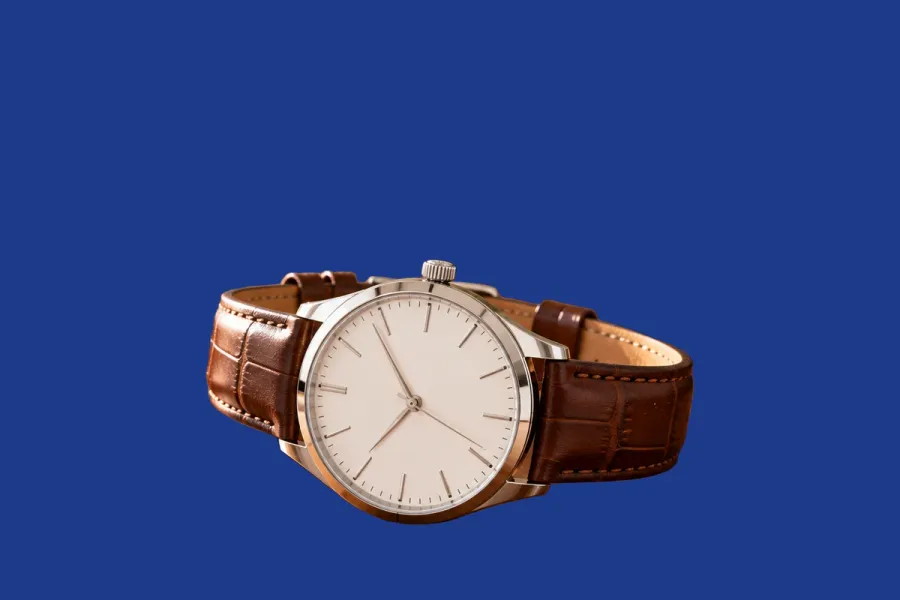
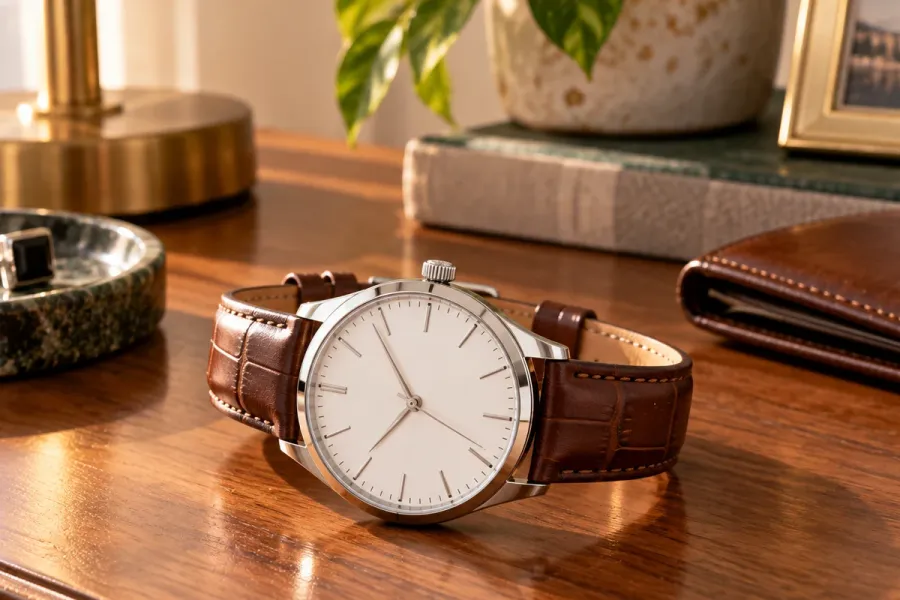
Drop the photo, or a whole folder, into AwaCut. Choose Alpha for a transparent PNG, or Custom and type a colour such as #1E3A8A to get it on a plain background straight away. About 4 seconds a photo on a Mac Studio (M4 Max), at full size.
Make a 1584 × 396 canvas
Leave the left third plain, where your profile photo covers it. Put the words in the middle and the cutout on the right, away from the edges.
Upload it
On a computer: Me, View Profile, then the camera icon at the upper right of your introduction. Upload a single photo, adjust it, and Apply. In the app: open your profile, tap the camera icon, upload, Save.
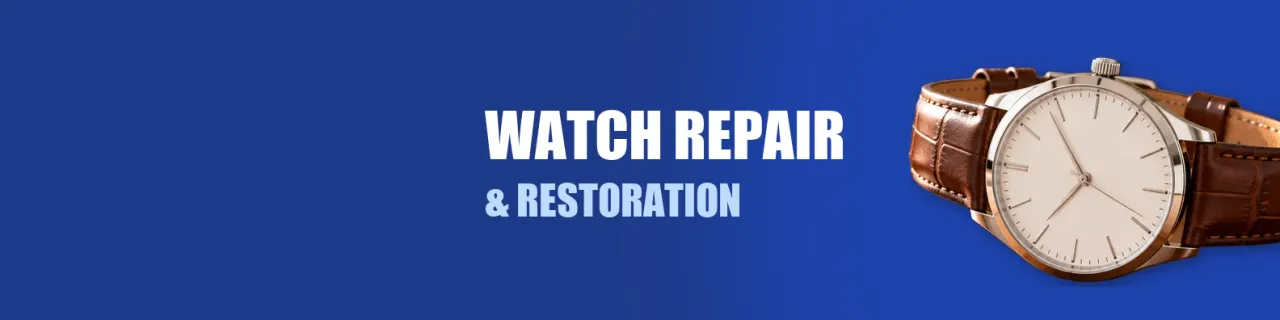
The finished banner
1584 × 396 on navy: the left third plain for the profile photo, the words in the middle, the AwaCut cutout of the watch on the right.
Check it with your photo on top
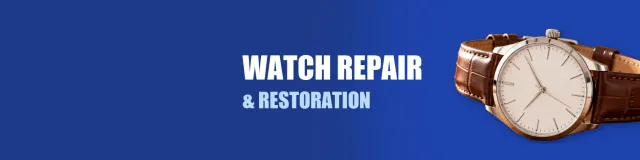
On your profile, the round photo covers the lower left of the banner. Anything you put there is hidden.
LinkedIn banner size in 2026
Profile banner
- LinkedIn's rule
- 1584 × 396 px recommended
- What to do
- Make the canvas this size.
Profile file
- LinkedIn's rule
- JPG or PNG, up to 8 MB
- What to do
- JPG for photos.
Company Page cover
- LinkedIn's rule
- 1512 × 256 px, PNG or JPEG, up to 3 MB
- What to do
- Keep key details away from the edges, especially the lower right.
Display
- LinkedIn's rule
- Changes with the window and the screen
- What to do
- Keep words away from the edges.
Profile photo
- LinkedIn's rule
- Sits over the lower left
- What to do
- Leave that area plain.
Your cutout (AwaCut)
- LinkedIn's rule
- Keeps the photo's own size
- What to do
- A 12 MP photo is far above 396 px tall.
| What | LinkedIn's rule | What to do |
|---|---|---|
| Profile banner | 1584 × 396 px recommended | Make the canvas this size. |
| Profile file | JPG or PNG, up to 8 MB | JPG for photos. |
| Company Page cover | 1512 × 256 px, PNG or JPEG, up to 3 MB | Keep key details away from the edges, especially the lower right. |
| Display | Changes with the window and the screen | Keep words away from the edges. |
| Profile photo | Sits over the lower left | Leave that area plain. |
| Your cutout (AwaCut) | Keeps the photo's own size | A 12 MP photo is far above 396 px tall. |
Source: LinkedIn Help (background photo, Page cover image, image specifications), read on 25 October 2026.
Three mistakes on LinkedIn banners
Words behind the profile photo
The lower left is covered on your profile. Keep it plain.
Using the old 4200 × 700 for a Page
LinkedIn's help now gives 1512 × 256 for Company Page covers.
A city skyline from a stock site
It says nothing about you. Your product or your work on your colour does.
A banner that says what you do
A banner with your product or your face on your colour tells a visitor what you do before they read your headline. One drop into AwaCut cuts out everything for the banner, the posts and the listings around it. It runs on your computer, with no credits: as many photos as you want, all year.
Try it on your own photos: the first 10 are free, no account.
2 computers per licence. Full refund within 14 days, no reason needed.
Frequently asked questions
What size is a LinkedIn banner?
For a personal profile, LinkedIn recommends 1584 × 396 px, JPG or PNG, up to 8 MB.
What size is a LinkedIn Company Page cover?
LinkedIn's help gives 1512 × 256 px, PNG or JPEG, up to 3 MB. The 4200 × 700 figure on many sites is old.
Why is my LinkedIn banner cut off?
LinkedIn says the image can display differently depending on the window size and screen. Keep words away from the edges and out of the lower left, under your photo.
How do I change my LinkedIn background photo?
On a computer: Me, View Profile, then the camera icon at the upper right of your introduction section; upload a photo, adjust it, and Apply.
How do I cut out a person or a product for a social media image?
Drop the photo into AwaCut and choose Alpha for a transparent PNG to place on your design, or Custom to put it straight on a colour. It runs offline on Mac, Windows and Linux.
Cut out everything for your banner
The first 10 photos are free on each computer, with no account and no card. Then one yearly licence for as many photos as you want.
macOS
macOS 13.4+ (Apple silicon)
v1.0.6 · 194 MB
macOSBackground remover for MacWindows
Windows 10 or 11 (64-bit)
v1.0.6 · 180 MB
WindowsBackground remover for WindowsLinux
AppImage (x86-64)
v1.0.6 · 268 MB
LinuxBackground remover for Linux
Signed by AYA MIM S.R.L. If Windows still shows "Windows protected your PC", click More info, then Run anyway.
No AwaCut account. No credits. No uploads. 2 computers per licence, full refund within 14 days.