How-to
How to remove the background from 500 photos at once
Put all 500 photos in one folder, drop the folder onto AwaCut, and let it cut them on your machine at about 4 seconds per photo: roughly 32 minutes for 500 phone photos on a Mac Studio (M4 Max), fully offline. Then export everything as transparent PNGs in one click at the original resolution. No uploads, no credits: the licence is $29/year with unlimited images.
- Works offline
- No account, no uploads
- Unlimited photos, flat price
Put everything in one folder
Drop a whole folder on AwaCut and every image in it is queued, subfolders included, so a catalog or a season's shoot goes in one drop. Picking individual images works too, when you only want a few.
Drop it on the app
The queue starts immediately: each photo is segmented on your machine by the embedded model. Nothing is uploaded, so 500 full-resolution product shots never crawl through your upstream bandwidth.
Check, then export once
Spot-check a few edges with the before/after slider, pick PNG on Alpha (or pure white for marketplaces), choose an export folder, and export every finished cutout in one click.
Real cutouts, straight out of AwaCut
Sample photos processed with the exact model that ships in the app. No retouching, no cherry-picking.

Portraits 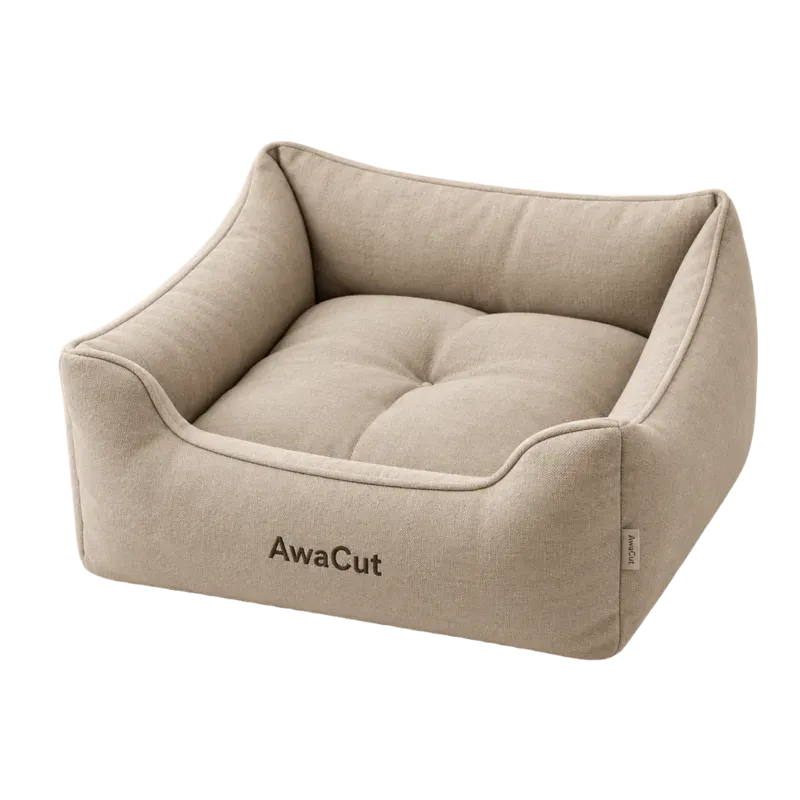
Products 
Pets 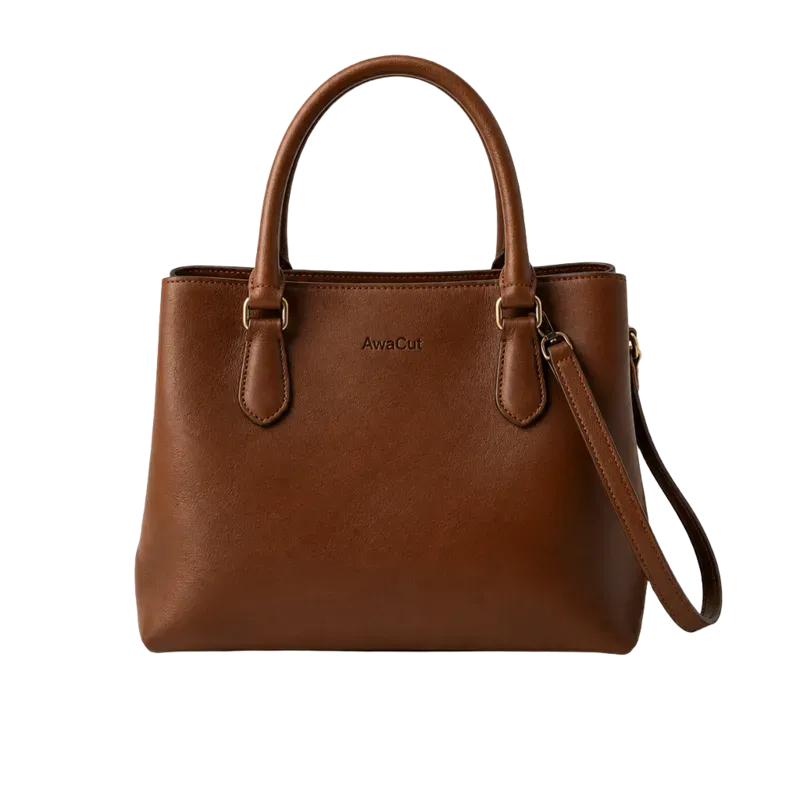
Bags 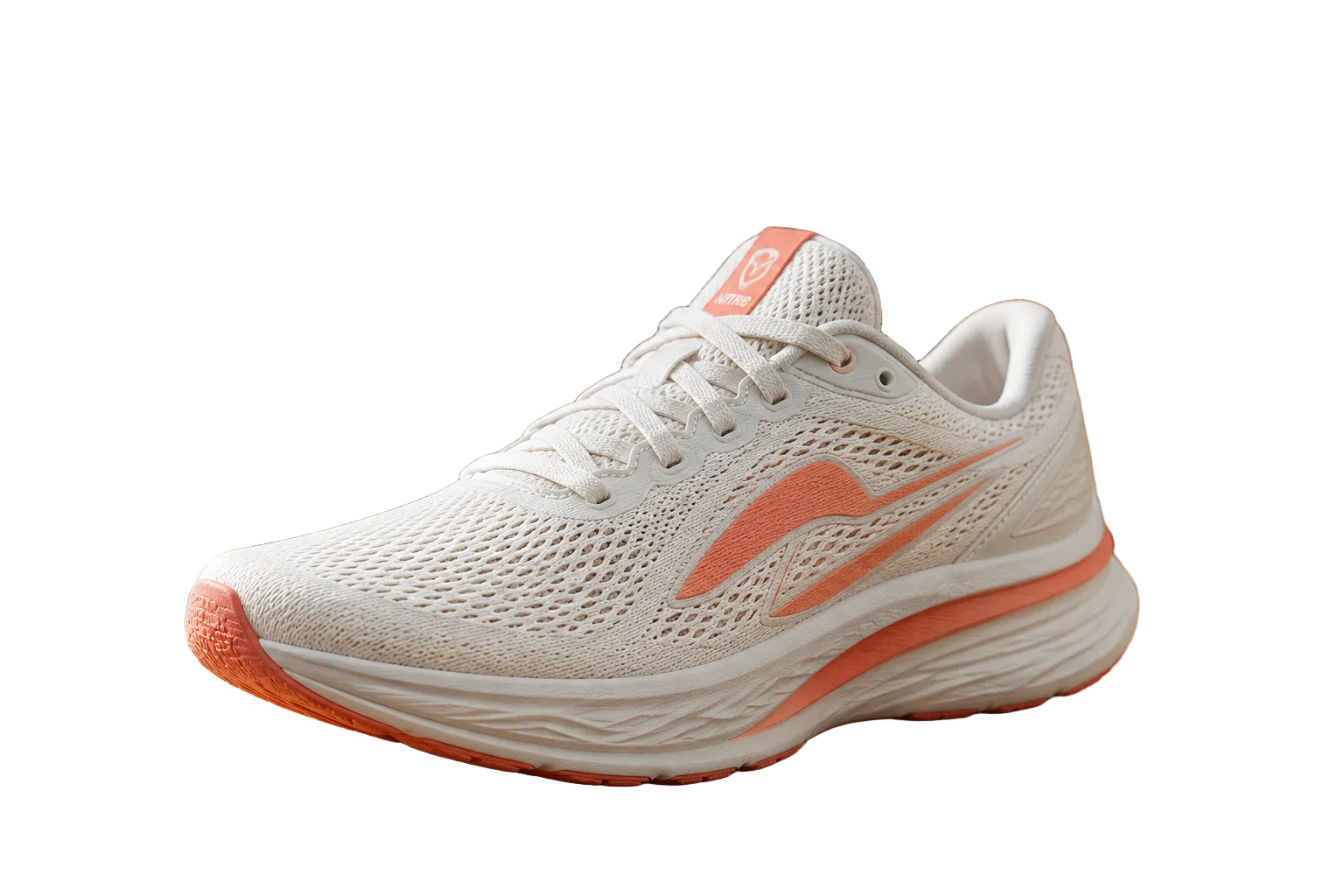
Shoes 
Clothing 
Logos 
Electronics
The arithmetic
At about 4 seconds per photo, 500 phone photos take roughly 32 minutes of machine time and none of yours. Metered web tools price this exact job per image, and the ones that do offer bulk meter it by credits, plan limits or batch allowances. The full price math across pricing models is in the cost study:
Measured on 14 October 2026: 100 phone photos at 12 megapixels (4032 × 3024), one pass, on a Mac Studio M4 Max (36 GB) with AwaCut 1.0.6. 376.5 seconds in total, 3.77 seconds per photo, so a 500-photo folder takes about 32 minutes. Smaller product photos go faster. Speed follows the processor: expect longer on an older laptop, and time your own folder with the free trial before you take our word for it.
Frequently asked questions
Do I need to keep the app open the whole time?
Yes, but that is all. Processing is local and continues while you work on something else, and you can stop and resume any time: finished cutouts are kept.
What does it cost to process 500 photos?
On AwaCut, nothing beyond the flat $29/year licence, whether you run 500 photos once or every week. On per-image credit pricing the same job computes to real money every month: the cost study below has the exact math.
Do 500 exports keep the original resolution?
Yes. The cutout is applied to your original pixels, so a 4,500-pixel photo exports at 4,500 pixels, with a real alpha channel. AwaCut never hands back a smaller image than the one you gave it.
Try it on your own photos
Download AwaCut, process 10 images free, and compare the cutouts yourself.
macOS
macOS 13.4+ (Apple Silicon)
v1.0.6 · 194 MB
macOSBackground remover for MacWindows
Windows 10+
v1.0.6 · 180 MB
WindowsBackground remover for WindowsLinux
AppImage (x86-64)
v1.0.6 · 268 MB
LinuxBackground remover for Linux
Signed by AYA MIM S.R.L. If Windows still shows "Windows protected your PC", click More info, then Run anyway.
No AwaCut account. No credits. No uploads.