Bulk background remover for your computer. Remove backgrounds from hundreds of photos at once.
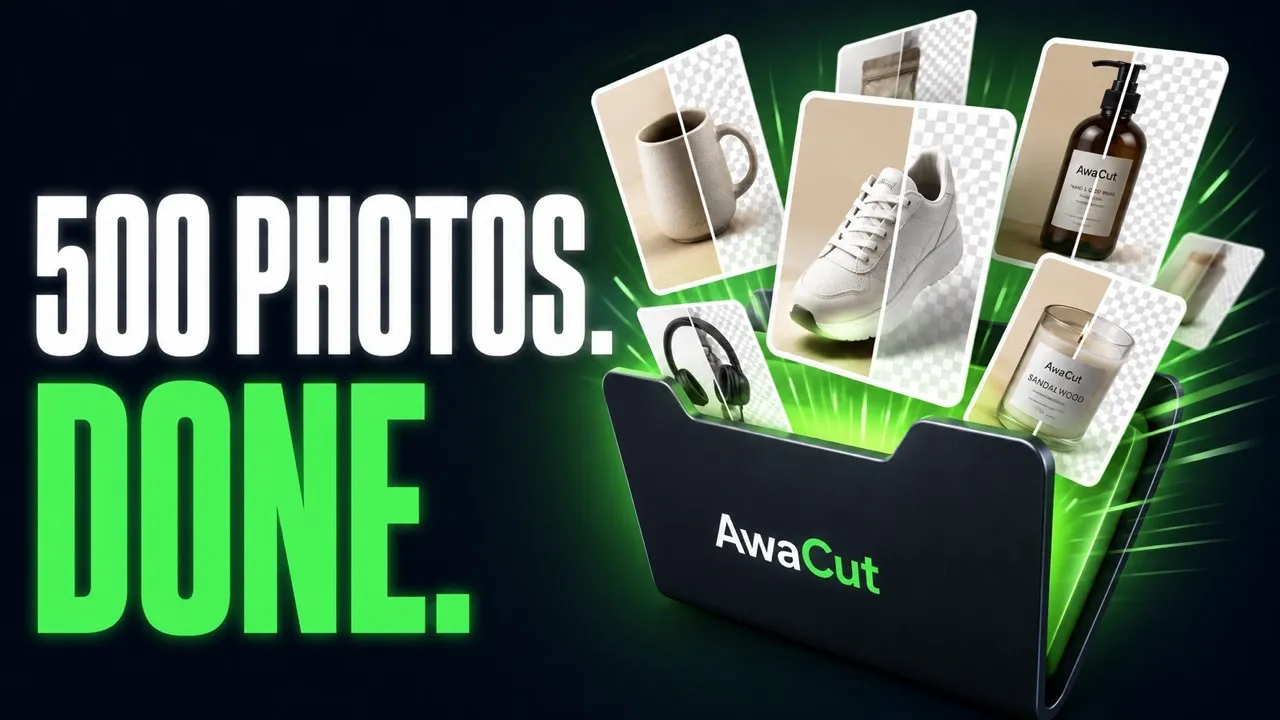
Drop a folder and get every photo back as a transparent PNG, or on white for your shop. 500 phone photos take about 10 minutes on a Mac Studio (M4 Max), offline, with no credits to buy.
Full refund within 14 days, no reason needed.
- 10 photos free, no account
- 2 computers per licence
- No uploads, your photos stay on your computer
Listed onAlternativeToMicrosoft Store
How to remove the background from your photos
Three steps, on your own computer.
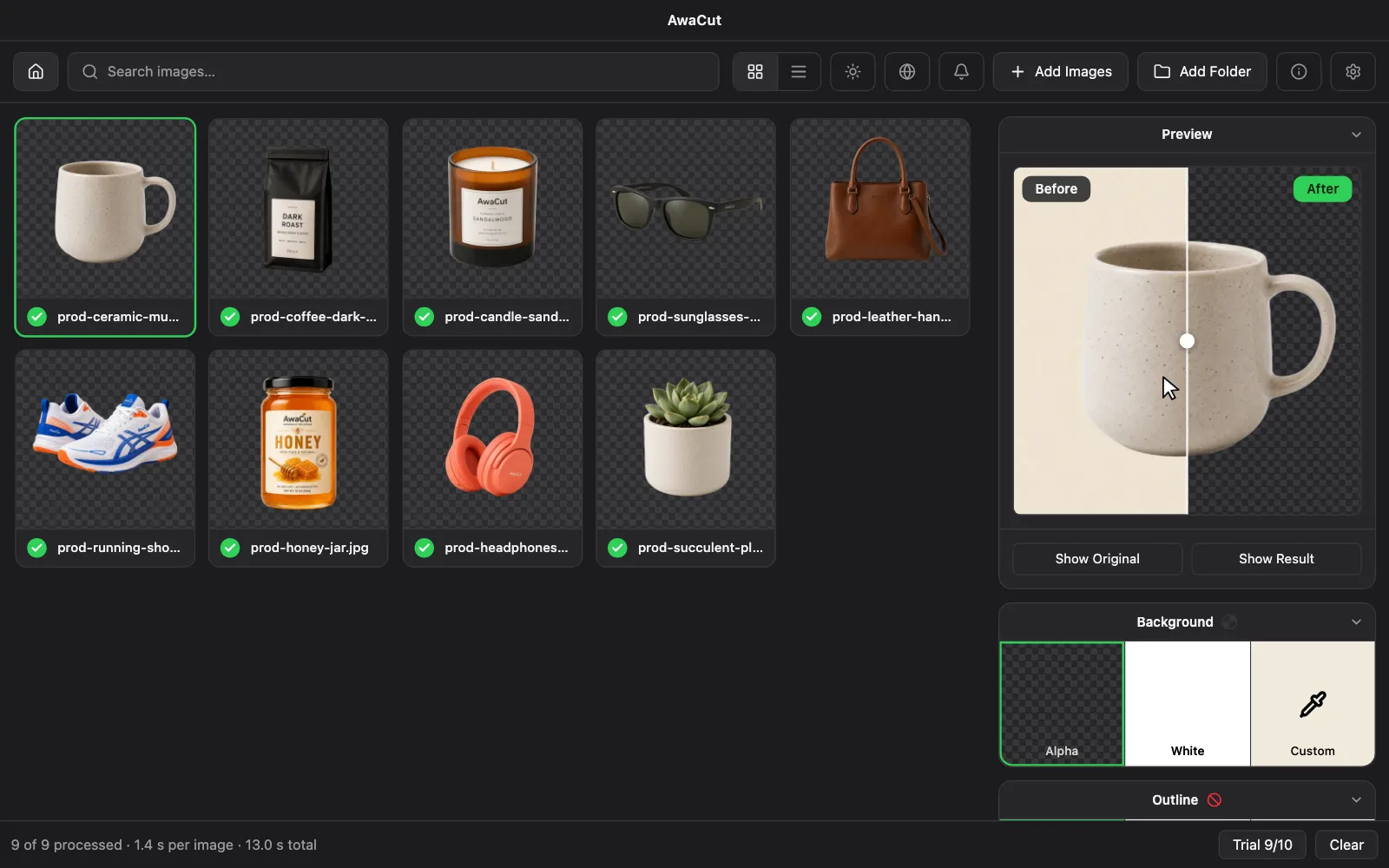
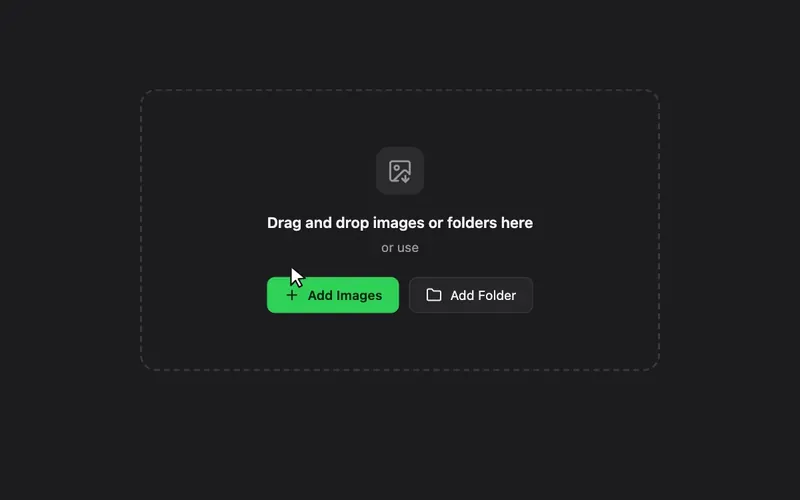
1. Drag in a photo or a whole folder
Hundreds of photos queue at once: JPG, PNG, WebP and TIFF, plus iPhone HEIC on Mac.
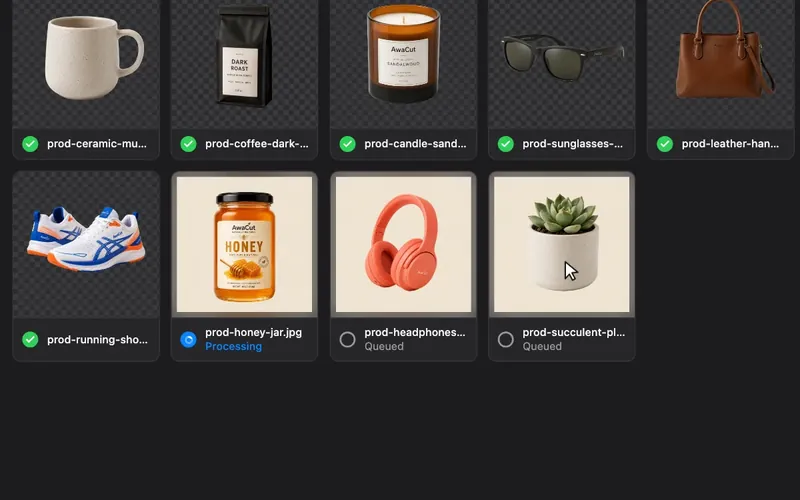
2. Make every background transparent
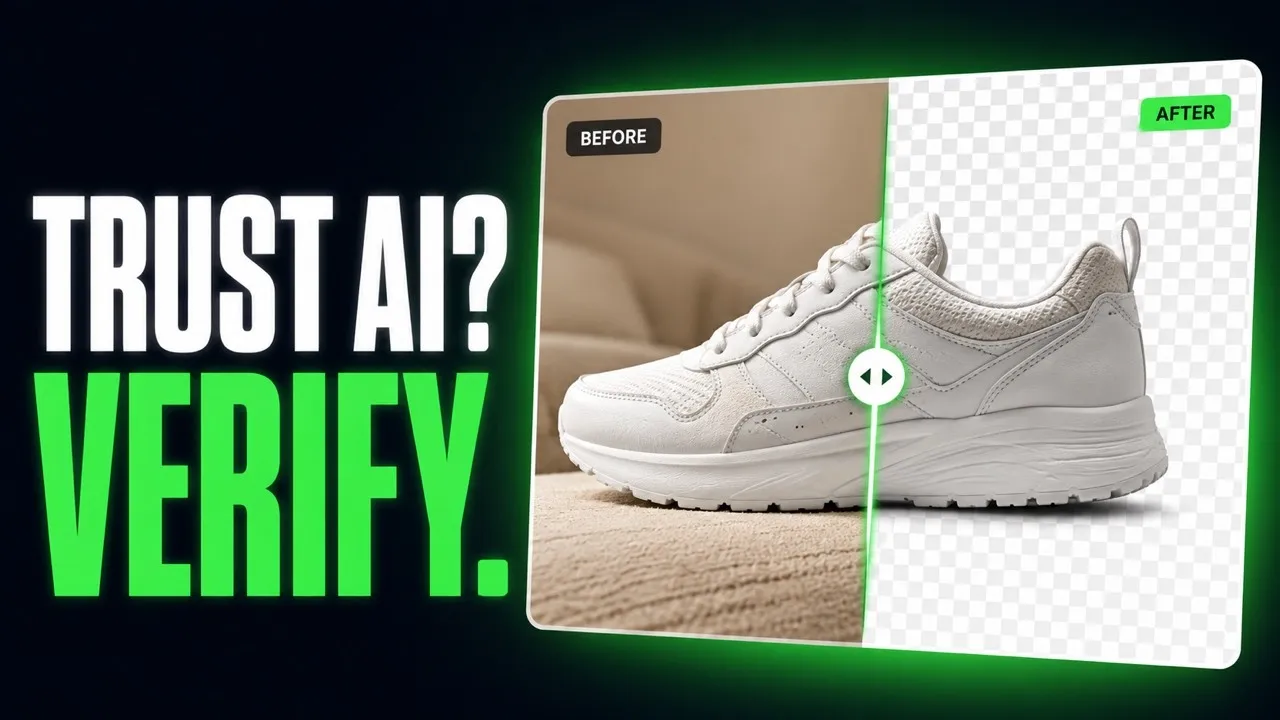
AwaCut does it on its own, on your computer: about 1.2 seconds per phone photo on a Mac Studio (M4 Max). Nothing is uploaded.
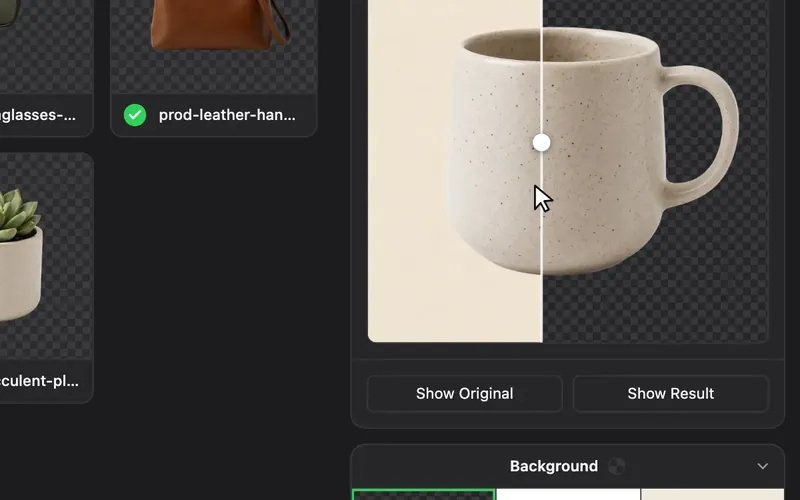
3. Export as transparent PNG or on white
Pick Alpha (transparent), White or Custom for any colour, and add a sticker outline if you want. Every cutout is saved at full resolution to the folder you choose, as soon as it is ready.


AwaCut or an online background remover?
Online tools are quick for one photo. For a folder of photos, this is the difference.
| — | AwaCut | Online removers |
|---|---|---|
| Where it runs | ||
| Where it runs | On your computer, offline too | In the browser, online |
| Your photos | ||
| Your photos | Never leave your computer | Uploaded to their servers |
| A whole folder | ||
| A whole folder | Drop the folder, every photo is done | Mostly one photo at a time |
| How you pay | ||
| How you pay | One yearly price, no credits | Per image, credits or a monthly plan |
| Full size, no watermark | ||
| Full size, no watermark | Always, even in the 10 free photos | Often only on paid credits |
| Account | ||
| Account | None for the trial | Usually needed for full size |
| 500 photos a month, for a year | ||
| 500 photos a month, for a year | $29 a year, as many photos as you want | €85 (≈ $99) with Erase.bg, the cheapest pay-per-image tool we track (September–October 2026) |
Also in AwaCut
Compress, convert, find duplicates
More tools in the same app, for the same folders of photos.
- Free, no limitBulk image compressorMake JPG and PNG photos smaller, a whole folder at once. Originals are never touched.
- Free, no limitDuplicate photo finderFind every exact copy across folders and drives. Copies are moved, never deleted.
- 10 photos freeBatch image converterTurn a folder into JPG, PNG, WebP or JPEG XL. Reads AVIF, JXL and, on a Mac, HEIC.
How to remove the background from images: 20 guides
Pick what you are deciding: which tool and what it costs, a transparent background, a white or coloured one, or a whole folder at full quality.
- Remove backgrounds without losing qualityRemove background in HD. AwaCut keeps every pixel of your photo, on your own computer.
- Transparent PNG background removerMake an image transparent: remove the background from one photo or a whole folder and save transparent PNGs at full size. Offline.
- Remove a white backgroundMake a white background transparent without holes in the white parts of your logo or product. One image or a whole folder, offline.
- AI background remover, on your computerAn AI background remover for whole folders on Mac, Windows or Linux. The BiRefNet model runs offline: no uploads, no credits.
- JPG to transparent PNGTurn JPG or JPEG photos into transparent PNGs, one or a whole folder at once, offline.
- Cut out imagesA desktop app that cuts out the subject of every photo in a folder, offline. Transparent, white or any colour behind it.
- Remove background from multiple imagesBackground remover for multiple images: drop a folder and AwaCut cuts every photo on your own computer.
- Best bulk background removers9 bulk background removers compared: where they run, the price per image, and which work offline. Prices dated September 2026. Written by the makers of AwaCut.
- Product photos on a white backgroundPut every product photo on pure white (255, 255, 255), the value Amazon and Walmart require. A whole folder at once, on your computer.
Video tutorials, under a minute each
Short, no-fluff video tutorials for every feature, on the AWA TOOLS channel.


FAQ
Frequently asked questions
Is AwaCut free?
The download is free, and so are your first 10 photos: full resolution, no watermark, no account. After that it is $29 a year for as many photos as you want, with no cost per photo. That is not the same as free: free tools such as rembg cost nothing, but you install Python and work in a terminal. AwaCut is one installer with the AI model inside.
Can I remove backgrounds from multiple images at once?
Yes. Drag in hundreds of images and AwaCut processes them locally, one after another, at about 1.2 seconds per phone photo on a Mac Studio (M4 Max). Bulk background removal is exactly what it is built for.
Does AwaCut remove backgrounds offline?
Yes. The AI model ships inside the app, so your images never leave your computer and a whole folder can be cut with no connection at all. The licence itself is activated online once and revalidated about once a day.
Can it remove the background from iPhone (HEIC) photos?
Yes, on a Mac AwaCut opens HEIC, the iPhone's photo format, directly. On every platform it reads JPG, PNG, WebP, BMP and TIFF. Cutouts export as PNG or WebP with real transparency, or as JPG on a solid background.
What does AwaCut cost?
$29 a year for macOS, Windows and Linux, and one licence covers 2 computers. There are no credits, no per-image limit and no quotas: one plan, unlimited photos.
Can I get my money back?
Yes, all of it. Ask within 14 days of buying, wherever you live, and no reason is needed. Before you pay, your first 10 photos are free, so you can try AwaCut on your own pictures.
Is AwaCut a remove.bg alternative?
Yes, for offline and bulk work. AwaCut uploads nothing, charges no per-image credits and processes unlimited photos for one yearly price. remove.bg's standalone service closes on 1 December 2026.
Windows says "Windows protected your PC". Is AwaCut safe to run?
Yes. The simplest way is the Microsoft Store: Microsoft checks every version before it is published there. The Windows installer is signed by AYA MIM S.R.L., the company that makes AwaCut, with a code signing certificate from Certum. If Windows shows this screen, click "More info": it names AYA MIM S.R.L. as the publisher. Then click "Run anyway". Windows Defender still scans the file as usual. AwaCut is also on the Microsoft Store: same app, same licence key. Download it only from awacut.com or the Microsoft Store. The Mac version is signed and notarized by Apple.
Download the background remover for Mac, Windows and Linux
Your first 10 photos are free. After that, one yearly price for as many photos as you want, on 2 computers.
$29/ year
One yearly price instead of a monthly bill. That is less than $2.50 a month.
- Mac, Windows and Linux, on 2 computers
- Unlimited photos, no credits, no watermark
- Cancel anytime: the app keeps working on your version
Full refund within 14 days, no reason needed. Key by email after checkout.

macOS
macOS 13.4+ (Apple silicon)v1.0.7 · 186 MB
Windows
Windows 10 or 11 (64-bit)v1.0.7 · 176 MB
Linux
AppImage (x86-64)v1.0.7 · 263 MB
Signed by AYA MIM S.R.L. If Windows still shows "Windows protected your PC", click More info, then Run anyway.
No AwaCut account. No credits. No uploads. 2 computers per licence, full refund within 14 days.