Vergleich
AwaCut vs. Photoshop: Hintergründe im Stapel entfernen für 29 USD im Jahr
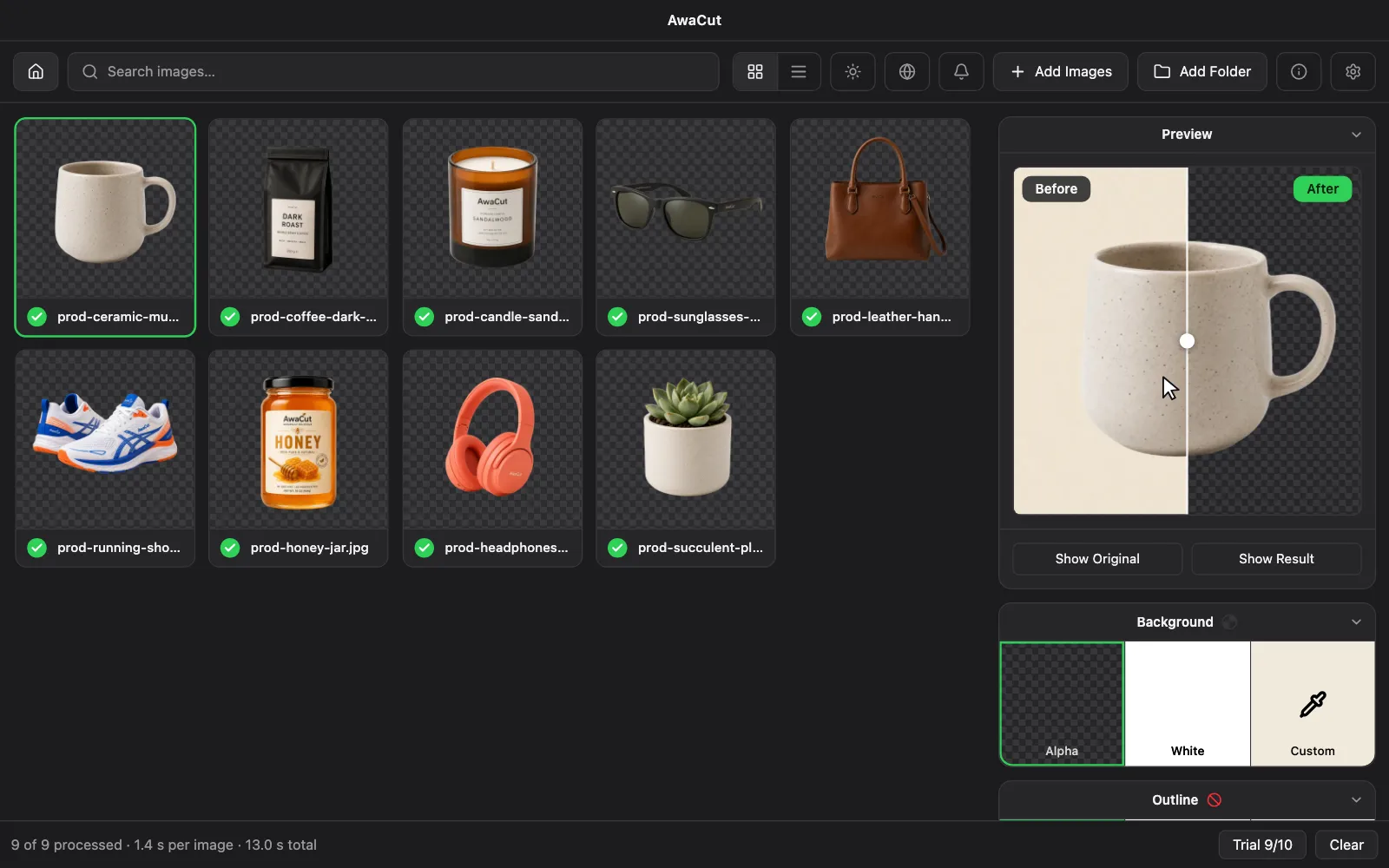
Adobe Photoshop kann Hintergründe aus einem ganzen Ordner entfernen, wenn Sie eine Aktion aufzeichnen und sie als Stapel ausführen. Es kostet 22,99 US$ im Monat, etwa 276 US$ im Jahr. AwaCut erledigt ganze Ordner ohne Einrichtung, für 29 USD im Jahr. Beide laufen auf Ihrem Rechner.
Oder direkt kaufen: 29 USD/Jahr
2 Rechner pro Lizenz. Volle Erstattung innerhalb von 14 Tagen, ohne Angabe von Gründen.
- Funktioniert offline
- Kein Konto, keine Uploads
- So viele Fotos, wie Sie wollen, das ganze Jahr
Gelistet aufAlternativeToMicrosoft Store
| Merkmal | AwaCut | Adobe Photoshop |
|---|---|---|
| Preismodell | 29 USD im Jahr, so viele Fotos, wie Sie wollen | Abo-Tarife (22,99 US$ im Monat im Jahresabo, etwa 276 US$ im Jahr, Oktober 2026) |
| Kosten pro Bild | Nichts extra: ein Jahrespreis deckt jedes Foto ab | Im Abo enthalten; Sie zahlen mit Ihrer Zeit pro Foto |
| Wohin die Fotos gehen | Sie bleiben auf dem eigenen Rechner | Sie bleiben auch hier auf dem eigenen Rechner |
| Funktioniert offline | Ja | Ja, mit regelmäßiger Adobe-Anmeldung |
| Stapelverarbeitung | Ja: ganze Ordner hineinziehen | Möglich: eine Aktion aufzeichnen, dann Datei > Automatisieren > Stapelverarbeitung auf einen Ordner anwenden. Sie richten es ein und prüfen die Ergebnisse. |
| Bildlimits | Unbegrenzt | Unbegrenzt |
| Läuft auf | Desktop-App für macOS, Windows und Linux | Desktop-App für Windows und macOS |
Geprüft im Oktober 2026 anhand der von Adobe Photoshop veröffentlichten Seiten. Preise und Funktionen variieren je nach Region und können sich jederzeit ändern; maßgeblich ist immer die Version auf deren Website. Etwas Veraltetes entdeckt? Eine kurze Nachricht genügt, wir korrigieren es: www.adobe.com/products/photoshop.html · contact@aya.software
Echte Freisteller, direkt aus AwaCut
Beispielfotos, verarbeitet mit genau dem Modell aus der App. Ohne Retusche, ohne Rosinenpickerei.
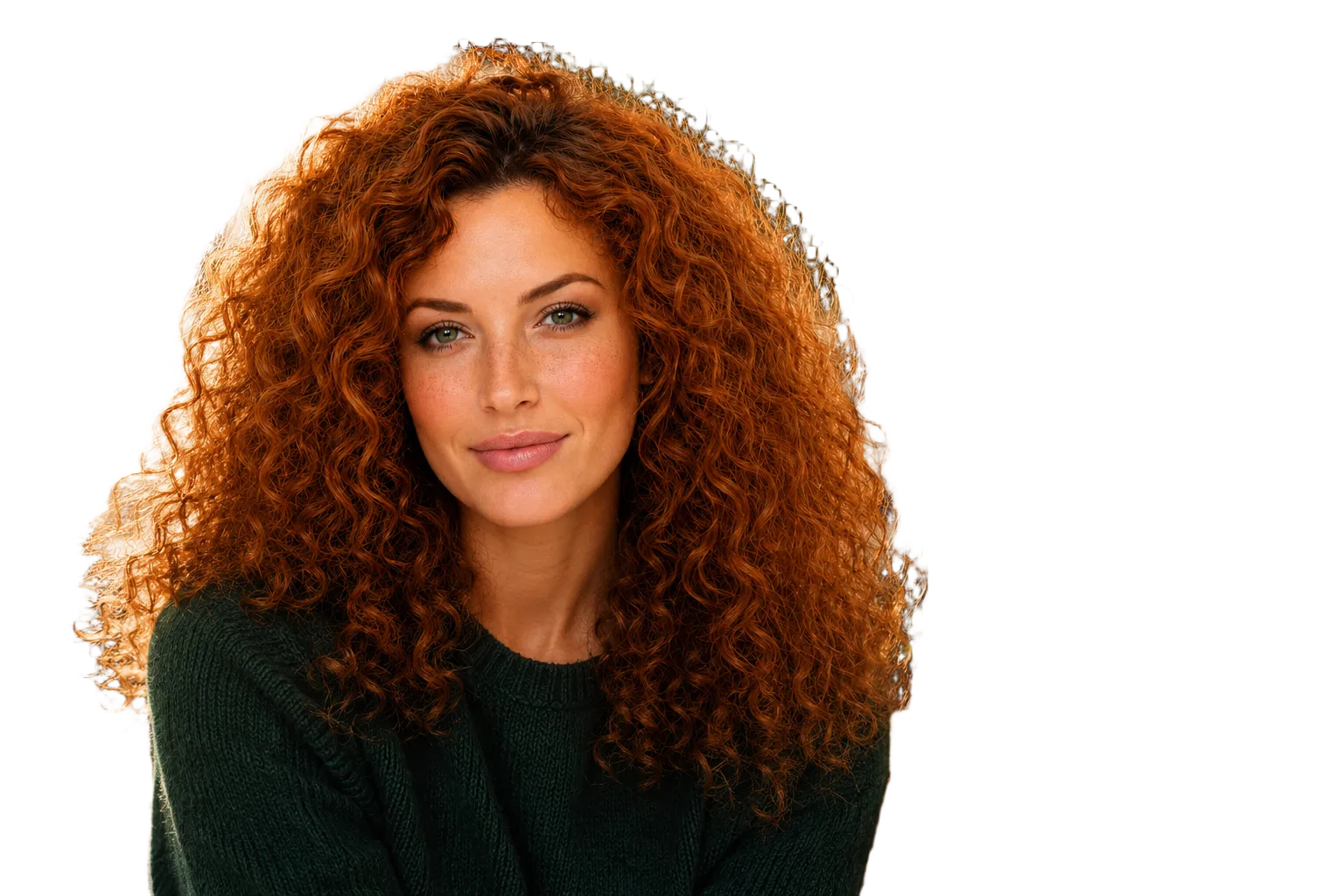
Porträts 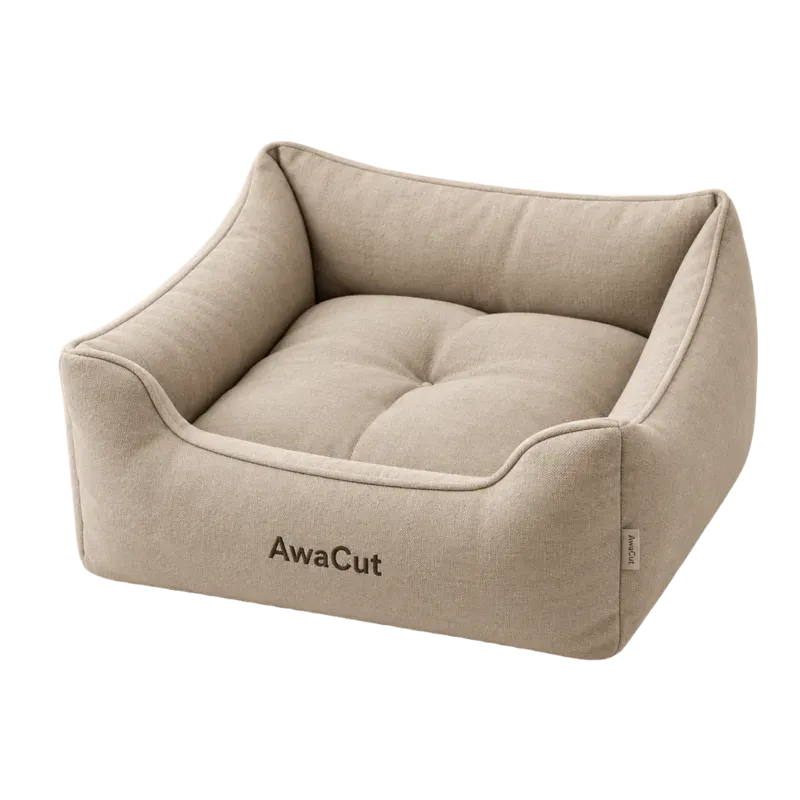
Produkte 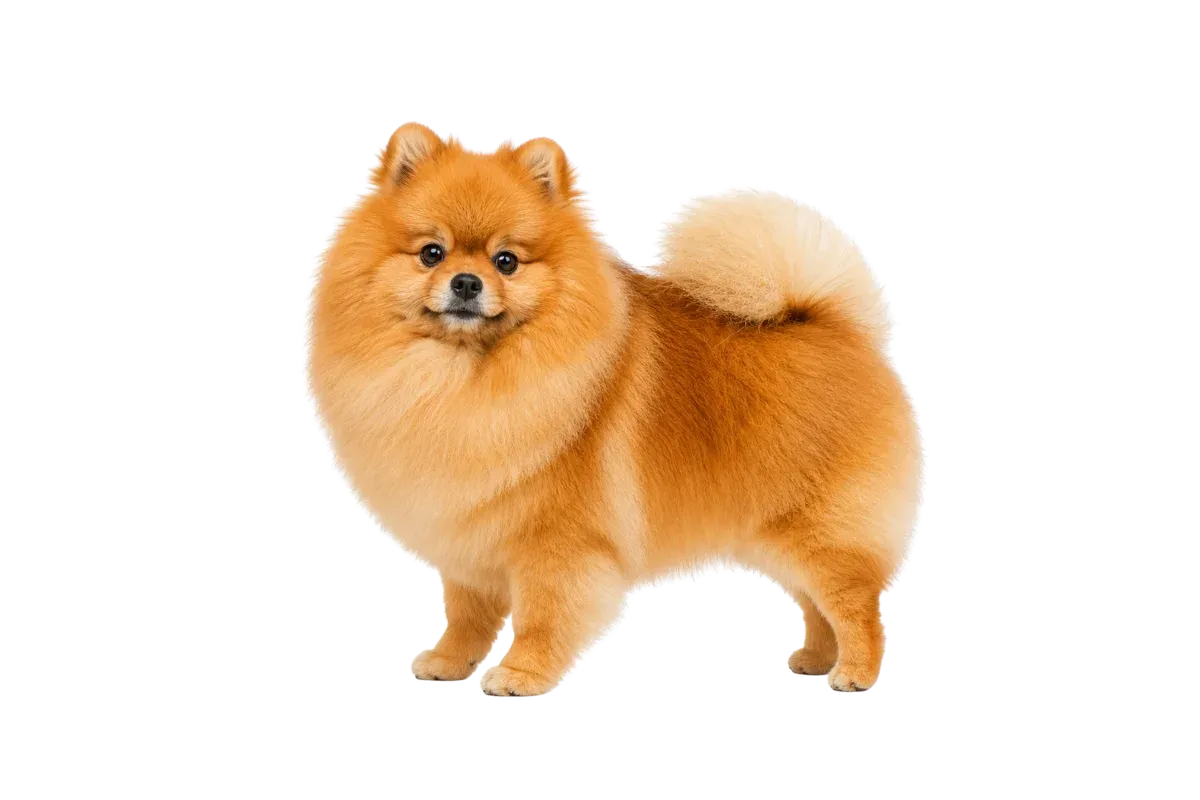
Haustiere 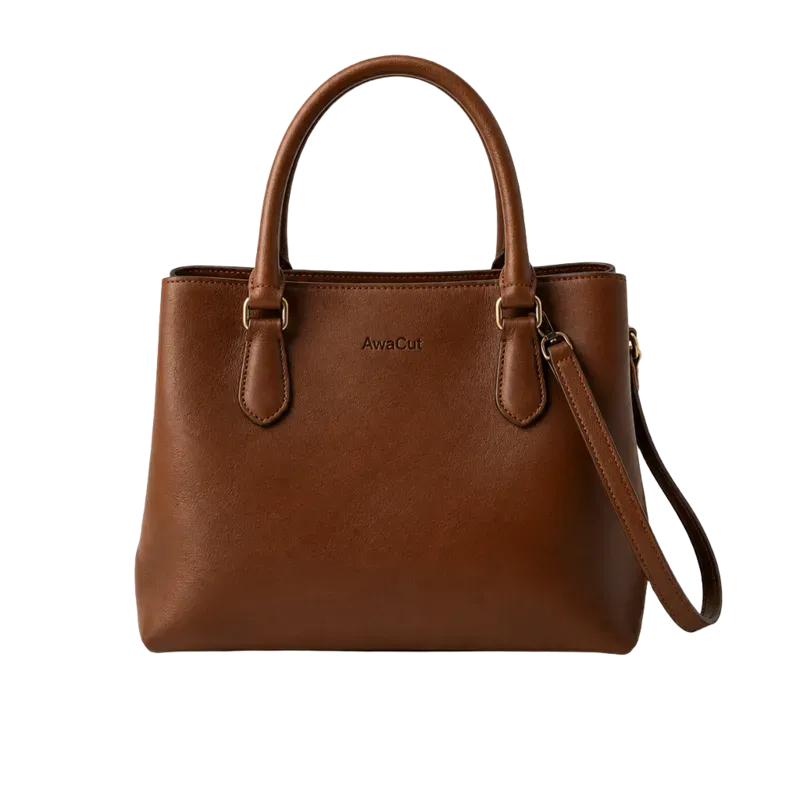
Taschen 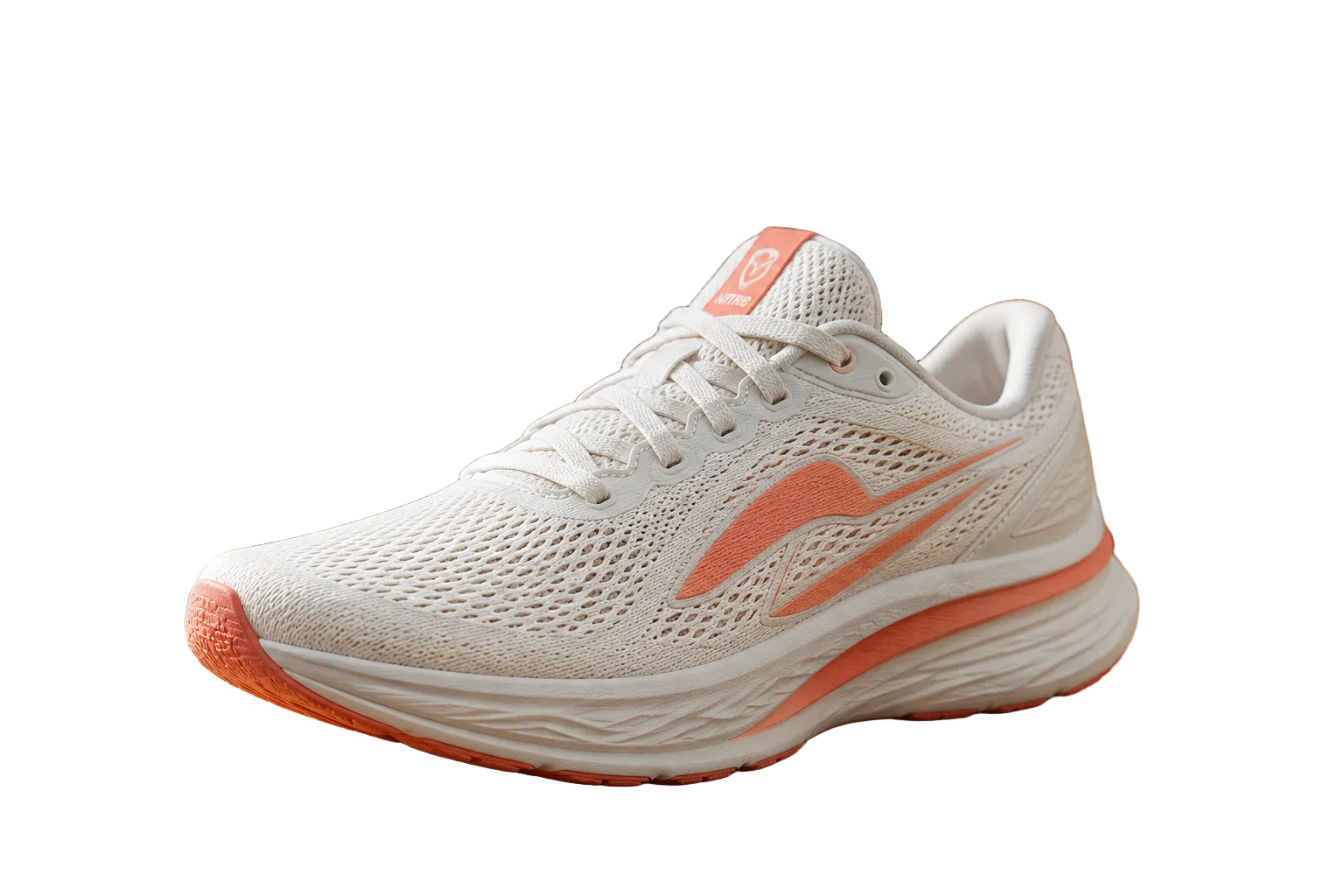
Schuhe 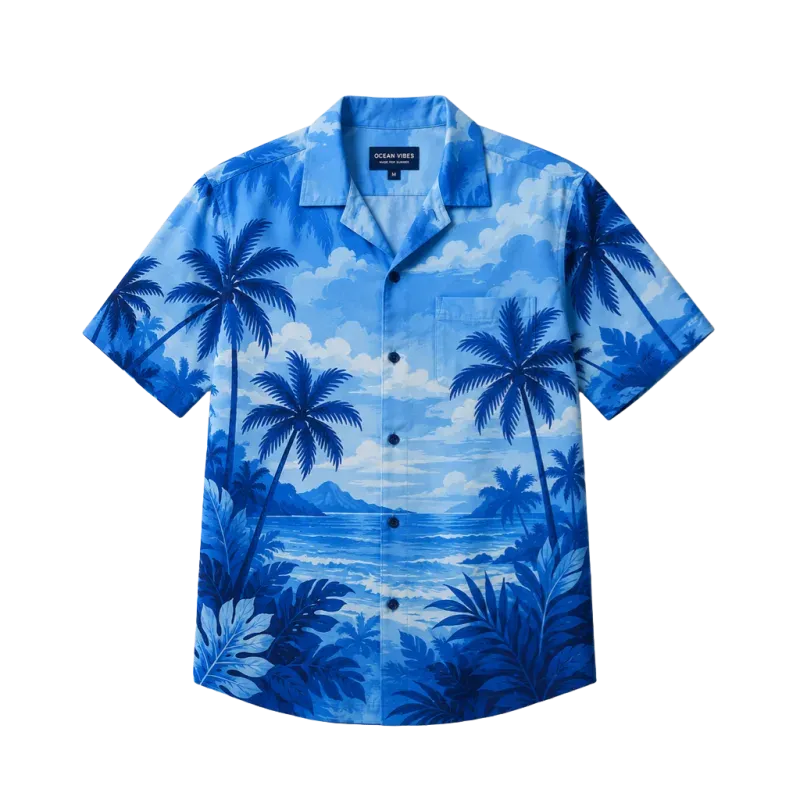
Kleidung 
Logos 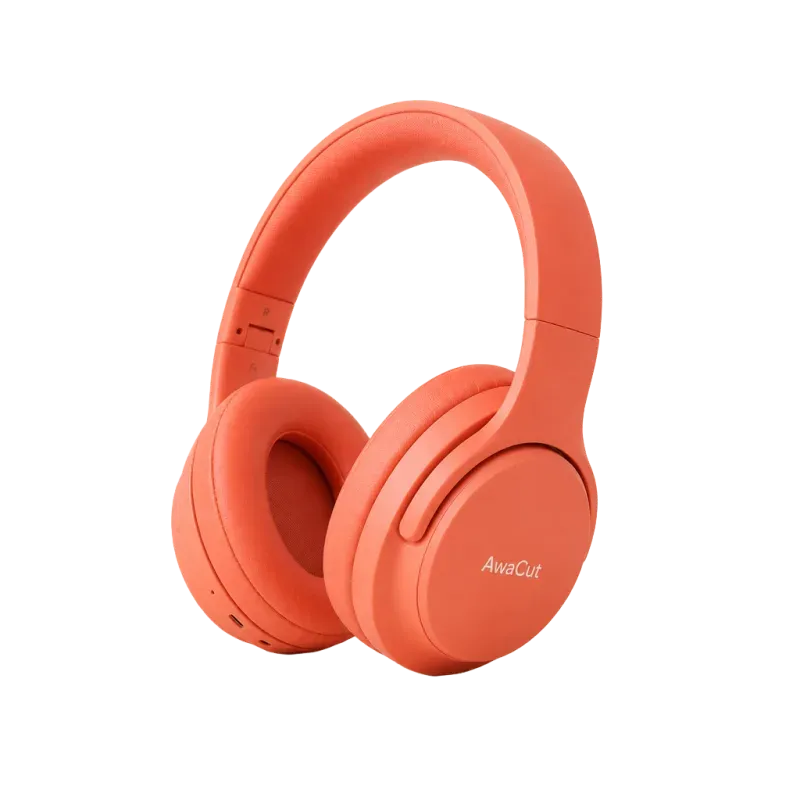
Elektronik
Wann Adobe Photoshop die bessere Wahl ist
Sie brauchen Kontrolle auf Pixelebene: Compositing, Retusche, das Maskieren eines einzelnen Hero-Bilds, bis es perfekt ist. Für dieses Handwerk ist Adobe Photoshop der Profi-Standard.
Wann AwaCut gewinnt
Es sind viele Fotos, und die Aufgabe ist jedes Mal dieselbe: Produkt freistellen, exportieren, nächstes. Von Hand in einem Profi-Editor kostet das Stunden, und eine Aktion muss gebaut und geprüft werden. AwaCut erledigt ganze Ordner ohne Einrichtung, etwa 4 Sekunden pro Foto auf einem Mac Studio (M4 Max), für 29 USD im Jahr.
So entfernen Sie den Hintergrund aus 500 Fotos →Oder direkt kaufen: 29 USD/Jahr
2 Rechner pro Lizenz. Volle Erstattung innerhalb von 14 Tagen, ohne Angabe von Gründen.
Häufig gestellte Fragen
Ist AwaCut eine gute Adobe Photoshop-Alternative?
Für ein paar Hero-Shots, die Handarbeit brauchen, gewinnt Adobe Photoshop. Bei Katalogen kippt die Rechnung. Dort ist das Freistellen repetitive Mengenarbeit, und AwaCut automatisiert sie: ganze Ordner, etwa 4 Sekunden pro Foto auf einem Mac Studio (M4 Max), ein Festpreis von 29 USD im Jahr statt 22,99 US$ im Monat plus Ihre Stunden.
Ist die Freisteller-Qualität vergleichbar?
AwaCut nutzt BiRefNet, ein offenes KI-Modell, das für feine Kanten wie Haare und Fell gebaut ist. Testen Sie 10 Ihrer eigenen Fotos gratis, in voller Auflösung, und beurteilen Sie die Kanten, bevor Sie zahlen.
Ist AwaCut gratis?
Die ersten 10 Fotos sind auf jedem Rechner gratis, in voller Auflösung, ohne Konto. Danach kostet es 29 USD im Jahr für so viele Fotos, wie Sie wollen, auf 2 Rechnern, ohne Credits. Doch anders entschieden? Volle Erstattung innerhalb von 14 Tagen, ohne Angabe von Gründen.
Kann Photoshop Hintergründe aus vielen Fotos auf einmal entfernen?
Ja, mit einer aufgezeichneten Aktion und Datei > Automatisieren > Stapelverarbeitung. Sie bauen die Aktion und prüfen die Masken. AwaCut verarbeitet von Haus aus ganze Ordner, mit Alpha, Weiß oder einer Farbe unter „Eigene“, für 29 USD im Jahr, und die ersten 10 Fotos sind kostenlos. Sie können Photoshop für das Hero-Bild behalten und den Rest von AwaCut freistellen lassen.
Probieren Sie es an Ihren eigenen Fotos
Laden Sie AwaCut herunter und stellen Sie 10 Fotos gratis frei. Ohne Konto, ohne Karte, ohne Wasserzeichen. Vergleichen Sie die Freisteller selbst.
macOS
macOS 13.4+ (Apple silicon)
v1.0.6 · 194 MB
macOSProgramm zum Freistellen für MacWindows
Windows 10 or 11 (64-bit)
v1.0.6 · 180 MB
WindowsProgramm zum Freistellen für WindowsLinux
AppImage (x86-64)
v1.0.6 · 268 MB
LinuxProgramm zum Freistellen für Linux
Signiert von AYA MIM S.R.L. Zeigt Windows trotzdem „Der Computer wurde durch Windows geschützt“, klicken Sie auf „Weitere Informationen“ und dann auf „Trotzdem ausführen“. Oder installieren Sie AwaCut aus dem Microsoft Store: dieselbe App, derselbe Schlüssel.
Kein AwaCut-Konto. Keine Credits. Keine Uploads. 2 Rechner pro Lizenz, volle Erstattung innerhalb von 14 Tagen.