1. AwaCut
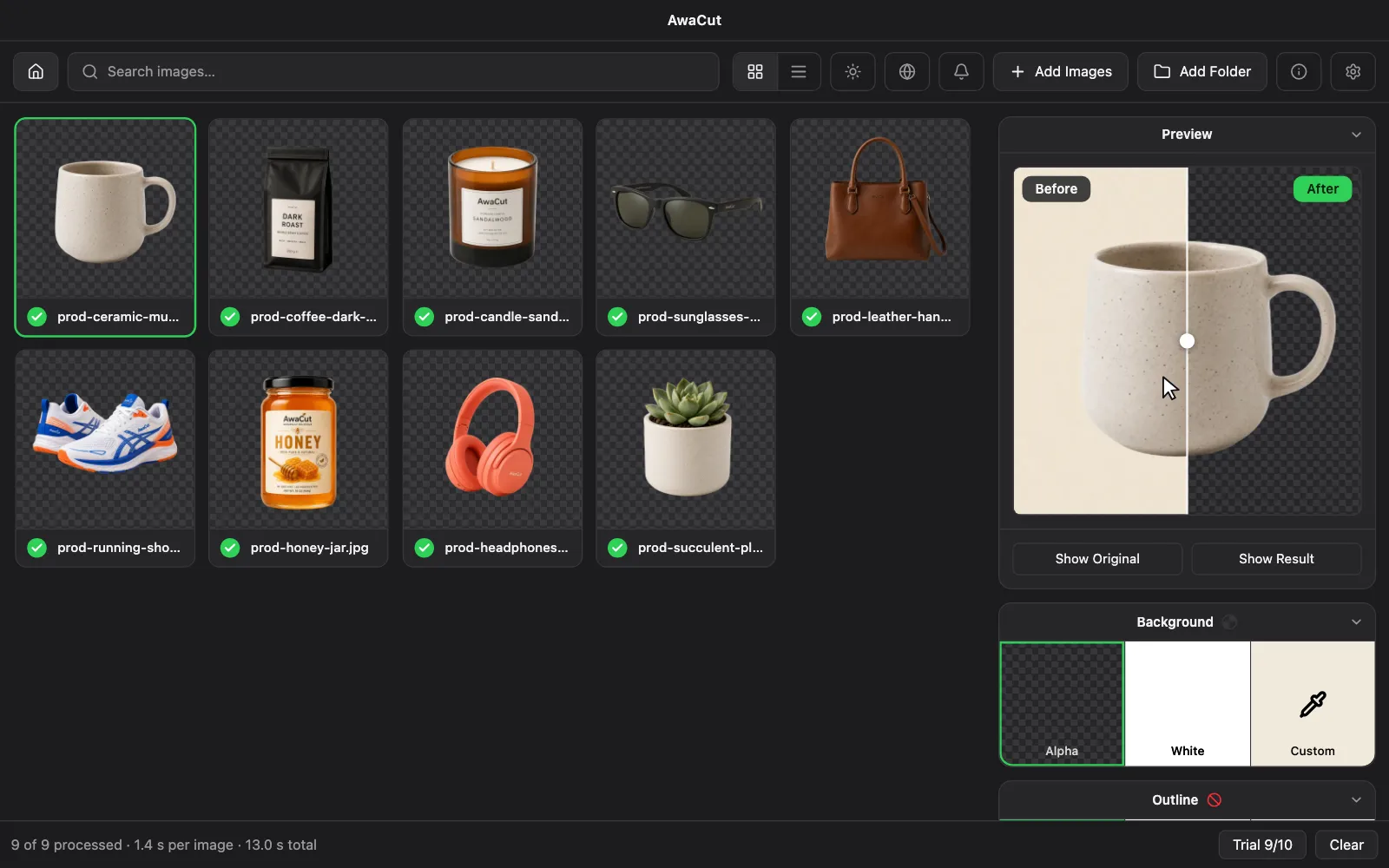
AwaCut (nasz): aplikacja na Maca (Apple silicon), Windows i Linuksa, która przetwarza całe foldery lokalnie otwartym modelem segmentacji BiRefNet i nakłada wycięcie na zdjęcie w pełnej rozdzielczości. Tyle zdjęć, ile chcesz, za 29 USD rocznie, a zdjęcia nigdy nie opuszczają komputera. Jeśli nie odnowisz licencji, aplikacja dalej działa; kończą się tylko aktualizacje. Kompromis: brak aplikacji na telefon i współpracy w chmurze. Jest zbudowany do jednego zadania na Twoim komputerze.
2. remove.bg
remove.bg (Canva): marka odniesienia w tej kategorii, z największym ekosystemem: API, wtyczka do Photoshopa, integracje. Jakość na włosach i drobnych krawędziach jest znakomita. Edycja wsadowa istnieje, ale każdy obraz zużywa kredyty: ceny UE od 0,07 EUR za obraz na największym planie do 1,00 EUR w rozliczeniu na bieżąco (ich opublikowane ceny, wrzesień 2026). Samodzielna usługa zostanie zamknięta 1 grudnia 2026 i przechodzi do Canvy. Do tego czasu jest najlepszy, gdy integracje są Ci potrzebne bardziej niż wolumen.
remove.bgAwaCut vs remove.bg →Ile kosztuje 1000 wycięć →
3. Photoroom
Photoroom: dopracowany pakiet subskrypcyjny uwielbiany przez sprzedawców pracujących na telefonie, z tłami AI i szablonami wykraczającymi daleko poza samo usuwanie. Praca masowa działa w chmurze na płatnych planach. Najlepszy, jeśli edytujesz na telefonie i chcesz grafik do ofert, nie tylko wycięć.
photoroom.comAwaCut vs Photoroom →
4. Slazzer
Slazzer: najbliższy rywal na desktopie: prawdziwe aplikacje na Windows, Maca i Linuksa, które wsadowo przetwarzają foldery. Haczyk jest architektoniczny: aplikacje są klientami API Slazzera, więc przetwarzanie wymaga połączenia z internetem i zużywa kredyty. Najlepszy, jeśli chcesz desktopowego trybu pracy i nie przeszkadza Ci rozliczenie od obrazu.
slazzer.comAwaCut vs Slazzer →
5. Evoto
Evoto: desktopowy pakiet retuszu AI dla fotografów portretowych i studyjnych, z masową wymianą tła wśród wielu narzędzi. Rozliczenie kredytowe. Najlepsze, jeśli tła są jednym z etapów większego procesu retuszu.
evoto.aiAwaCut vs Evoto →
6. Pixelcut
Pixelcut: mobilny pakiet do usuwania tła i zdjęć produktowych, z rosnącą aplikacją webową i osobnym narzędziem do pracy masowej, na subskrypcji. Najlepszy dla sprzedawców, którzy fotografują i wystawiają z telefonu.
pixelcut.aiAwaCut vs Pixelcut →
7. insMind
insMind: szybko rosnący pakiet webowy z solidnym darmowym planem i osobną stroną do pracy masowej. Przetwarzanie w chmurze, limity freemium. Rozsądny wybór do okazjonalnych partii, jeśli nie przeszkadza Ci wysyłanie zdjęć.
insmind.comAwaCut vs insMind →
8. remove-bg.io, Pixlr…
Narzędzia w przeglądarce (remove-bg.io, Pixlr i podobne): darmowe narzędzia, które działają w karcie przeglądarki. remove-bg.io uruchamia model w samej karcie, więc zdjęcia zostają na Twoim urządzeniu. Przydatne przy kilku obrazach; ograniczeniem jest pamięć przeglądarki i mniejsze modele, więc jakość i wielkość partii spadają na dużych folderach. Najlepsze do szybkich, jednorazowych zadań.
AwaCut vs remove-bg.io →
9. Adobe Photoshop
Adobe Photoshop: klasyk, którego zna każdy sprzedawca. Wycina znakomicie, działa lokalnie jak AwaCut i można go zautomatyzować akcjami oraz skryptami, jeśli je sobie skonfigurujesz. Liczony jest tu wyłącznie koszt subskrypcji (26,43 EUR/mies. z VAT, strona rumuńska, wrzesień 2026); przygotowanie akcji wsadowych zajmuje czas.
adobe.com/products/photoshop.htmlAwaCut vs Adobe Photoshop →
Sprawdzone między lipcem a październikiem 2026 na opublikowanych stronach każdego narzędzia; każda cena ma własną datę. Ostatnie słowo ma zawsze strona producenta. Coś się zdezaktualizowało? Daj nam znać, a poprawimy: contact@aya.software